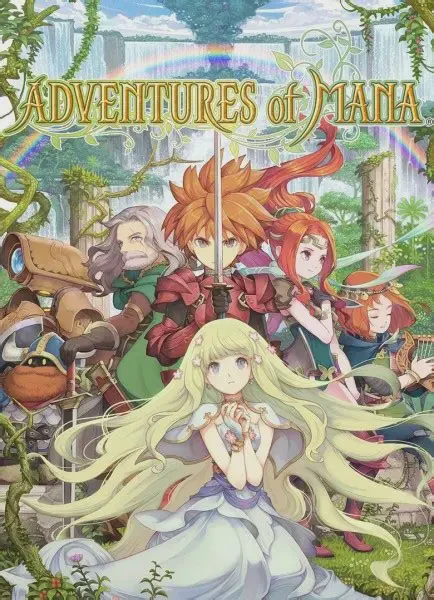
Adventures of Mana
Adventures of Mana is a real-time action role-playing gam...

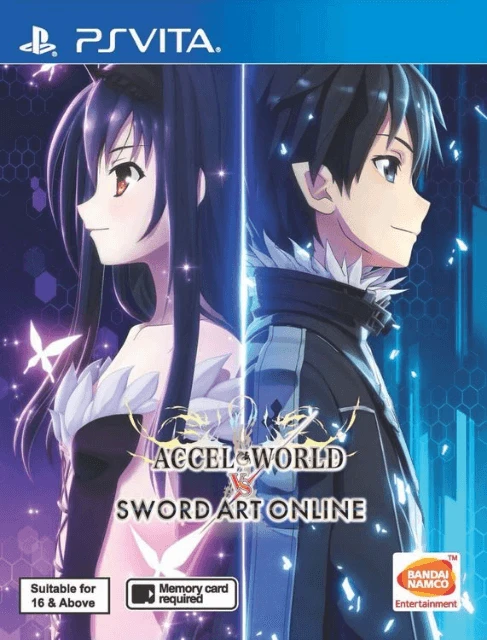
Accel World VS Sword Art Online: Millennium Twilight builds upon the aerial action-RPG framework introduced in Sword Art Online: Lost Song, refining its combat mechanics to accommodate over 40 playable characters from across both franchises. The story delivers an original crossover narrative featuring fully voiced event scenes and interaction between characters from different timelines.
Gameplay features three-person active party exploration and real-time aerial combat. Players can seamlessly transition between ground-based combat and free-roaming flight across vast floating environments. The two franchises feature distinct playstyles: Sword Art Online characters utilize winged flight, magic spells, and weapon switch combos, whereas Accel World Duel Avatars rely on high-speed ground dashes, high-jump mechanics, special Incarnate attacks, and unique physical combat abilities (such as Silver Crow's flight or Black Lotus's blade strikes).
The PS Vita version supports customizable party formations, extensive weapon synthesis, skill tree progression, and online multiplayer modes. Players can team up in 4-player co-op quest raids or engage in 4v4 PvP battle arenas. Balancing fast-paced aerial maneuverability with action RPG elements, Millennium Twilight stands as an expansive anime crossover title on Sony's handheld.
Specification | Details |
Title | Accel World VS Sword Art Online: Millennium Twilight |
Platform | PlayStation Vita (PS Vita) |
Developer | Artdink |
Publisher | Bandai Namco Entertainment |
Genre | Action RPG, Anime, Crossover |
Release Date | March 16, 2017 (Japan) / July 7, 2017 (North America & Europe) |
File Format | VPK / MAI / NoNpDrm |
Languages | English Text, Japanese Audio |
Massive Crossover Roster: Play as over 40 characters from both series, including Kirito, Asuna, Sinon, Black Lotus, Silver Crow, and Cyan Pile.
Dual Combat Systems: Experience contrasting playstyles between the flight/magic capabilities of ALO fairies and the high-speed ground/Incarnate skills of Brain Burst avatars.
3D Aerial Mobility: Explore floating islands and engage in 360-degree real-time aerial dogfights and ground skirmishes.
Online Multiplayer Modes: Tackle high-difficulty boss raids in 4-player online co-op or battle other players in 4v4 PvP arenas.
Deep Party Customization: Level up stats, equip skill tree traits, and upgrade weapons using materials dropped by field monsters.
Sword Art Online characters are capable of free flight using their fairy wings and can cast elemental magic spells. Accel World avatars generally cannot fly freely (except Silver Crow), but they move faster on the ground, hit harder, and utilize specialized Incarnate Abilities.
Yes, it takes place within the alternate game-continuity storyline established by Sword Art Online: Hollow Fragment, Lost Song, and Hollow Realization.
In North America and Europe, the PS Vita version was released exclusively as a digital download on the PlayStation Store (though physical cartridges were released in Japan and Asia with English text options).
The game can be installed on custom firmware (CFW) enabled PS Vita consoles using standard formats like NoNpDrm, VPK, or MAI dumps via VitaShell.
Click the links below to go to the cloud drive download page
⚠️ Download Tips:
Adventures of Mana is a real-time action role-playing gam...
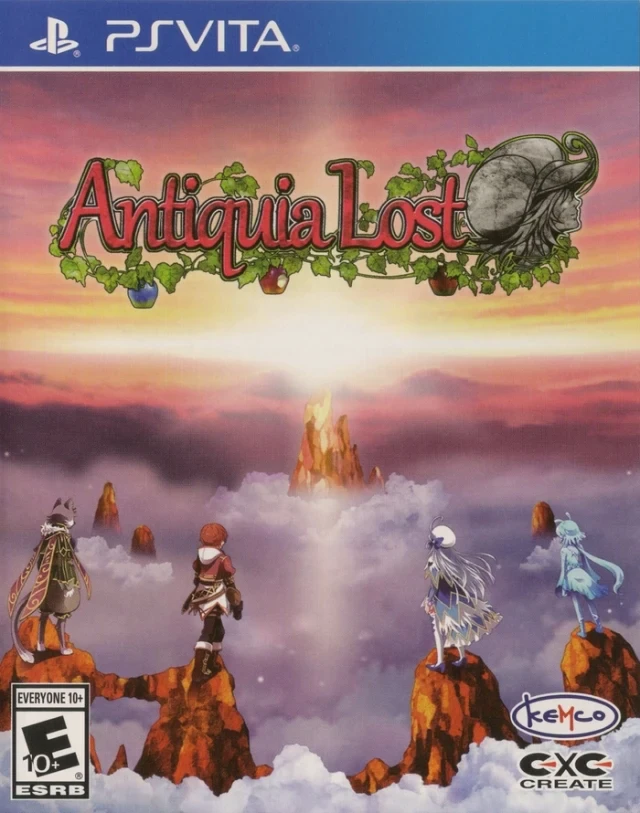
Antiquia Lost is a classic-style Japanese role-playing ga...
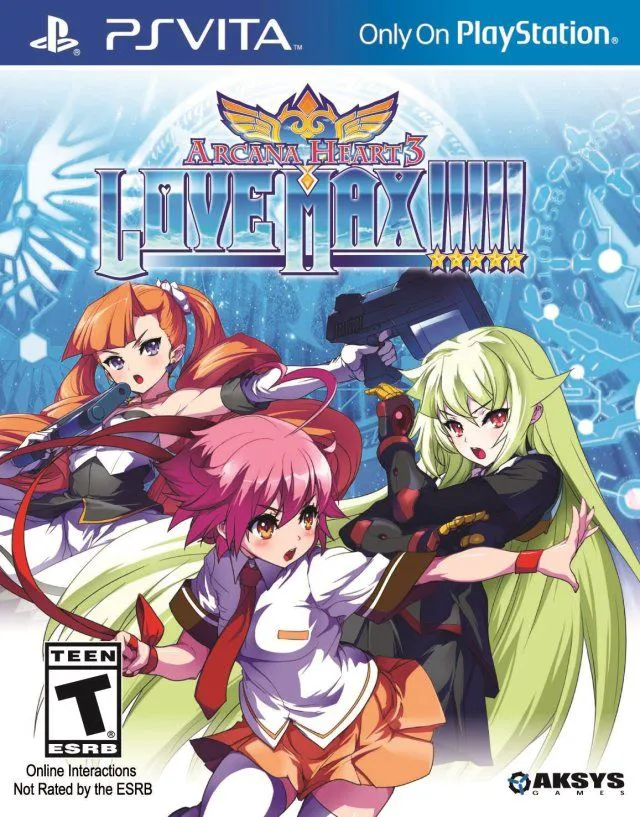
Ar nosurge Plus: Ode to an Unborn Star is an intricate sc...
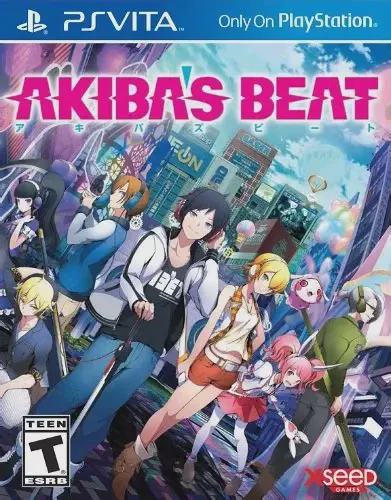
Akiba's Beat is an action role-playing game developed by ...

Dungeon Travelers 2-2: The Maiden Who Fell into Darkness ...