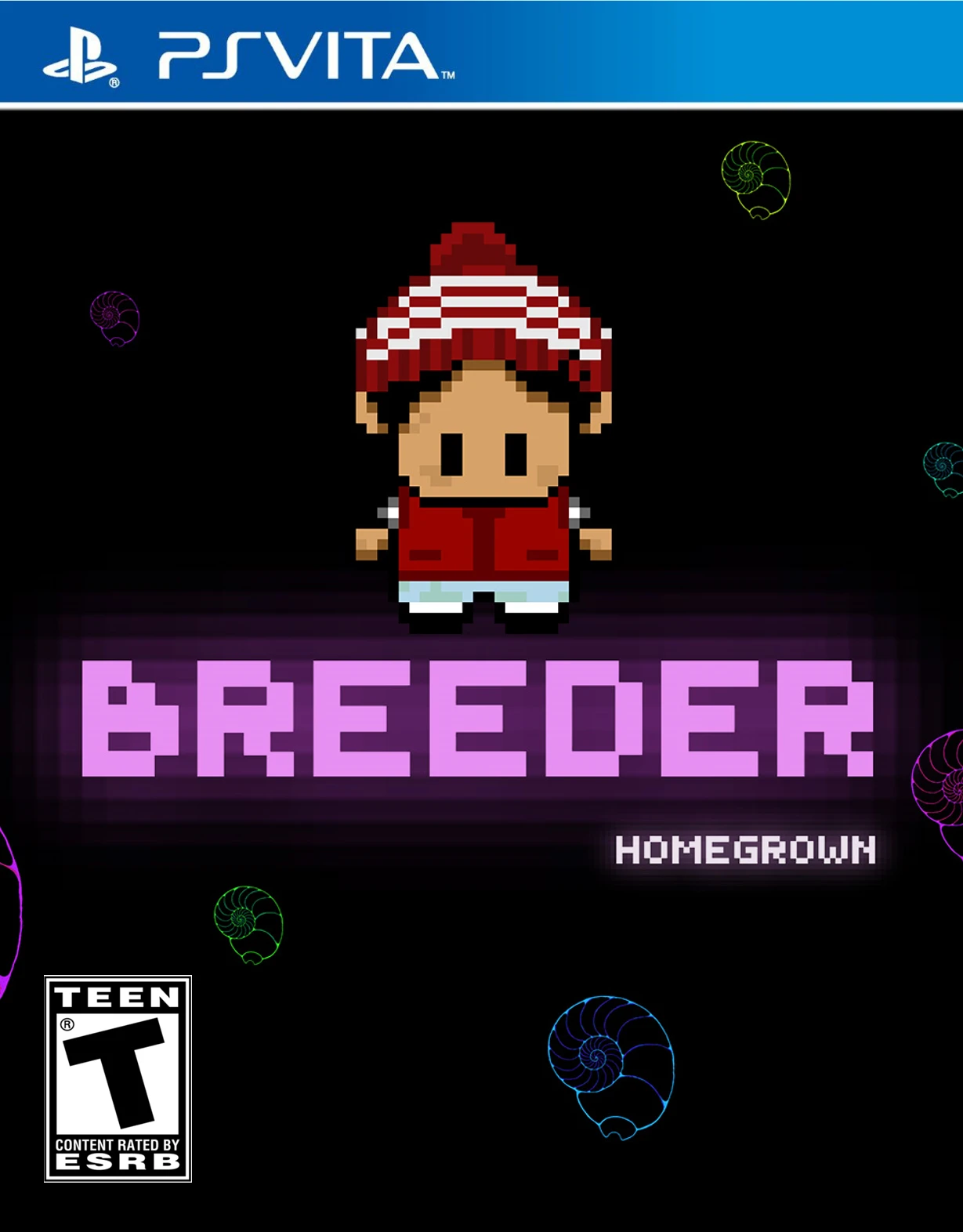
Breeder Homegrown
Breeder Homegrown is a short survival horror adventure ga...

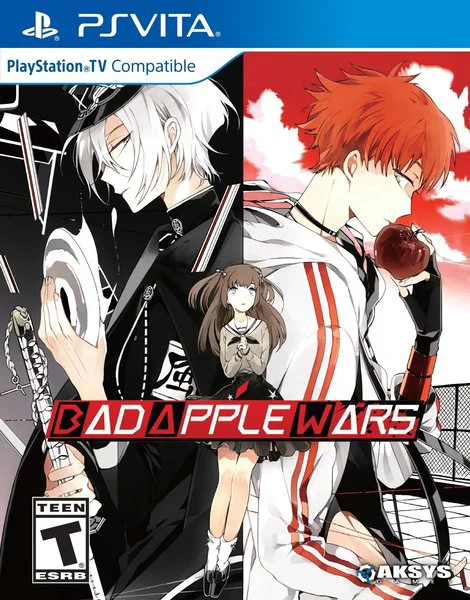
Bad Apple Wars delivers a unique blending of dark fantasy, high school drama, and romantic otome storytelling tailored for the PlayStation Vita. Grounded in rich character customization and narrative choices, the game explores heavy themes of youth, loss, motivation, and existential purpose within an otherworldly setting.
Gameplay follows a traditional visual novel format driven by decision branches, character dialogues, and branching route paths. Players guide Rinka through her choice of joining either the rule-abiding Good Apples or the rebellious Bad Apples. Depending on her allegiance, the story shifts dramatically, unlocking distinct romantic routes with male leads—such as Alma, Higa, Shikishima, Satoru, and the enigmatic White Mask.
A defining gameplay mechanic is the "Soul Touch" system. During key intimacy sequences, players use the PS Vita's front touch screen to tap specific points on a character's body (such as their hands, shoulders, or face) as their soul becomes exposed through their clothing. Touching the correct spots reveals deeper emotional backstories, unlocks CG artwork, and determines whether the path leads to a Good or Bad Ending. Featuring vibrant anime artwork, full Japanese voice acting, and emotional musical arrangements, Bad Apple Wars remains a standout title in the handheld's otome library.
Specification | Details |
Title | Bad Apple Wars |
Platform | PlayStation Vita (PS Vita) |
Developer | Idea Factory / Design Factory |
Publisher | Aksys Games |
Genre | Otome, Visual Novel, Romance |
Release Date | September 29, 2017 (North America) / October 13, 2017 (Europe) |
File Format | VPK / MAI / NoNpDrm |
Languages | English Text, Japanese Audio |
Engaging Afterlife Setting: Explore NEVAEH Academy, a surreal purgatory where souls fight between submission and rebellion.
Interactive Soul Touch System: Utilize the PS Vita touch screen during intimate story moments to interact with characters and unlock secret backstories.
Two Faction Paths: Choose between joining the disciplined Good Apples or the revolutionary Bad Apples to alter the overarching story.
Five Main Romantic Routes: Romance a diverse cast of male leads, including Alma, Higa, Shikishima, Satoru, and White Mask.
Full Japanese Voice Acting: Features a complete Japanese voice cast for all main male characters and side cast.
The Soul Touch system is an interactive feature that triggers during pivotal moments, requiring you to touch specific areas on a character's body via the PS Vita screen to uncover their inner thoughts, deepen intimacy, and influence ending outcomes.
Yes, the game offers two main storyline branches. You choose whether to align with the Good Apples or the Bad Apples early in the game, which determines which character routes become available.
Yes, Aksys Games released Bad Apple Wars both digitally on the PlayStation Store and physically on PS Vita cartridges in North America and Europe, including a Day One Limited Edition.
The game can be installed on custom firmware (CFW) enabled PS Vita consoles using standard formats like NoNpDrm, VPK, or MAI dumps via VitaShell.
Click the links below to go to the cloud drive download page
⚠️ Download Tips:
Breeder Homegrown is a short survival horror adventure ga...
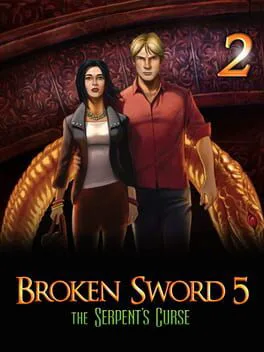
Broken Sword 5: The Serpent's Curse - Episode 2 is the th...
Backgammon Blitz is a sleek, modern adaptation of the cla...
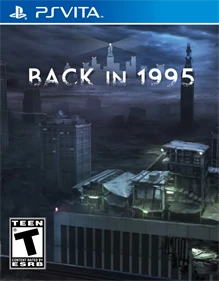
Back in 1995 is a nostalgic survival horror adventure gam...
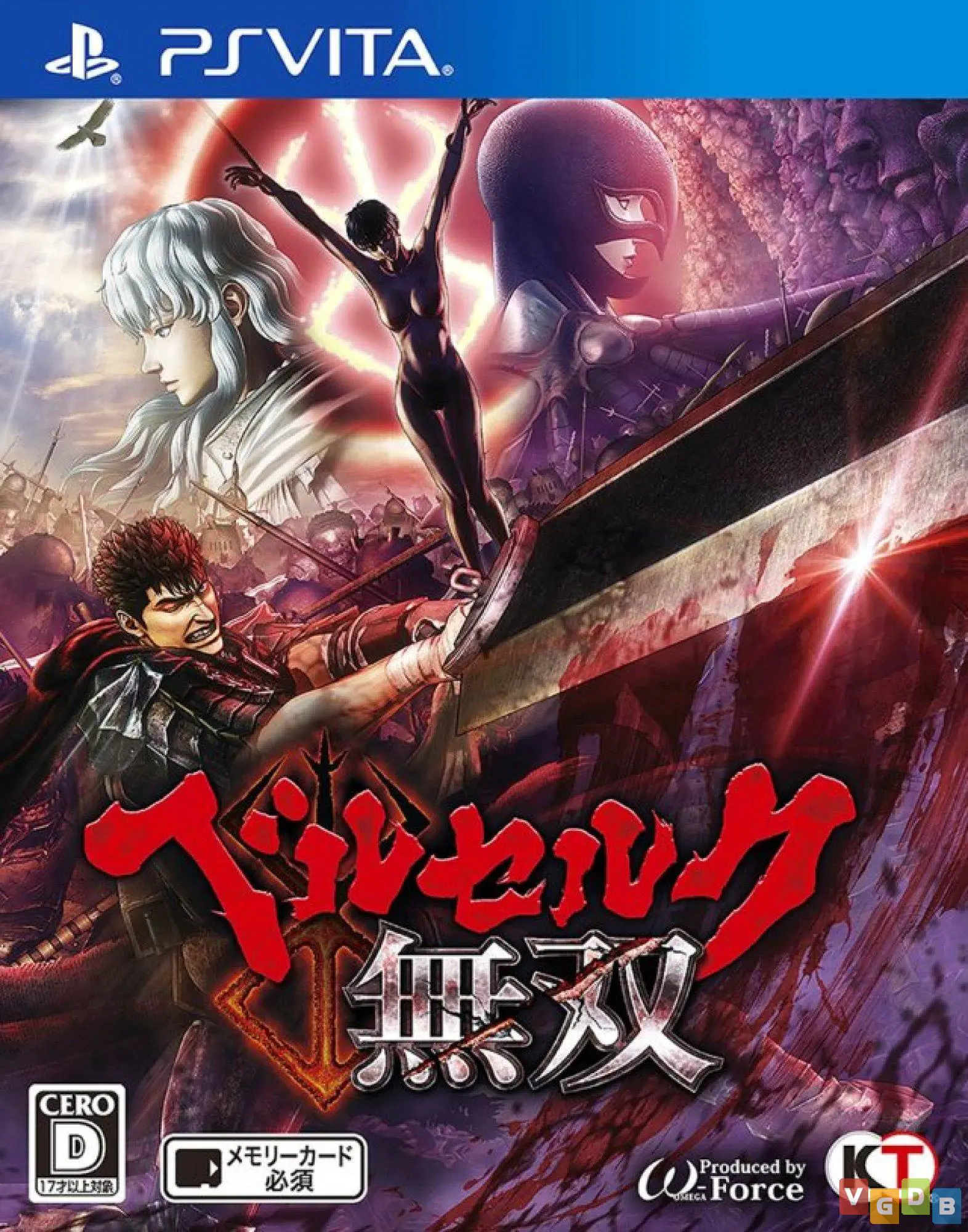
Berserk and the Band of the Hawk is an explosive hack-and...