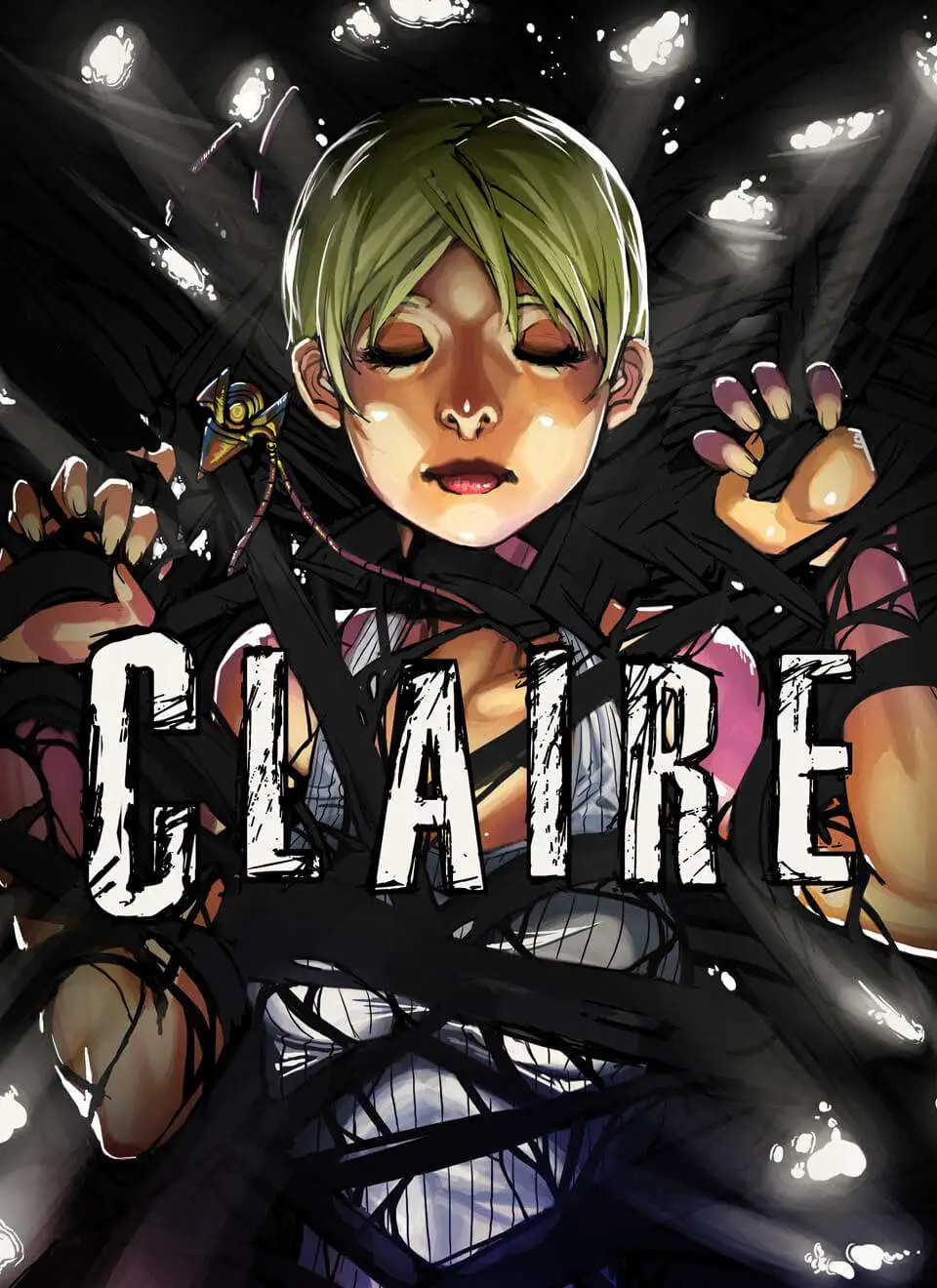
Claire: Extended Cut
Claire: Extended Cut is a psychological horror survival g...

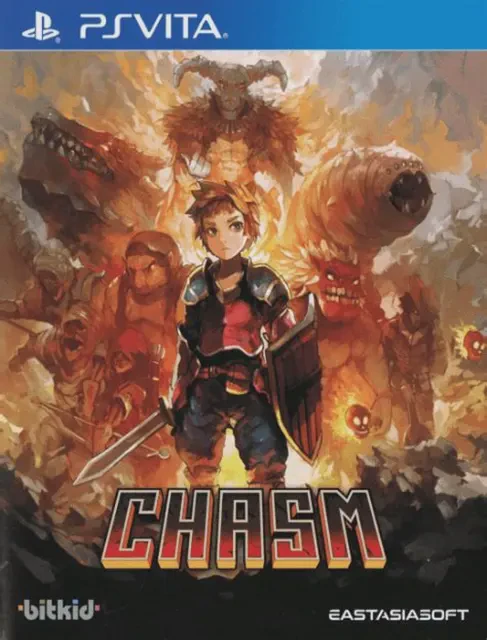
Chasm combines classic 2D Metroidvania exploration with modern procedural generation techniques to deliver a fresh retro action-RPG experience on the PlayStation Vita. Inspired by iconic classics like Castlevania: Symphony of the Night, the game places a heavy emphasis on atmospheric dungeon exploration, strategic melee combat, and character progression.
The game's signature system lies in its world generation. Every player's campaign seed creates a uniquely layout-generated map composed of hundreds of meticulously hand-crafted rooms. As players explore six distinct subterranean biomes—spanning abandoned mines, ancient catacombs, and magma chambers—they acquire permanent mobility abilities such as wall jumping, ledge grabbing, and air dashing. These abilities allow players to back-track and unlock previously inaccessible areas, hidden treasure vaults, and shortcut corridors.
Combat requires precise timing and tactical dodging. Players can equip a wide variety of weaponry, including short swords, massive two-handed broadswords, spears, and whips, alongside off-hand magic spells like throwing daggers and fireballs. Rescuing kidnapped villagers returns them to the surface town, unlocking specialized vendors who craft armor, sell potions, and upgrade equipment. Featuring crisp pixel art, smooth animations, and full cross-save compatibility, Chasm provides a compelling adventure for handheld enthusiasts.
Specification | Details |
Title | Chasm |
Platform | PlayStation Vita (PS Vita) |
Developer | Bit Kid, Inc. |
Publisher | Bit Kid, Inc. |
Genre | Metroidvania, Action RPG, Platformer |
Release Date | July 31, 2018 (North America) |
File Format | VPK / MAI / NoNpDrm |
Languages | English Text |
Procedurally Assembled World: Experience a unique dungeon layout generated from hundreds of hand-crafted rooms for every campaign seed.
Classic Metroidvania Exploration: Unlock new movement abilities like wall jumping and air dashing to access secret areas and advance through biomes.
Deep Action-RPG Mechanics: Customize your combat style with dozens of unique weapons, armor pieces, elemental rings, and offensive spells.
Town Restoration System: Rescue lost villagers from the depths to restore the town and unlock blacksmith, apothecary, and item shops.
Retro Pixel Aesthetics: Vibrant hand-drawn pixel graphics with smooth character animations tailored for the PS Vita display.
Chasm uses a seed-based procedural system to arrange hundreds of individually hand-crafted rooms into a fresh map layout, ensuring that progression keys and abilities remain balanced while keeping the dungeon structure unique per seed.
Yes, you can enter custom seed numbers when starting a new game, allowing you to play the exact same dungeon layout as other players or race against friends.
Yes, the official digital release supports both Cross-Buy and Cross-Save functionality between PlayStation 4 and PlayStation Vita systems.
The game can be installed on hacked PS Vita consoles running custom firmware (CFW) using standard formats like NoNpDrm, VPK, or MAI dumps via VitaShell.
Click the links below to go to the cloud drive download page
⚠️ Download Tips:
Claire: Extended Cut is a psychological horror survival g...
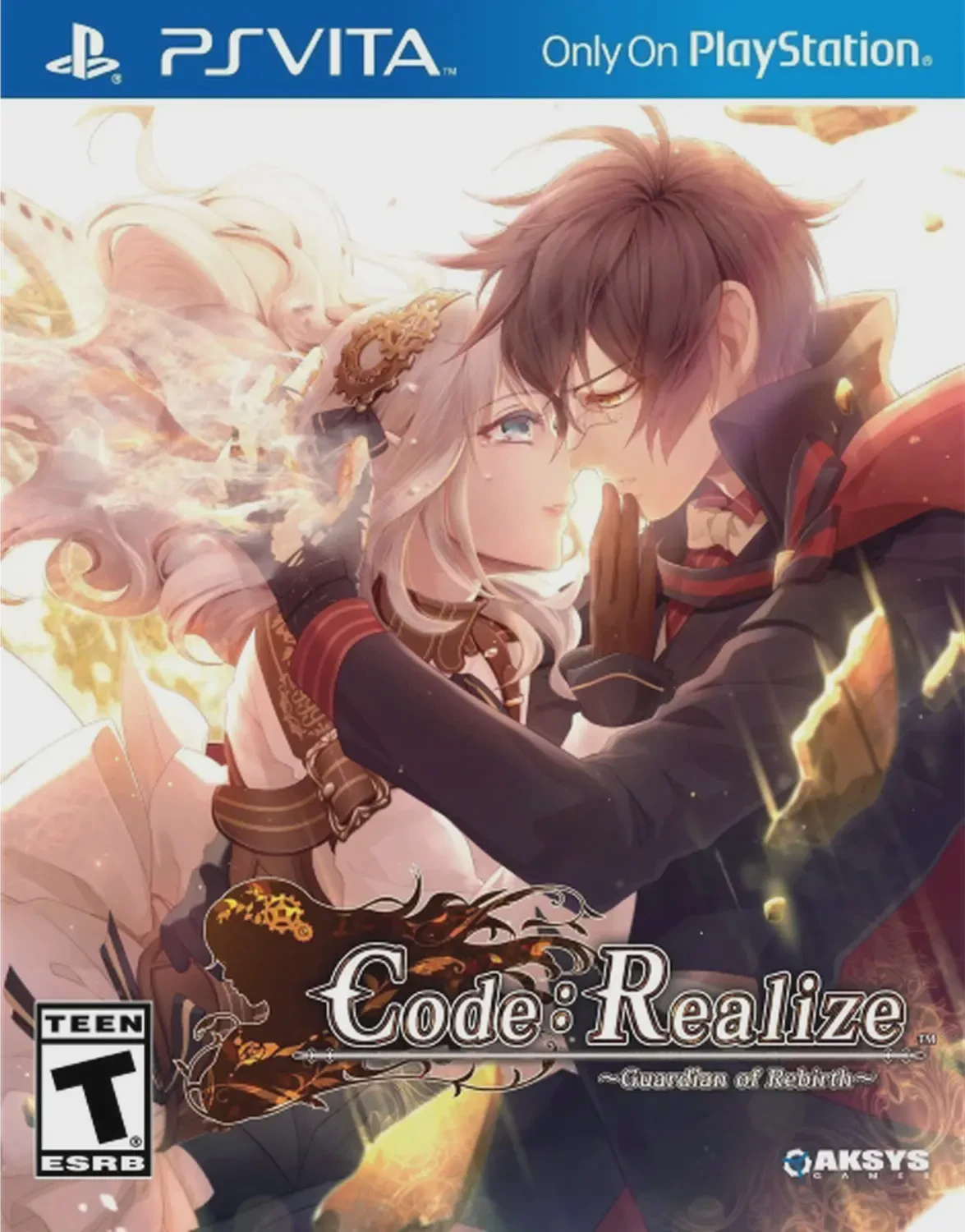
Code: Realize Guardian of Rebirth is an acclaimed steampu...
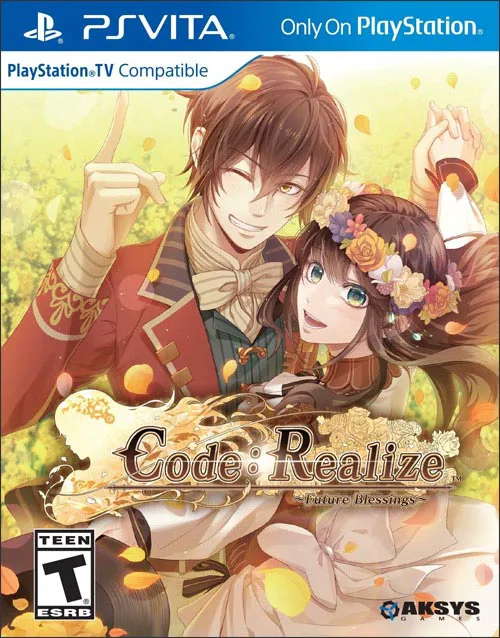
Code: Realize Future Blessings is a fan disc and official...
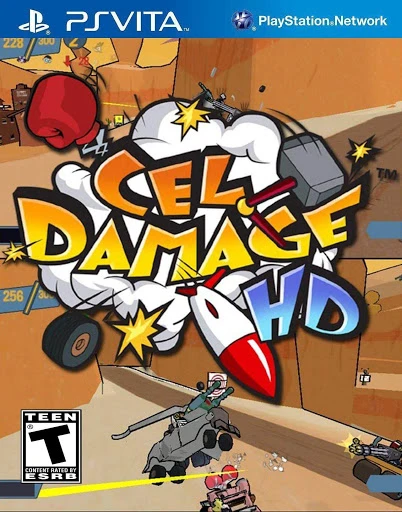
Cel Damage HD is a fast-paced vehicular combat action gam...

CastleStorm is a charming physics-based tower defense and...