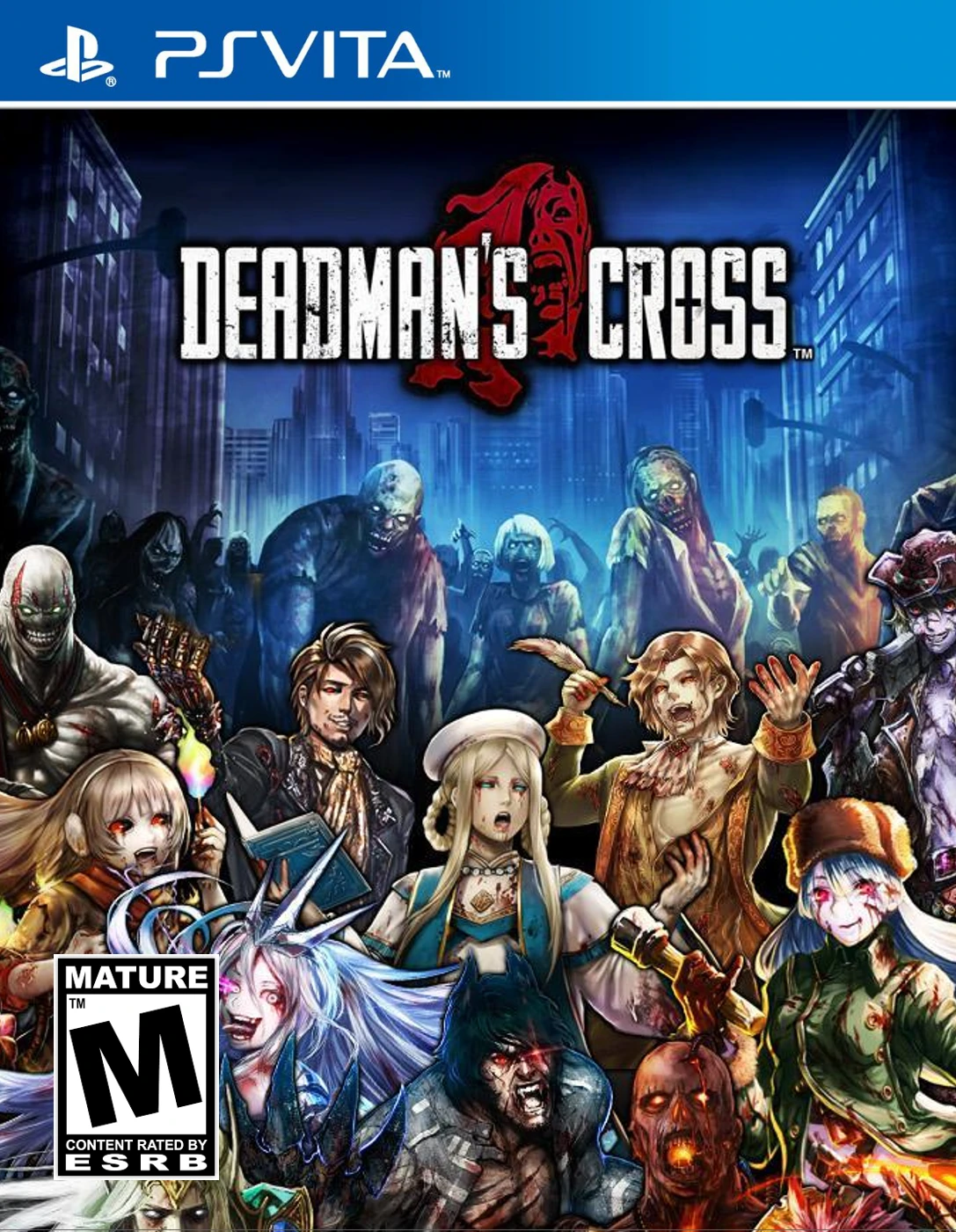
Deadman's Cross
Deadman's Cross is a unique free-to-play zombie card-batt...

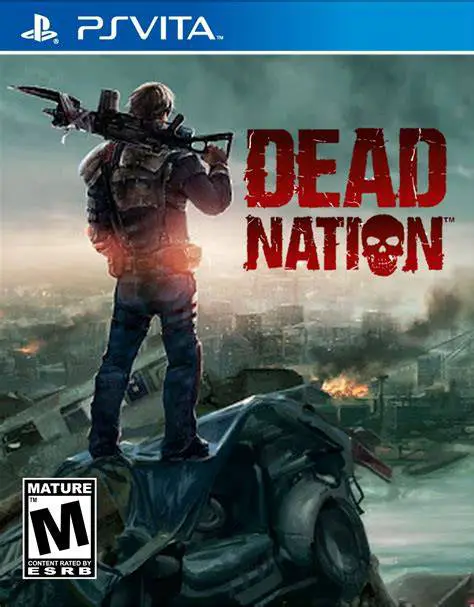
Dead Nation delivers signature top-down shooter action to the PlayStation Vita, blending fast-paced combat with tactical survival elements. Players navigate dark city streets, abandoned hospitals, and industrial zones crawling with thousands of undead creatures across a ten-mission story campaign.
The gameplay centers on twin-stick controls, utilizing the left analog stick for character movement and the right stick for 360-degree aiming. Players command an extensive arsenal including rifles, shotguns, flamethrowers, grenade launchers, and blade cannons. Throughout levels, players scavenge car trunks and loot chests for cash and multiplier armor pieces, which can be spent at weapon checkpoints to upgrade firepower, fire rate, ammo capacity, and secondary tactical gear like mines, flares, and grenades.
A defining feature of Dead Nation is its interactive environment and dynamic lighting. Players can shoot car alarms to draw zombie hordes away, explode fuel tanks to clear entire streets, and use flashlight beams to spot creeping horrors in pitch-black corridors. Supporting local ad-hoc and online cooperative modes alongside a global country-based infection leaderboard, Dead Nation offers high replayability for handheld action enthusiasts.
Title: Dead Nation
Platform: PlayStation Vita, PlayStation 3, PlayStation 4
Genre: Top-Down Twin-Stick Shooter / Action
Developer: Housemarque (Original) / Climax Studios (Vita Port)
Publisher: Sony Computer Entertainment
Release Date: April 15, 2014
Game Modes: Single-player, 2-Player Co-op (Online & Ad-Hoc)
Control Support: Dual Analog Sticks, Physical Buttons & PS Vita Touchscreen
Twin-Stick Arcade Action: Precise dual-analog controls designed for fast positioning, 360-degree aiming, and quick dash maneuvers.
Massive Zombie Hordes: Battle hundreds of screen-filling zombies simultaneously, featuring specialized mutant types like Jumpers, Volatiles, and Cutters.
Deep Weapon & Armor Upgrades: Scavenge money to upgrade stats across a versatile firearm arsenal and equip custom armor sets to tweak agility and strength.
Interactive Environments: Explosive cars, vending machines, and flammable hazards can be strategically triggered to destroy massive crowds.
Cooperative Multiplayer & Global Meta-Game: Play campaign missions cooperatively with a friend offline or online, contributing kill stats to clear your nation's global infection meter.
Yes, the single-player campaign and local ad-hoc cooperative multiplayer mode can be played completely offline on your PS Vita without needing an internet connection.
Yes, Dead Nation features Cross-Buy support on the PlayStation Store, allowing players who own the PS3 version to download the PS Vita edition at no extra cost, alongside Cross-Save compatibility.
The base digital download features the original campaign, while the Road of Devastation DLC expansion can be purchased separately or acquired as part of bundled edition releases.
Yes, the PS Vita version supports 2-player cooperative gameplay both via local wireless (Ad-Hoc mode) and through online Wi-Fi multiplayer servers.
Click the links below to go to the cloud drive download page
⚠️ Download Tips:
Deadman's Cross is a unique free-to-play zombie card-batt...
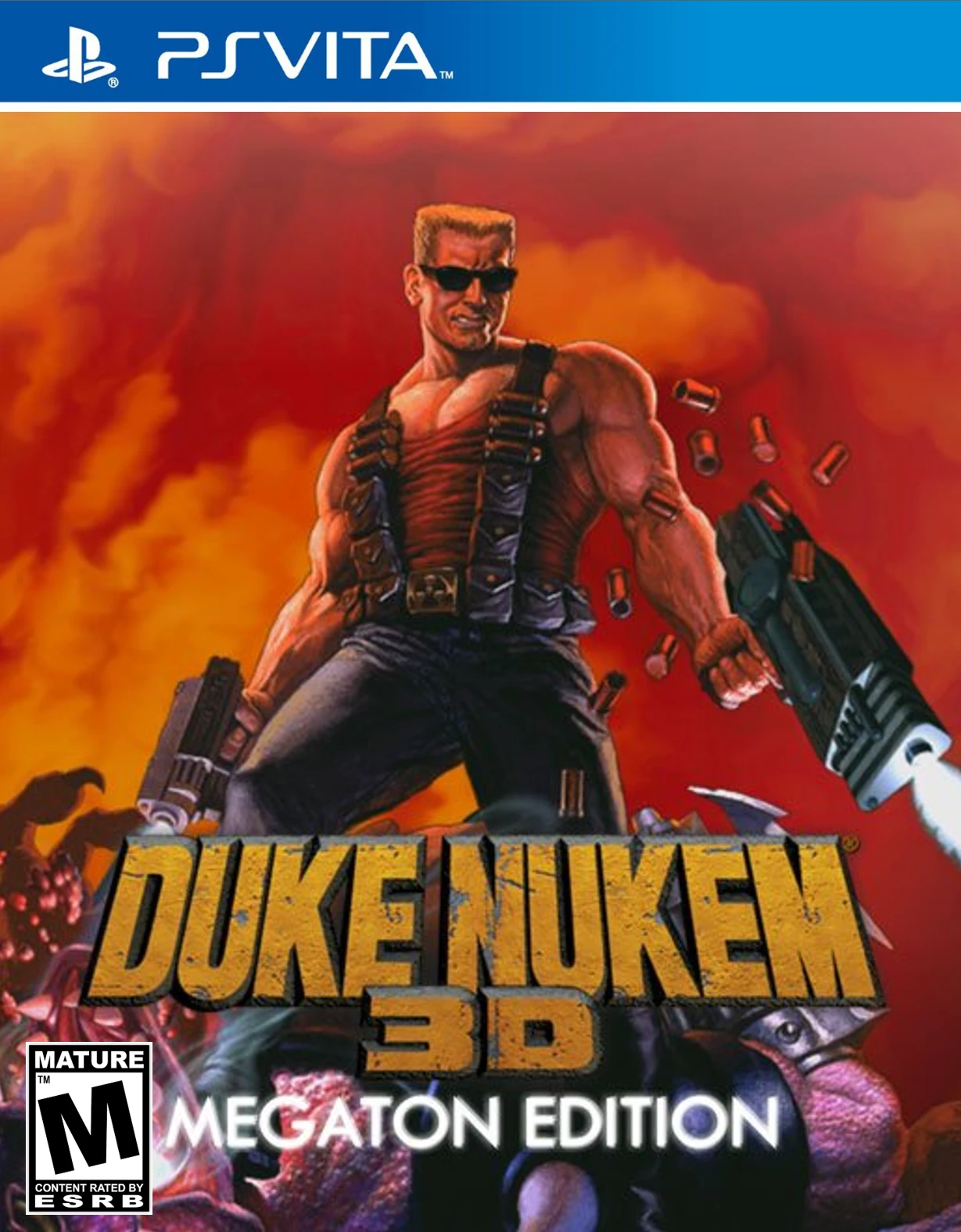
Duke Nukem 3D: Megaton Edition is a definitive compilatio...
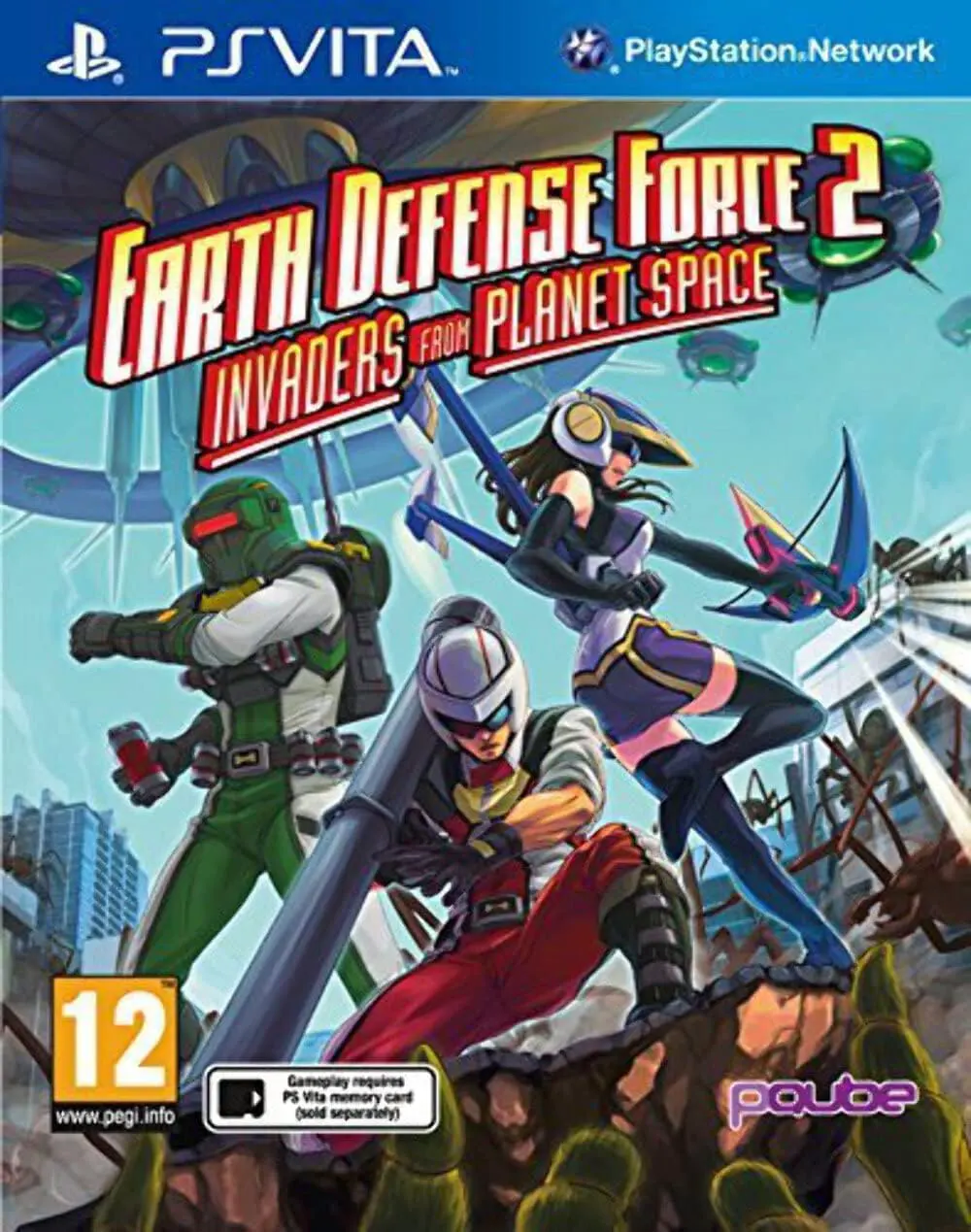
Earth Defense Force 2: Invaders From Planet Space is an a...
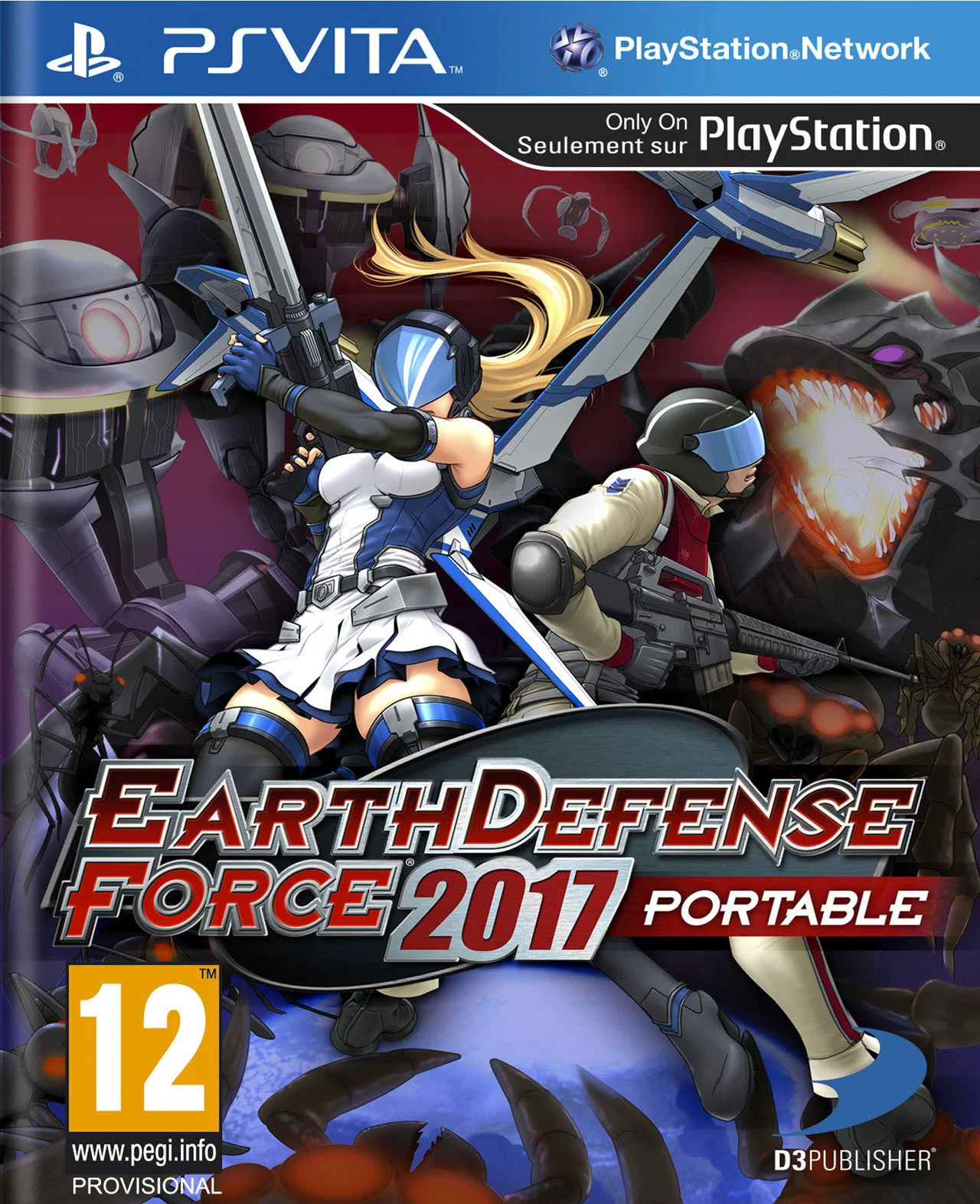
Earth Defense Force 2017 Portable is an explosive, third-...
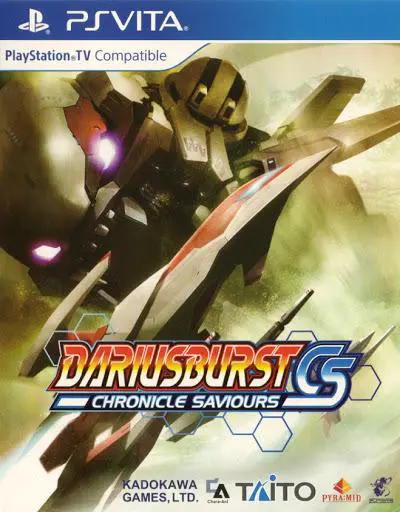
Dariusburst: Chronicle Saviours is a content-packed side-...