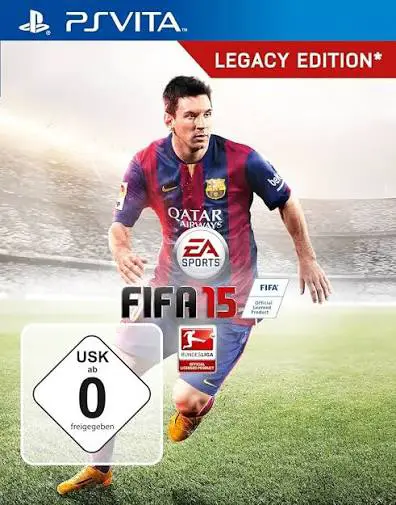
FIFA 15
FIFA 15: Legacy Edition is a comprehensive sports simulat...

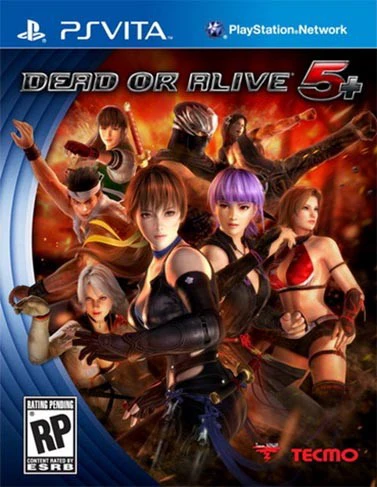
Dead or Alive 5 Plus retains the core tactical depth of its console counterpart while introducing specialized gameplay additions tailored for portable play. The combat system emphasizes the classic "triangle system"—where strikes beat throws, throws beat holds, and holds beat strikes—alongside dynamic, multi-tiered stages featuring interactive environmental hazards and danger zones that can trigger cinematic destruction mid-match.
A standout addition exclusive to the "Plus" version is the innovative "Touch Fight" mode. This alternative control scheme utilizes the PS Vita's front touchscreen and rear touchpad, allowing players to execute complex strikes, parries, and holds through simple taps, pinches, and swipes. For traditionalists, standard button layouts remain fully responsive at a smooth framerate. Furthermore, the game features cross-play and cross-save functionality with the PlayStation 3 version, enabling seamless progression tracking and online matches between platforms alongside shared downloadable content (DLC).
Platform: PlayStation Vita (PSV)
Release Date: March 19, 2013 (North America), March 22, 2013 (Europe), March 20, 2013 (Japan)
Genre: Fighting, 3D Action
Developer: Team Ninja
Publisher: Tecmo Koei
Player Count: Single-Player (1 Player) / Local and Online Multiplayer (1 to 2 Players)
Languages: Japanese voice acting with multilingual subtitles (English, French, German, Spanish, Japanese, etc.)
Media Type: PS Vita Game Card / Digital Download via PlayStation Store
Intuitive Touch Fight Mode: Experience a brand-new first-person perspective fighting interface using the touchscreen and rear touchpad for accessible, dynamic combat moves.
Stunning Portable Visuals: Enjoy gorgeous high-definition character models, detailed expressions, and smooth performance optimized specifically for the PS Vita screen.
Cross-Play & Cross-Save Support: Compete online against PlayStation 3 players and transfer your game progress seamlessly between the home console and handheld versions.
Legendary Roster & Stages: Command a large lineup of returning series favorites and guest fighters across dynamic stages packed with interactive traps and environmental transitions.
Comprehensive Training Modes: Hone your skills using deep tutorial options, move-list data tracking, and combo challenges designed for both beginners and tournament veterans.
It is an enhanced portable port of Dead or Alive 5, featuring all the core content of the original release alongside exclusive control modes, optimized performance, and extra features.
Yes, the game supports cross-platform features, allowing PS Vita players to engage in online battles and share save data or costumes with compatible PlayStation 3 versions.
No, touch controls are entirely optional. You can play using traditional physical buttons and analog sticks for precise, standard arcade-style inputs.
Most previously released costume packs and downloadable content from the console versions are compatible, allowing you to customize your favorite fighters on the go.
Click the links below to go to the cloud drive download page
⚠️ Download Tips:
FIFA 15: Legacy Edition is a comprehensive sports simulat...
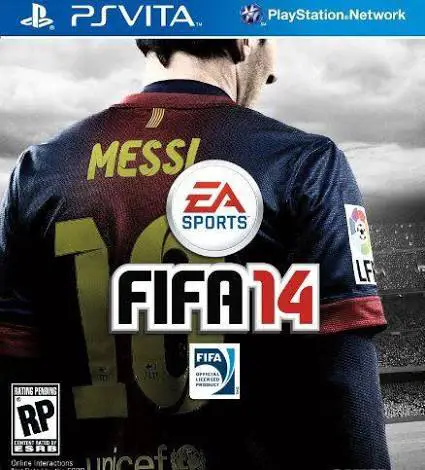
FIFA 14: Legacy Edition is a realistic sports simulation ...
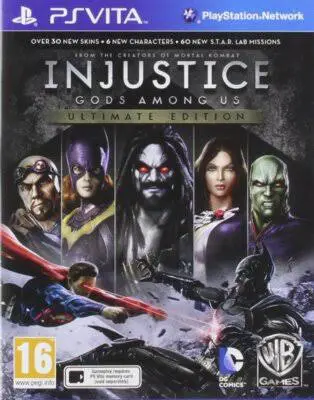
Injustice: Gods Among Us - Ultimate Edition is a blockbus...
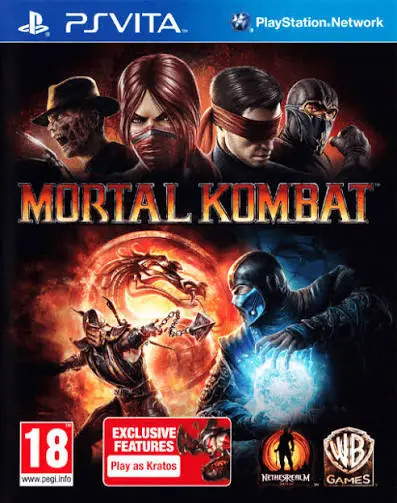
Mortal Kombat is a brutal and acclaimed fighting game for...
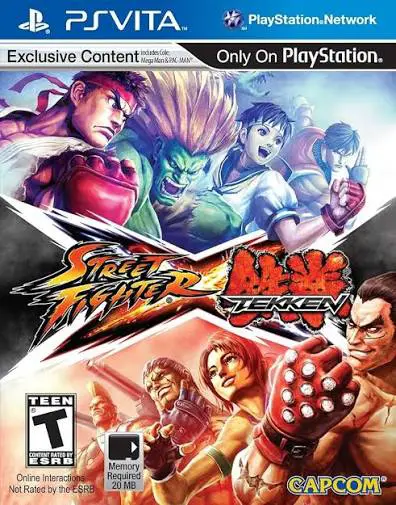
Street Fighter X Tekken is an explosive, high-energy cros...