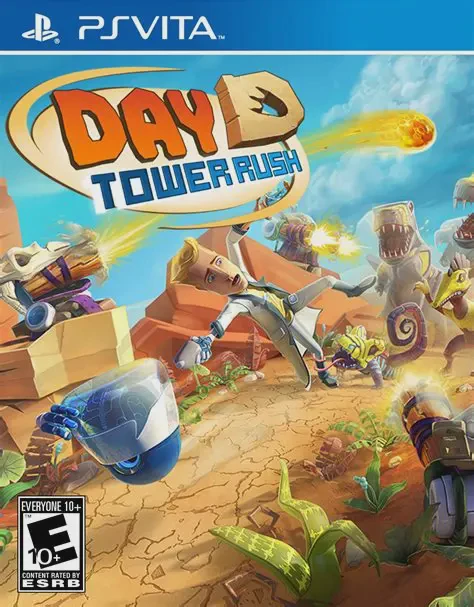
Day D Tower Rush
Day D: Tower Rush is an addictive prehistoric tower defen...

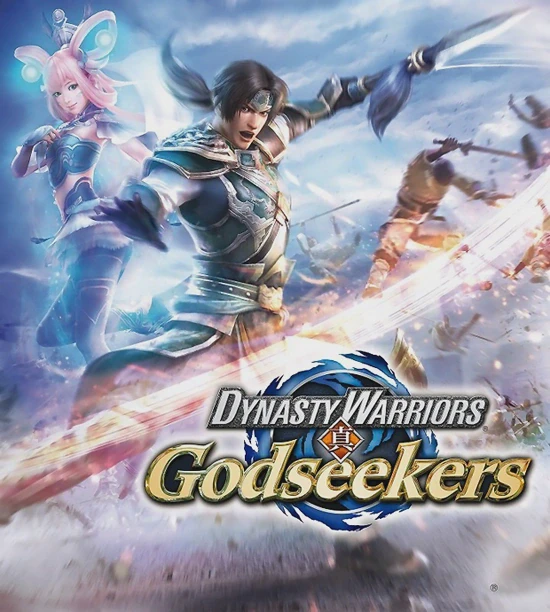
Dynasty Warriors: Godseekers reimagines the familiar Three Kingdoms universe through a turn-based tactical strategy lens. Rather than cutting down thousands of soldiers in real-time combat, players command small squads of historical officers across grid-based battlefield maps.
Combat operates on an Action Point (AP) system. On each turn, officers spend AP to move across isometric grids, line up directional attacks, and execute area-of-effect abilities. The central gameplay innovation is the Synchro Maneuver mechanic: by filling a specialized gauge, players can synchronize multiple adjacent allied units to perform devastating combo strikes and unlock screen-clearing Synchro Attacks that wipe out entire enemy formations in cinematic Musou fashion.
Between battles, players manage character progression through expansive Skill Boards, unlock historical officers via the "Path of Destiny" side quest web, and upgrade weapons with elemental attributes. Tailored specifically for portable play, Dynasty Warriors: Godseekers provides snappy turn-based encounters, intuitive map navigation, and seamless touch controls on the PS Vita.
Title: Dynasty Warriors: Godseekers
Platform: PlayStation Vita, PlayStation 4
Genre: Tactical Turn-Based Strategy RPG
Developer: Omega Force
Publisher: Koei Tecmo
Release Date: August 3, 2016 (Japan) / January 31, 2017 (North America) / February 1, 2017 (Europe)
Game Modes: Single-player
Control Support: Dual Analog Sticks, PS Vita Touchscreen & Physical Controls
Grid-Based Tactical Combat: Command famous Three Kingdoms officers across tactical grid maps using turn-based movement and AP management.
Devastating Synchro Attacks: Chain multiple allied units together to execute high-damage Synchro Maneuvers and clear large groups of enemy troops.
Path of Destiny Web: Complete non-linear character conversations and optional side missions to recruit over 60 legendary historical officers to your army.
Extensive Skill Boards: Customize each officer's stats, active abilities, and passive elemental resistance perks using modular skill trees.
PS Vita Touch Integration: Select units, navigate battlefield grid squares, and activate special Synchro Attacks directly using the front touchscreen.
Yes, Dynasty Warriors: Godseekers is a single-player strategy RPG that can be played completely offline on your PS Vita without needing an active internet connection.
Unlike main-line Dynasty Warriors games that feature real-time hack-and-slash action, Godseekers is a turn-based tactical RPG (similar to Final Fantasy Tactics or Fire Emblem) focused on grid movement and strategy.
Yes, the game supports Cross-Save functionality, allowing players to upload and transfer save files seamlessly between the PlayStation Vita and PlayStation 4 versions.
No prior knowledge is required. While it features recognizable historical figures like Guan Yu, Lu Bu, and Cao Cao, the game presents an original fantasy narrative revolving around mythical magical relics.
Click the links below to go to the cloud drive download page
⚠️ Download Tips:
Day D: Tower Rush is an addictive prehistoric tower defen...

Dead Ahead: Zombie Warfare is a tactical real-time strate...
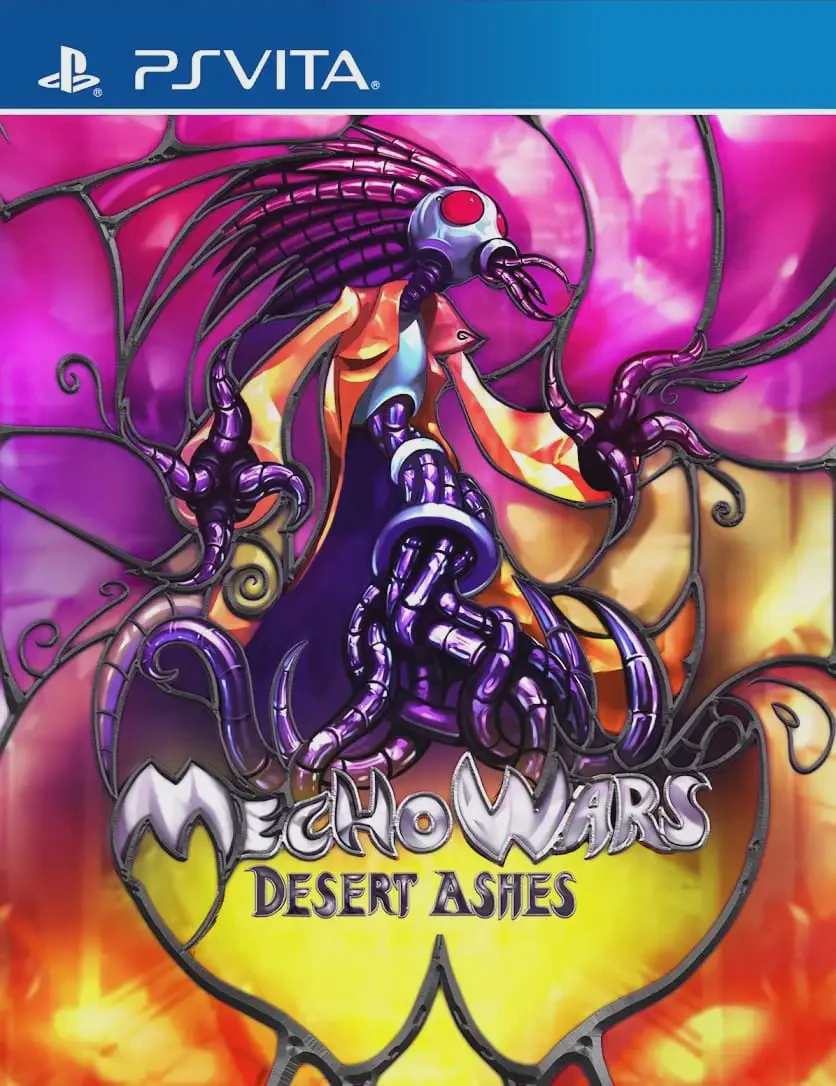
Desert Ashes is a turn-based strategy game designed for t...

Farming Simulator 14 is an agricultural simulation game d...

Farming Simulator 16 is an open-world agricultural simula...