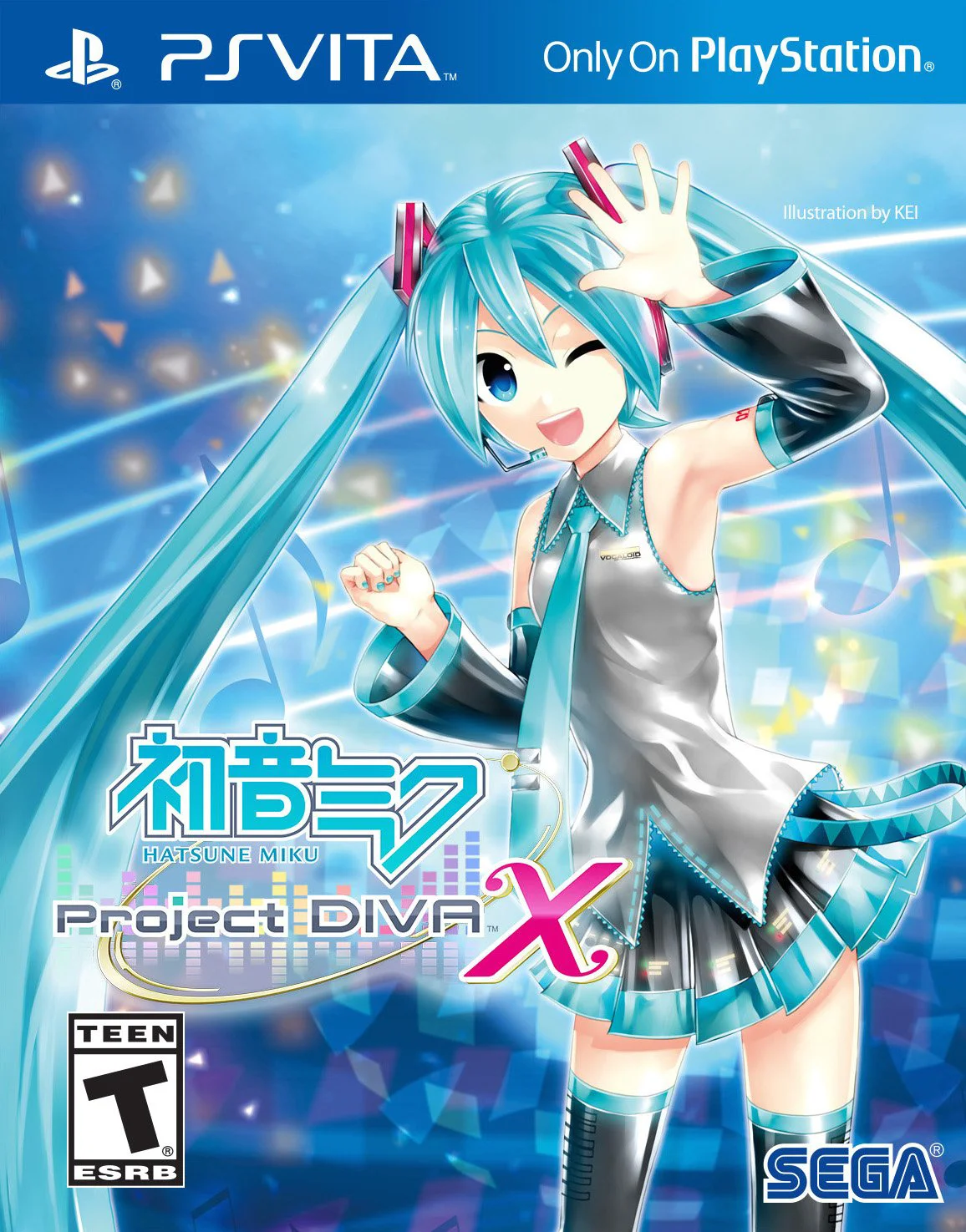
Hatsune Miku - Project DI...
Hatsune Miku: Project DIVA X is an electrifying rhythm-ac...

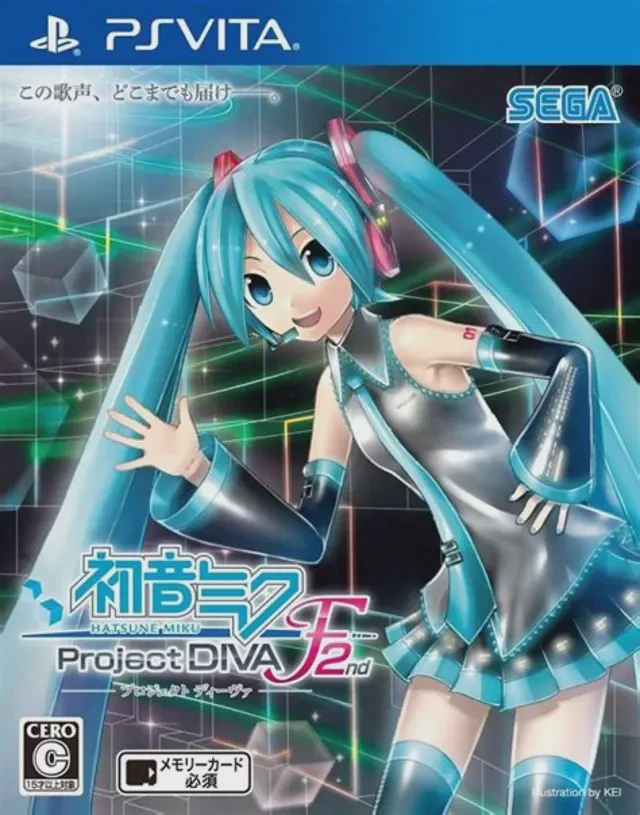
Hatsune Miku: Project DIVA F 2nd refines the core rhythm-action formula by introducing dynamic new technical elements while preserving the precise, responsive button-matching mechanics that defined the franchise. Players match visual notes flying across colorful, fast-paced performance stages using the PS Vita's face buttons and directional pad, alongside new touch-based scratch notes and simultaneous double-scratch inputs. The game features an expansive tracklist spanning famous electronic hits, a comprehensive tutorial mode complete with an extreme difficulty tier, and the beloved "DIVA Room" socialization area where players can interact with characters and play minigames. With customizable rhythm game UI skins, a robust editing suite to create custom music videos, and seamless cross-save support with the PlayStation 3 version, it stands as an essential rhythm title for handheld enthusiasts.
Developer: Sega / Crypton Future Media
Publisher: Sega
Platform: PlayStation Vita (PS Vita), PlayStation 3
Genre: Rhythm Game, Music, Arcade
Release Date: March 27, 2014 (Japan), November 18, 2014 (North America), November 21, 2014 (Europe)
Players: Single-player
Format: Physical Game Card and Digital Download (PlayStation Network / PSN)
Expanded Tracklist & Classic Hits: Experience dozens of new songs alongside legendary remastered tracks from earlier entries in the series.
Innovative Scratch Mechanics: Master new gameplay inputs including slide-based touch screen scratches and challenging double-scratch prompts.
Deep Customization & Modules: Unlock and equip a massive collection of stylish costumes, accessories, and customizable UI skins for your favorite Vocaloid stars.
Robust Edit Mode: Choreograph your own custom music video stages, adjust camera trajectories, and build unique rhythm charts to share with the community.
Cross-Save Compatibility: Seamlessly transfer your progress and save data back and forth between the PlayStation Vita and PlayStation 3 versions.
The sequel introduces scratch sliders requiring directional flicks on the front or rear touch screen, double-scratch notes, customizable UI gameplay skins, a more comprehensive tutorial mode with an extreme tier, and returning classic songs requested by fans.
Yes, the game fully supports cross-save functionality, allowing you to carry your progression, unlocked modules, and edit data seamlessly between the PlayStation Vita and PlayStation 3 editions.
Yes, the localized Western digital and physical releases feature translated lyric subtitles (available in English, Romaji, or other language display options) running alongside the original Japanese vocal tracks.
No, once the game is downloaded or loaded from your physical card, the entire rhythm campaign, song list, and offline editing suites can be enjoyed completely without an internet connection.
Click the links below to go to the cloud drive download page
⚠️ Download Tips:
Hatsune Miku: Project DIVA X is an electrifying rhythm-ac...
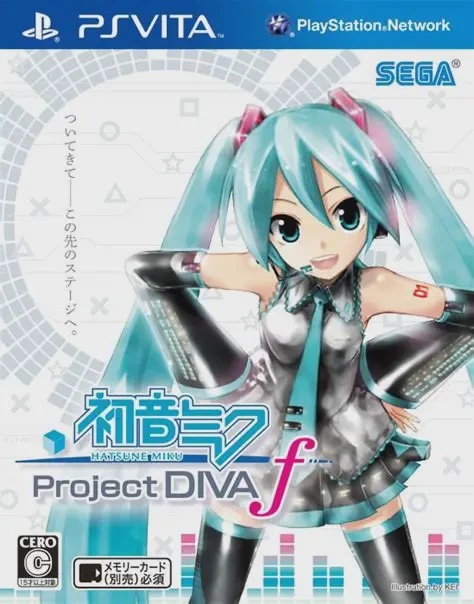
Hatsune Miku: Project DIVA f is a vibrant, rhythm-action ...
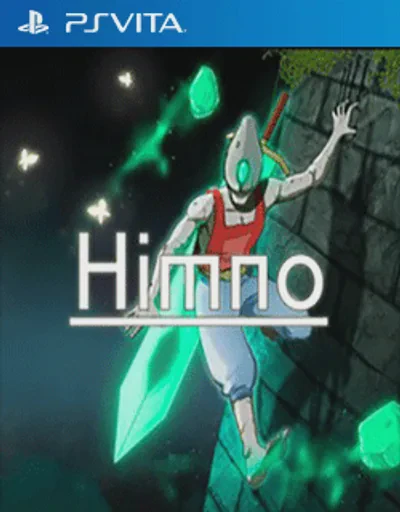
Himno is a peaceful, non-violent, and deeply atmospheric ...

Get Off My Lawn! is a fast-paced, arcade-style vertical s...
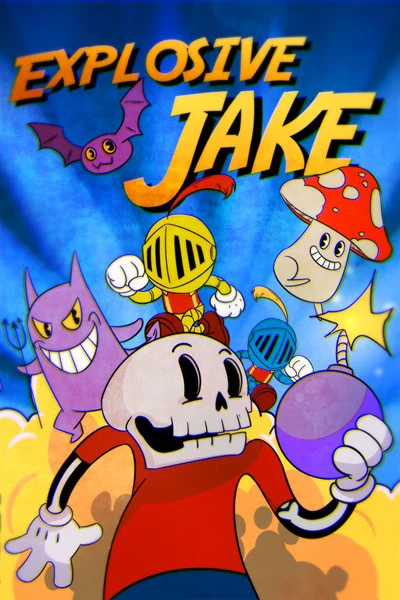
Explosive Jake is an indie arcade-action puzzle game deve...