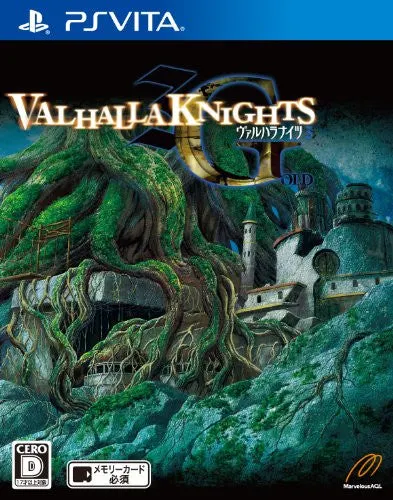
Valhalla Knights 3 Gold
Valhalla Knights 3 Gold for the PlayStation Vita is an en...

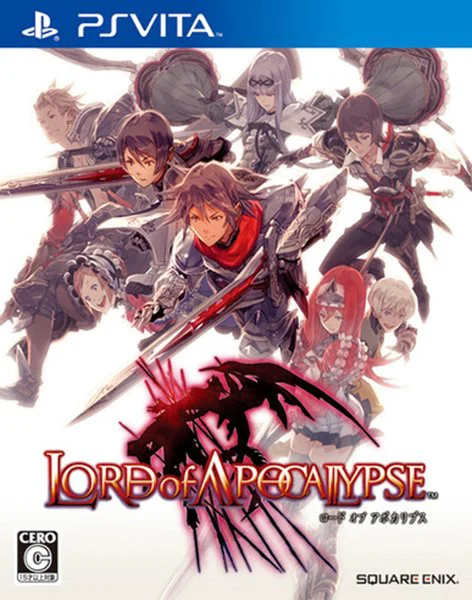
Lord of Apocalypse is a high-octane dark fantasy action RPG designed by Access Games and published by Square Enix. Released as a launch title for the PlayStation Vita, it completely reimagines the core concepts of the Lord of Vermilion arcade and portable franchise with improved graphics, fluid real-time combat, and expansive gameplay mechanics.
The story takes place in the realm of Sevenverse, a world governed by powerful mystical stones known as Arcana. Players create a custom mercenary, starting as a novice warrior bound to protect human strongholds. As monstrous entities and rogue gods threaten humanity's existence, players must take on dangerous guild quests, hunt down legendary colossi, and absorb their Arcana cores to uncover the true origins of the world.
Gameplay centers on real-time combat featuring seven distinct weapon classes, including Sword and Shield, Greatsword, Dual Blades, Mace, Lance, Staff, and Light Shield. Combat emphasizes fast combos, magic casting, sub-weapon skills, and brutal "Ultimate Spell" summons. Boss encounters incorporate cinematic "Tactical Overlap" Quick Time Events (QTEs), allowing players to inflict devastating execution strikes. With robust equipment synthesis, online/ad-hoc co-op multiplayer, and full trophy support, Lord of Apocalypse remains a foundational action RPG on the PS Vita.
Game Title: Lord of Apocalypse
Platform: PlayStation Vita
Genre: Action Role-Playing Game / Action RPG
Developer: Access Games
Publisher: Square Enix
Release Date: December 17, 2011
Format: Physical Cartridge & Digital Download
Language Support: Japanese Text & Japanese Audio
File Size: Approx. 1.5 GB
Seven Unique Weapon Types: Master diverse combat styles ranging from heavy Greatswords and swift Dual Blades to elemental Staves and hybrid Mace shields.
Cinematic Boss Execution Strikes: Trigger "Tactical Overlap" sequences during major colossus fights to unleash high-damage, cinematic finisher moves.
Ultimate Spell Summons: Harness the power of Arcana to summon iconic, god-like entities onto the battlefield to turn the tide of tough boss encounters.
Deep Equipment Synthesis: Collect monster materials and rare monster cores from successful hunts to forge hundreds of unique weapons and armor sets.
4-Player Cooperative Multiplayer: Join up with up to three other players via local Ad-Hoc or online play to tackle challenging multi-boss guild raids.
No. Lord of Apocalypse was released exclusively in Japan for the PlayStation Vita and PlayStation Portable (PSP) and never received an official Western or English localization.
Yes. Lord of Apocalypse serves as an enhanced direct sequel and complete reboot to Lord of Arcana (originally released on PSP), featuring revamped combat mechanics, new weapon classes, redesigned visual effects, and expanded story content.
Yes. All PlayStation Vita handheld consoles are region-free for physical cartridges, allowing Japanese physical games to run smoothly on any PS Vita hardware worldwide.
Yes. Lord of Apocalypse supports four-player cooperative questing through local Ad-Hoc wireless connections as well as online infrastructure modes.
Click the links below to go to the cloud drive download page
⚠️ Download Tips:
Valhalla Knights 3 Gold for the PlayStation Vita is an en...
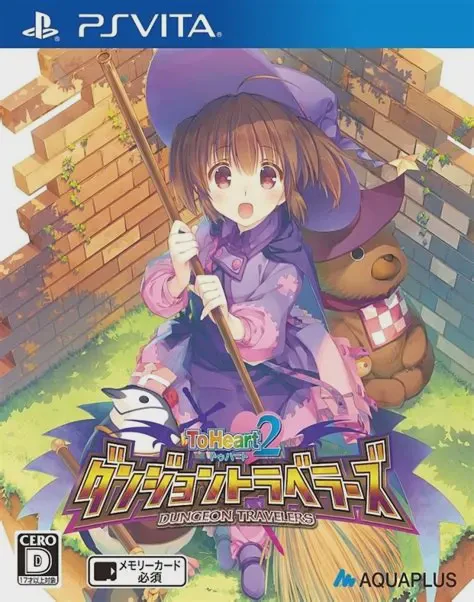
To Heart 2: Dungeon Travelers for the PlayStation Vita br...
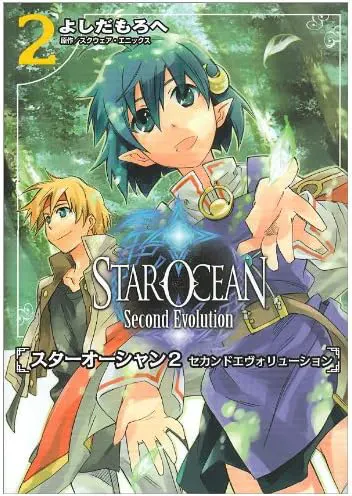
Star Ocean: Second Evolution for the PlayStation Vita bri...

The Legend of Heroes: Trails to Azure Evolution is a rema...
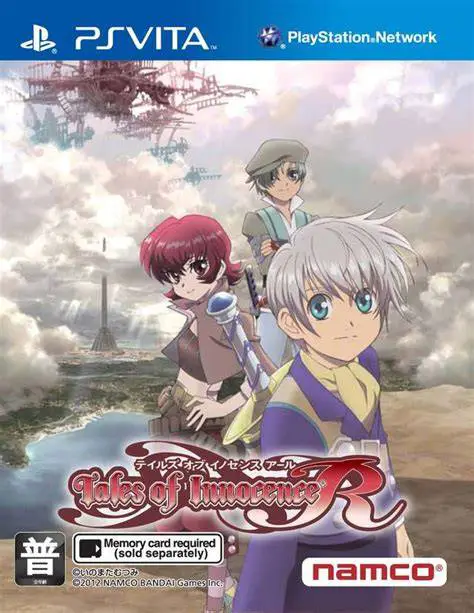
Tales of Innocence R for the PlayStation Vita is a fully ...