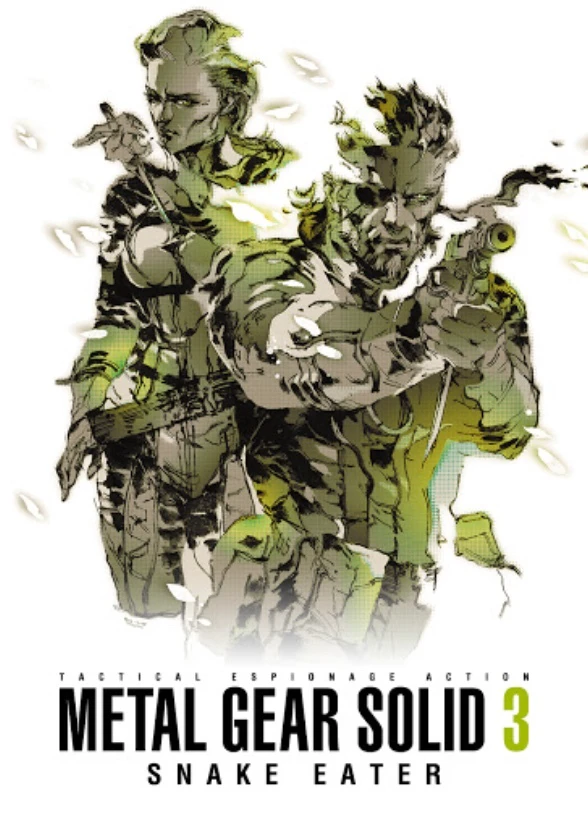
Metal Gear Solid 3: Snake...
While the PlayStation Vita library houses this masterpiec...


Metal Gear Solid 2 is famously structured into two distinct chapters. The prologue chapter places players back in the stealthy boots of Solid Snake as he infiltrates a heavily guarded oil tanker on the Hudson River in 2007 to photograph a new secret Marine weapon: Metal Gear RAY. The main campaign shifts forward two years to 2009, introducing rookie FOXHOUND operative Raiden as he infiltrates the "Big Shell" offshore decontamination facility, which has been hijacked by a terrorist group calling themselves the Sons of Liberty—led by a mysterious figure claiming to be Solid Snake.
The gameplay introduced massive evolution to the stealth genre, adding first-person precision aiming, the ability to hold up guards at gunpoint, body-dragging mechanics, hanging off ledges, and interacting dynamically with the environment (such as shooting out lights, radio transmitters, or pipes). Its deeply prophetic narrative explores themes of digital information control, censorship, artificial intelligence, and post-truth society, making its story feel even more relevant today than it did upon release.
Feature | Details |
Developer | Kojima Productions / Bluepoint Games (HD Port) |
Publisher | Konami |
Genre | Stealth, Action-Adventure, Tactical Espionage |
Platform | PlayStation Vita (via Metal Gear Solid HD Collection), PS2, PS3, Xbox 360 |
Release Date | November 2001 (Original PS2) / June 2012 (PS Vita HD) |
Language | English (Voice & Text) |
Players | 1 Player (Single-player) |
Controls | DualAnalog / D-Pad, Face Buttons, Touchscreen, and Rear Touchpad |
Revolutionary Stealth Mechanics: Master first-person aiming, directional shooting, enemy hold-ups, and interactive environmental cover.
Two Iconic Protagonists: Experience the atmospheric Tanker chapter starring Solid Snake followed by the deep Plant chapter starring Raiden.
Stunning High-Definition Portable Performance: Enjoy silky-smooth 60 frames-per-second gameplay and crisp widescreen graphics optimized for the PS Vita.
Touch-Assisted Interface: Utilize the PS Vita's front touchscreen and rear touchpad for intuitive weapon switching, item management, and quick-peeking.
Predictive Narrative Masterpiece: Dive into a complex, cinematic conspiracy thriller exploring digital data control and artificial intelligence.
Like its counterpart Snake Eater, Metal Gear Solid 2: Sons of Liberty is included as part of the physical or digital Metal Gear Solid HD Collection for the PS Vita.
While the promotional materials and prologue focused heavily on Solid Snake, the main campaign shifts to the rookie agent Raiden. Hideo Kojima designed this perspective shift to allow players to view Solid Snake from an outside, legendary viewpoint.
Bluepoint Games mapped secondary actions—such as quick-selecting weapons, item inventory navigation, and peeking around corners—to the PS Vita's touchscreen and rear touchpad to ensure seamless execution.
The HD Collection focuses primarily on the core campaign experiences of MGS2 and MGS3, delivering optimized, high-definition single-player stealth campaigns tailored for handheld hardware.
Click the links below to go to the cloud drive download page
⚠️ Download Tips:
While the PlayStation Vita library houses this masterpiec...

Unravel the secrets of a bizarre, clockwork vegetable met...
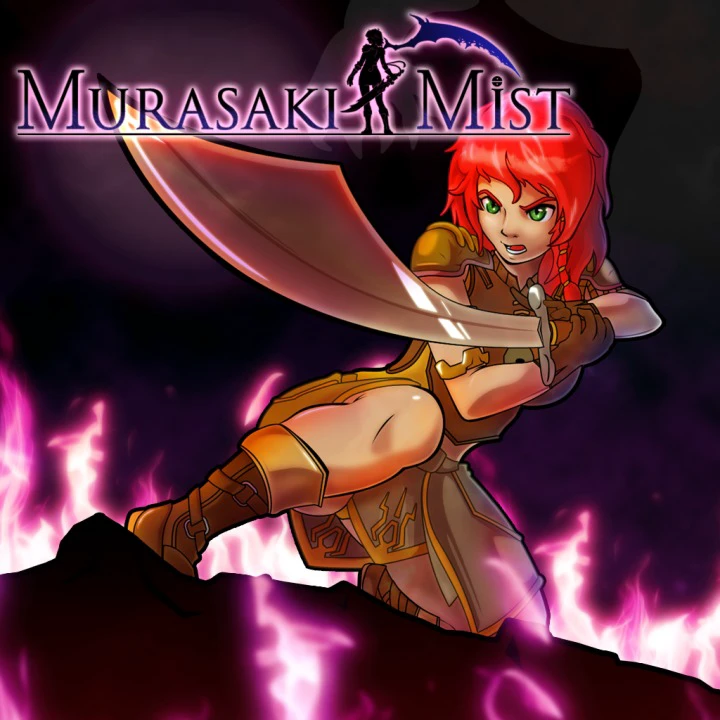
Embark on a mystical and atmospheric puzzle-adventure in ...
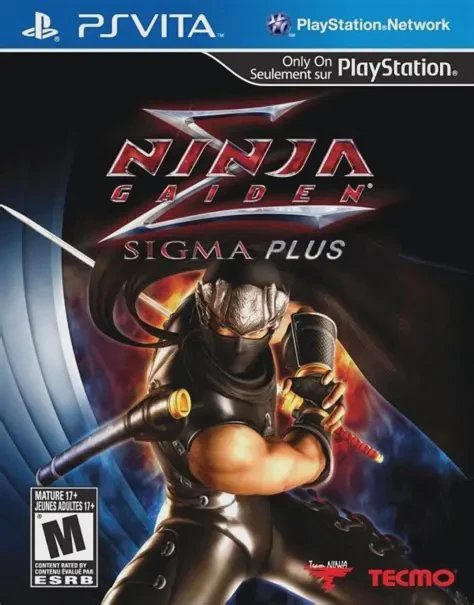
Embark on a legendary, high-octane quest for vengeance in...
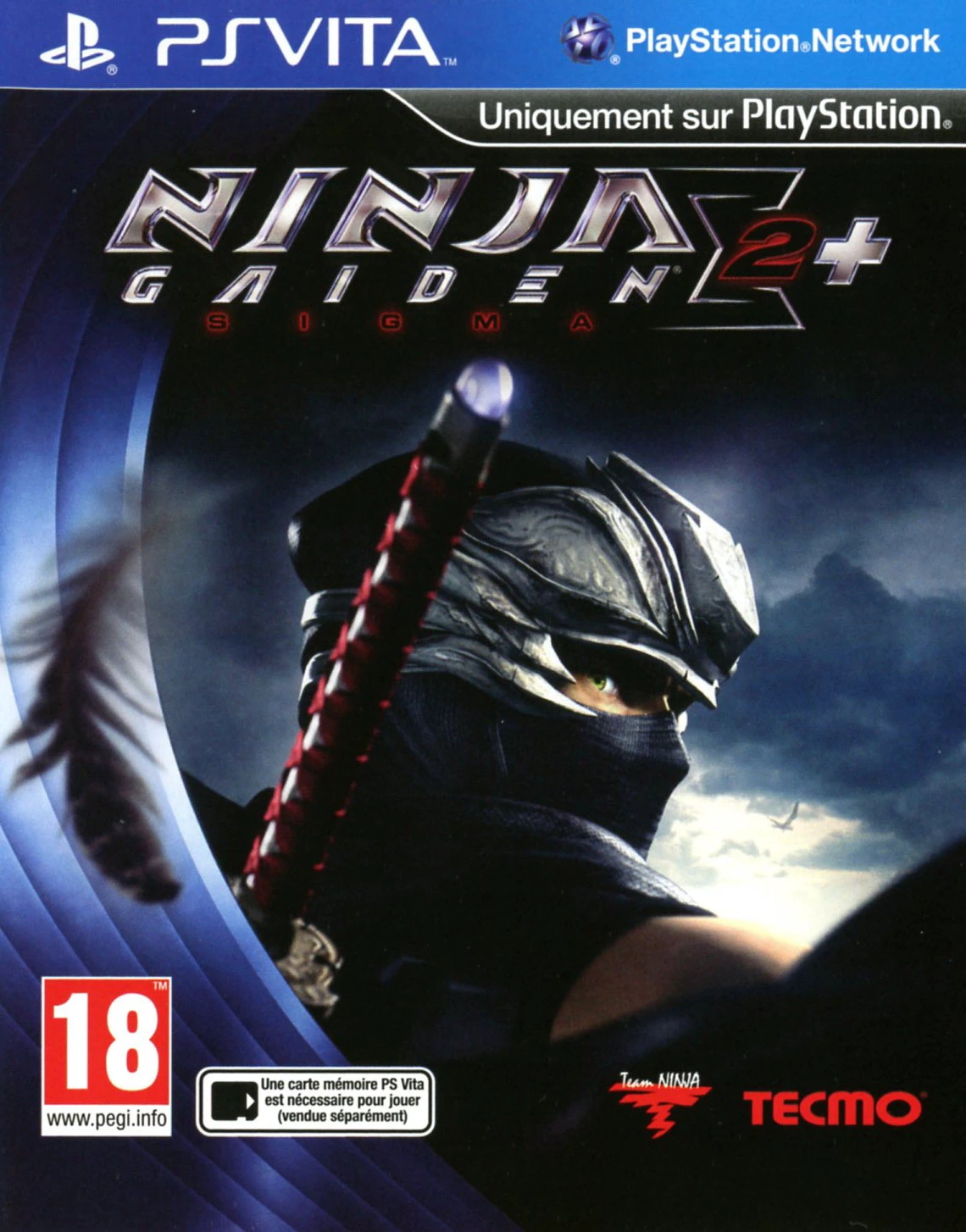
Unleash a torrent of high-speed, blade-slashing combat in...