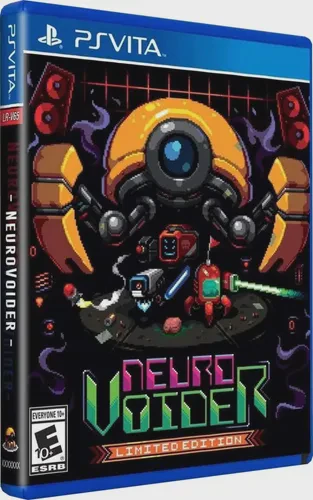
NeuroVoider
Embark on a relentless, neon-drenched cybernetic rampage ...

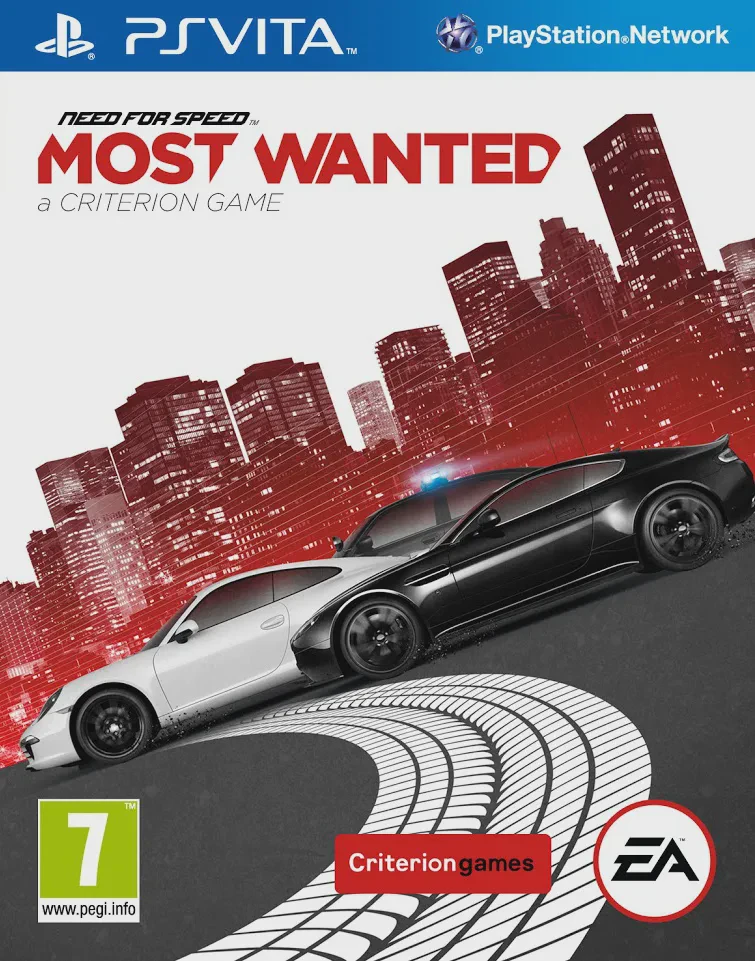
Need for Speed Most Wanted drops you straight into the sprawling fictional city of Fairhaven with one ultimate goal: become the most notorious street racer on the Blacklist. Unlike traditional linear racers, the game features a fully open world from the moment you start, allowing you to discover hidden cars, smash through billboard signs, trigger speed cameras, and engage in pulse-pounding police chases anywhere on the map. Every car you drive has its own unique handling characteristics, and finding vehicles parked around the city instantly unlocks them for races and events.
The PlayStation Vita version achieves an incredible technical feat by delivering the complete, uncompromised open-world gameplay of its console counterpart onto a handheld device. Featuring Autolog 2.0 integration—which constantly tracks and compares your scores, speeds, and race times against your friends—every corner and straightaway becomes a competitive battleground. Whether you are weaving through civilian traffic at 150 mph or executing desperate maneuvers to shake off a federal pursuit chopper, Need for Speed Most Wanted delivers unmatched arcade racing thrills on the go.
Feature | Details |
Developer | Criterion Games / Double Eleven |
Publisher | Electronic Arts |
Genre | Racing, Open-World, Arcade, Action |
Platform | PlayStation Vita (Also available on PS3, Xbox 360, PC, Wii U) |
Release Date | October 2012 |
Language | English |
Players | 1 Player (Up to 4 Players Online Multiplayer) |
Controls | DualAnalog / D-Pad, Face Buttons, and Touchscreen |
Seamless Open-World Exploration: Explore the entire city of Fairhaven freely without load times, discovering hidden vehicles and events scattered across the map.
Intense Police Pursuits: Evade, fight off, and outsmart aggressive law enforcement cruisers and rhino units using high-speed tactics and pursuit tech.
EasyDrive System: Quickly change cars, modify performance parts, and jump into events on the fly without ever breaking the flow of gameplay.
Autolog 2.0 Connectivity: Compete continuously against friends with real-time stat tracking, speed run recommendations, and customized challenge feeds.
Console Quality on Handheld: Experience impressive 3D graphics, fluid framerates, and responsive dual-analog driving controls optimized specifically for the PlayStation Vita.
No! Unlike many handheld racing adaptations of that era, the PS Vita version features the exact same open world, car roster, event types, and online multiplayer as the console and PC versions.
Instead of buying cars from a traditional dealership, vehicles are "Found Cars" hidden in various parking lots and districts around Fairhaven. Once you discover one, you can switch to it immediately.
EasyDrive is an intuitive, context-sensitive interface that lets you modify your car's upgrades, change tunes, or select races on the fly using the D-pad or touchscreen without navigating cumbersome pause menus.
The game maps steering to the left analog stick, acceleration and braking to the face buttons or triggers, and utilizes touch controls for quick menu selections and EasyDrive management.
Click the links below to go to the cloud drive download page
⚠️ Download Tips:
Embark on a relentless, neon-drenched cybernetic rampage ...

One More Dungeon is a first-person, retro-styled roguelik...
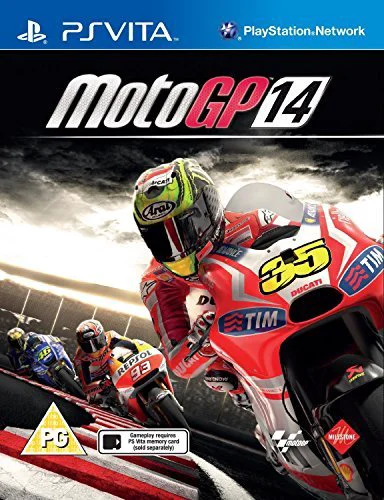
Experience the high-speed thrill of premier motorcycle ch...
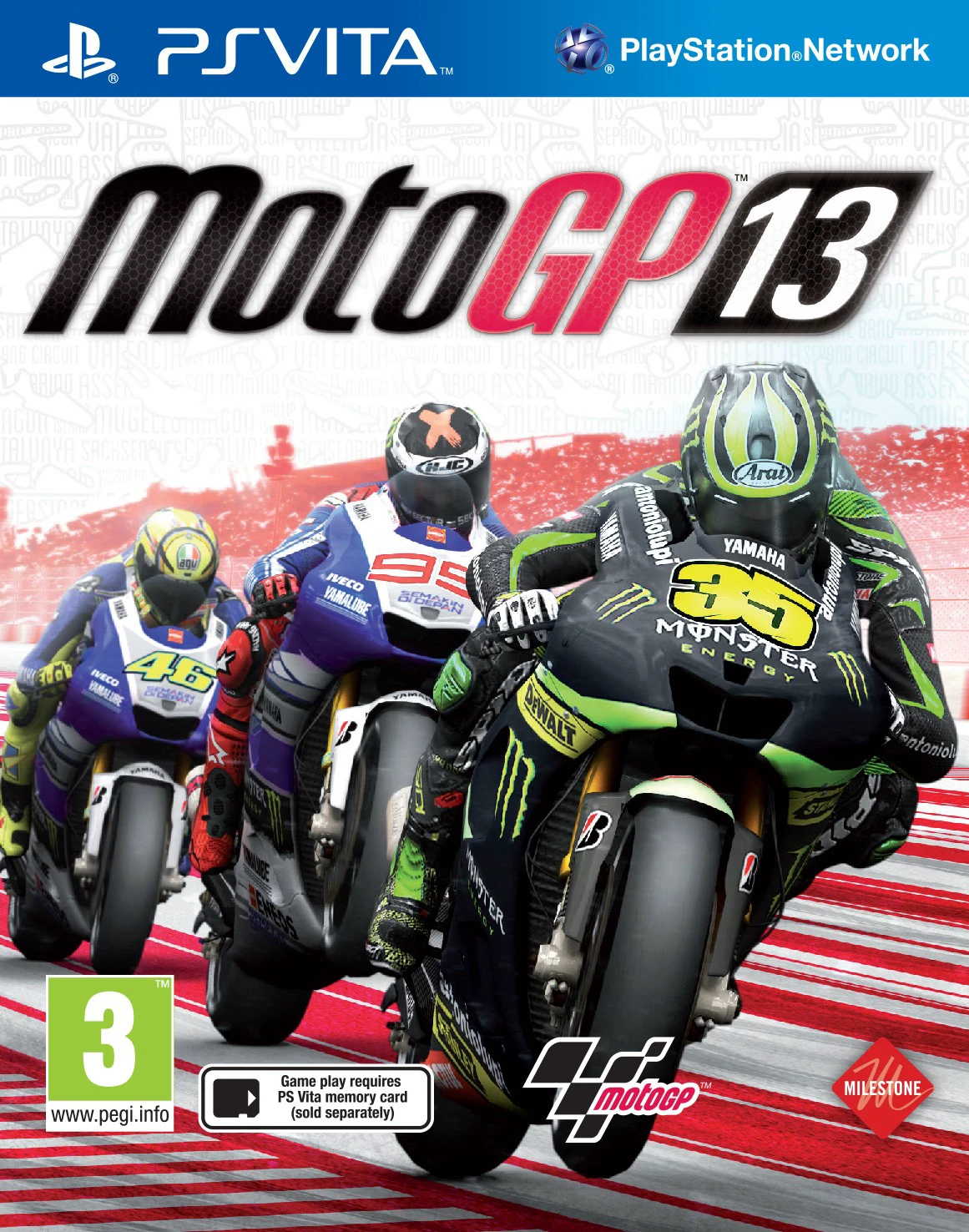
Feel the rush of high-speed rubber and asphalt with MotoG...
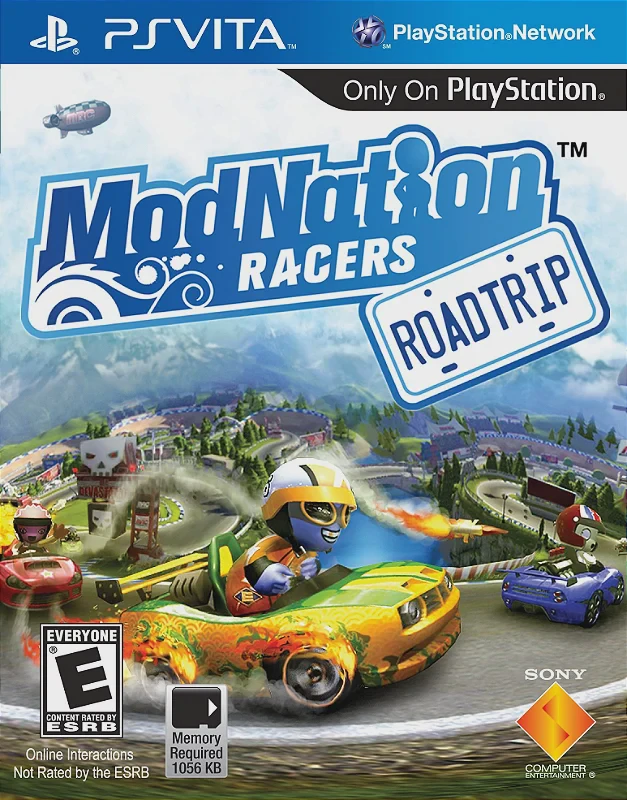
Hit the track and let your creativity run wild with ModNa...