
OlliOlli
Slide into the addictive, finger-flipping action of OlliO...

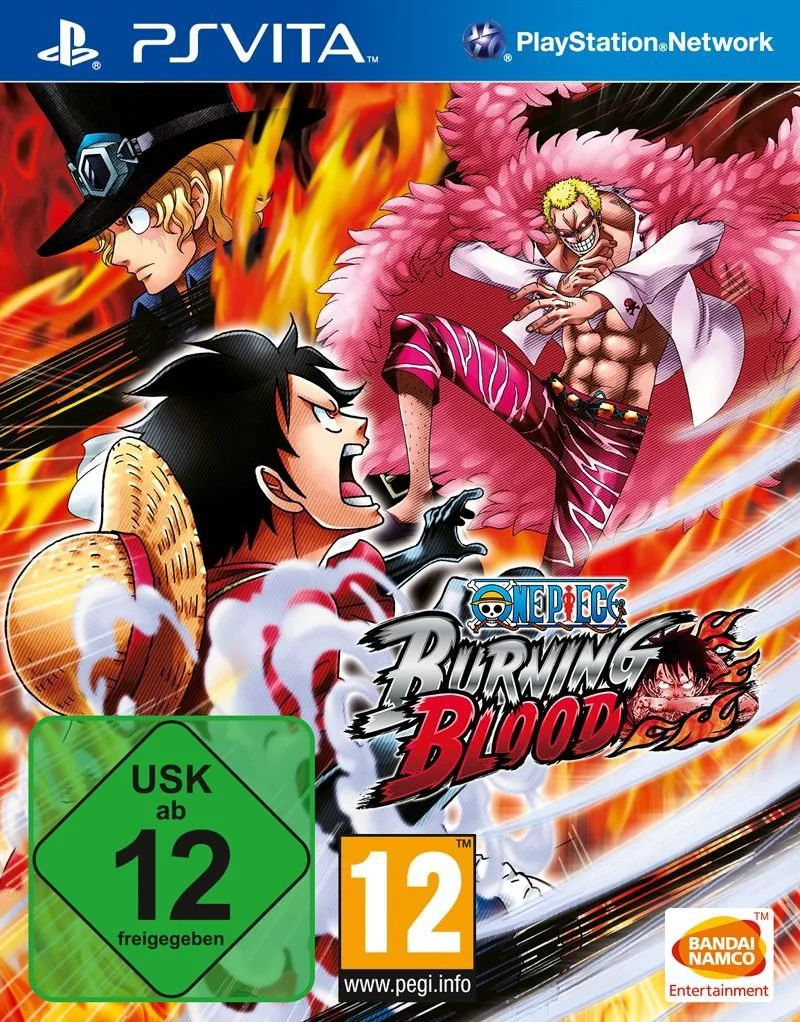
One Piece: Burning Blood departs from traditional beat-'em-up adventures to focus squarely on competitive, tactical 3D arena fighting. The game emphasizes strategic team composition, allowing players to select a trio of fighters while utilizing "Support Characters" to grant passive and active buff advantages during battle. The combat system introduces the dynamic "Logia Moves" and "Logia Guard" mechanics, replicating the invulnerability of Devil Fruit users unless countered with Haki attacks or specific elemental weaknesses, adding a layer of tactical depth to every skirmish.
The story mode, known as the Paramount War, lets players relive the iconic events of the Marineford arc from multiple character perspectives, bringing cinematic emotional weight to the gameplay. While the primary PlayStation Vita release (often associated with digital or localized portable adaptations) allows fans to take their favorite brawlers on the go, the game also features robust free-battle modes and fierce online or ad-hoc multiplayer options. Whether you are executing Luffy's Gear Fourth combos or unleashing devastating Devil Fruit elemental attacks, One Piece: Burning Blood delivers an explosive fighting experience.
Feature | Details |
Developer | Spike Chunsoft |
Publisher | Bandai Namco Entertainment |
Genre | Fighting, Action, Arcade, Anime |
Platform | PlayStation Vita (Also available on PS4, Xbox One, PC) |
Release Date | May 2016 |
Language | English |
Players | 1 to 2 Players (Single-player and Multiplayer) |
Controls | DualAnalog / D-Pad and Face Buttons |
3D Arena Fighting Action: Engage in fierce, fast-paced team battles across open environments with dynamic camera angles and destructive elements.
Logia Guard & Haki Mechanics: Utilize authentic Devil Fruit powers and strategic Haki counters to pierce through enemy defenses and gain the upper hand.
Paramount War Mode: Experience the dramatic narrative of the Marineford arc through the eyes of multiple key characters in the One Piece universe.
Massive Roster: Choose from a wide selection of iconic fighters spanning various eras of the series, complete with alternate costumes and transformations.
Tactical Team Building: Form strategic squads of three characters and leverage support characters to turn the tide of battle in tight matches.
Players select a main squad of up to three characters, allowing you to tag in active fighters during combat to extend combos or escape dangerous situations, while also assigning support characters for passive buffs.
Logia users can activate a special state that makes them immune to standard physical attacks, requiring opponents to use Haki-infused strikes or specific elemental counters to break through their defense.
No, the story mode specifically zeroes in on the intense and emotional Paramount War arc (Marineford arc), offering deep narrative focus on Luffy's quest to save Ace rather than retelling the entire chronicle.
Yes, the game features robust multiplayer options, allowing you to test your customized team skills against other players locally or online depending on the platform version.
Click the links below to go to the cloud drive download page
⚠️ Download Tips:
Slide into the addictive, finger-flipping action of OlliO...

Step into the vibrant, film-set-inspired world of OlliOll...

PlayStation All-Stars Battle Royale is a crossover fighti...

Real Boxing is an intense, visually stunning sports simul...
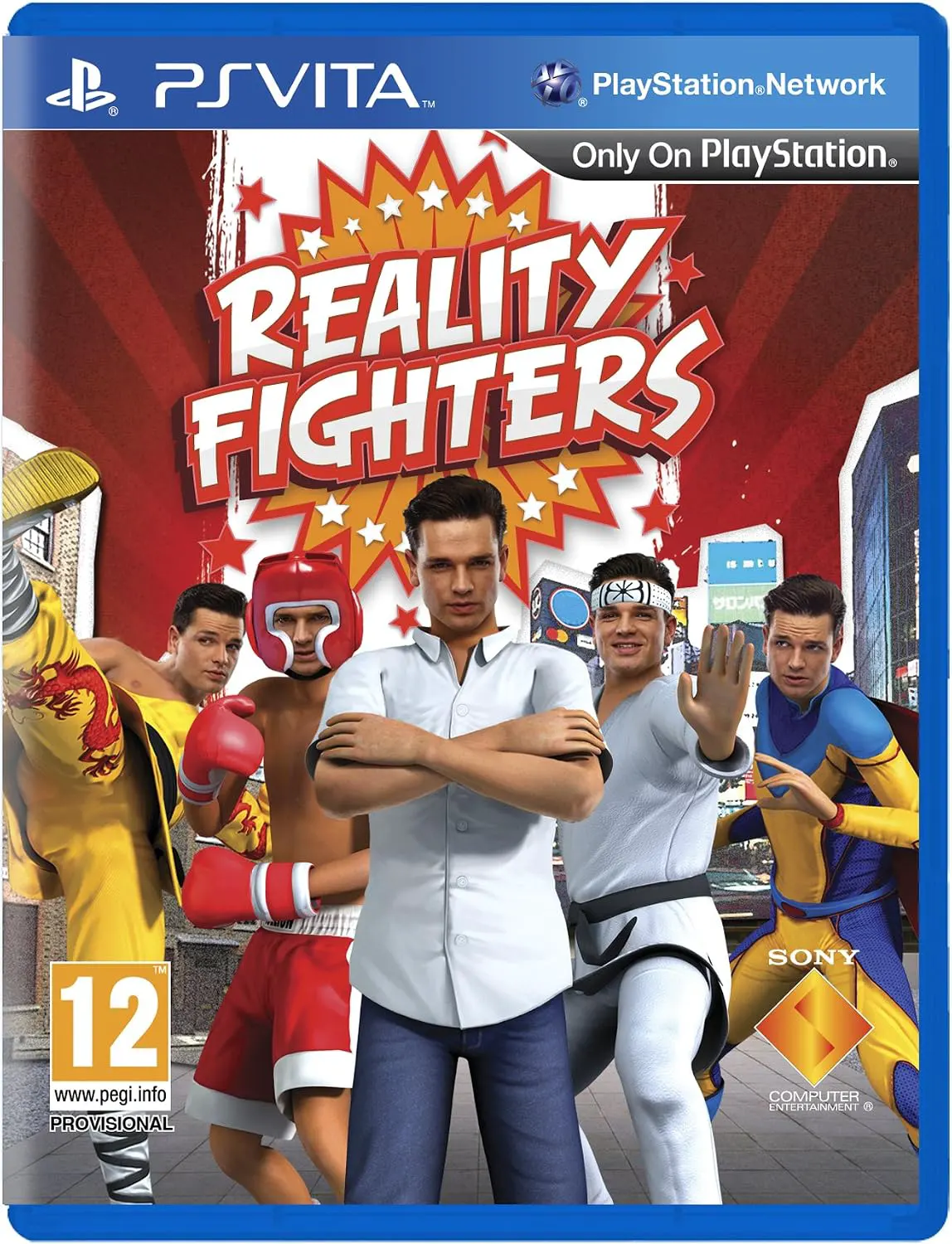
Reality Fighters is an augmented reality (AR) fighting ga...