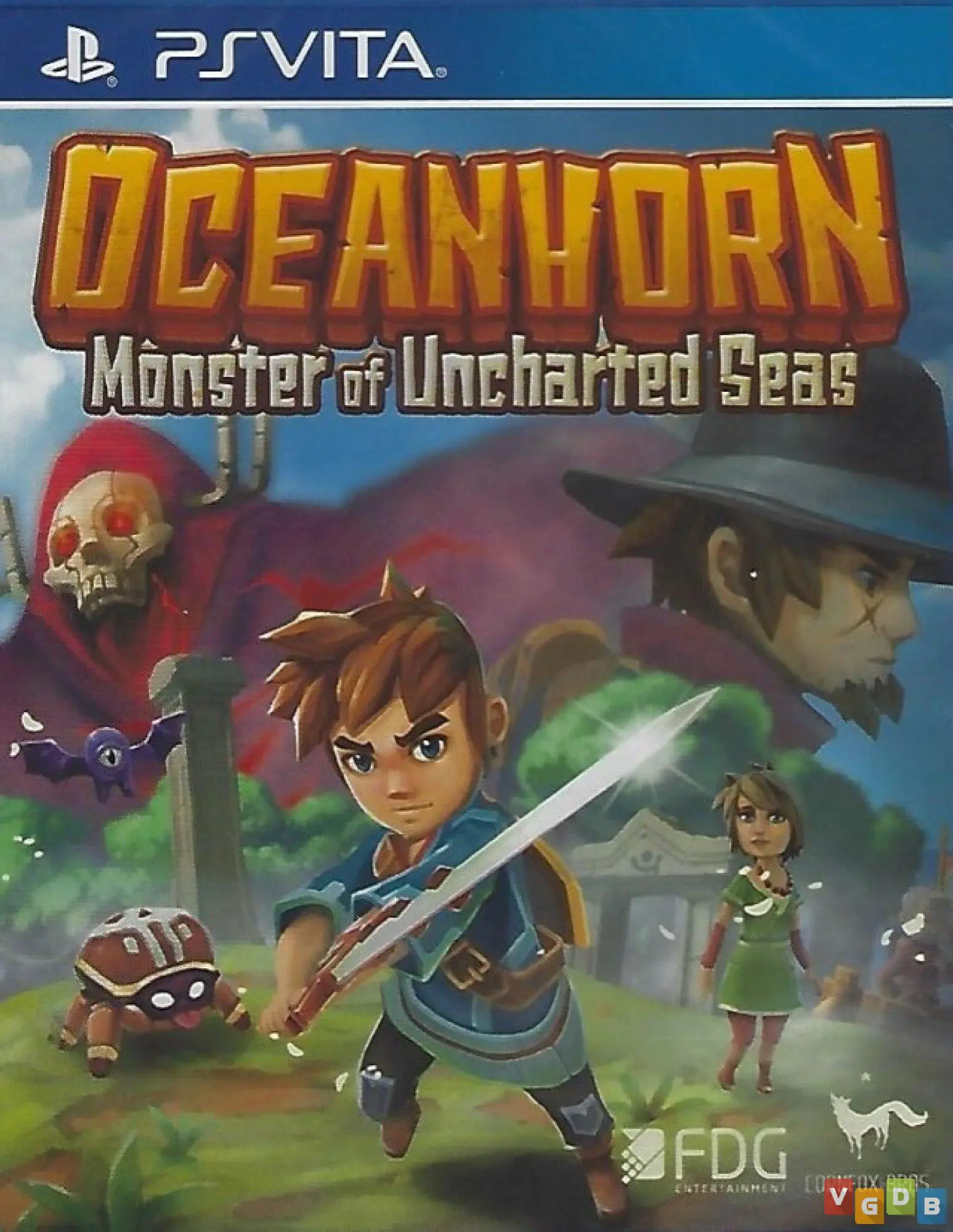
Oceanhorn: Monster of Unc...
Embark on a grand, island-hopping action-adventure in Oce...

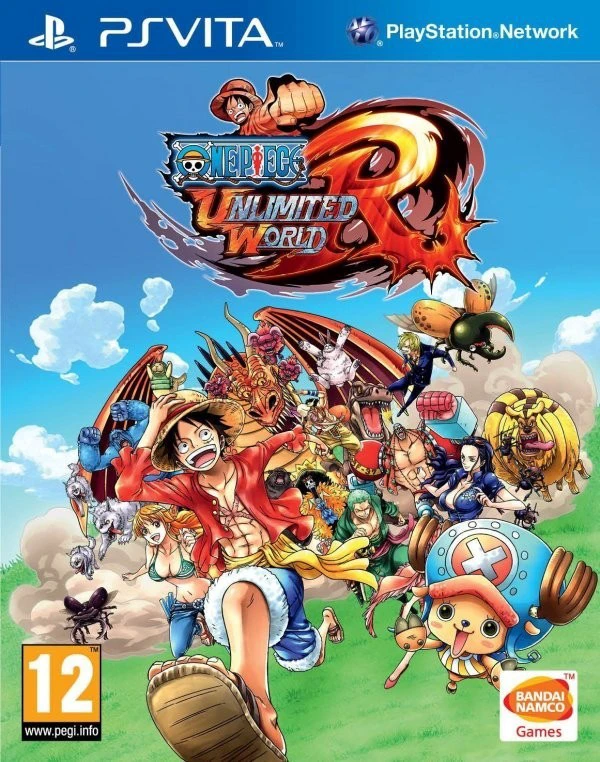
One Piece: Unlimited World Red drops players right into the middle of the New World alongside Monkey D. Luffy and his entire crew, including Zoro, Nami, Sanji, Chopper, and the rest of the Straw Hats. The story revolves around the crew meeting a mysterious, friendly raccoon named Pato and a pirate named Red who holds a dangerous power. When most of the crew is captured and trapped inside a mysterious dream world, Luffy must rally his remaining friends, rescue his nakama, and uncover the dark secrets behind Red's ambitions.
The gameplay combines fast-paced, real-time beat-'em-up combat with exploration, crafting, and town-building elements. As you explore diverse islands inspired by iconic arcs from the series, you can switch freely between playable characters, each boasting unique special moves, combos, and iconic abilities like Luffy's Gear Second and Third. Between skirmishes, you can return to Trans Town to catch fish, catch bugs, gather materials, and upgrade facilities. The PlayStation Vita version captures all this expansive action in a portable format, complete with local cooperative multiplayer support so you can hunt monsters and battle bosses side-by-side with friends.
Feature | Details |
Developer | Ganbarion |
Publisher | Bandai Namco Entertainment |
Genre | Action-Adventure, RPG, Beat-'em-Up, Anime |
Platform | PlayStation Vita (Also available on PS3, PS4, Nintendo 3DS, PC) |
Release Date | July 2014 |
Language | English |
Players | 1 to 2 Players (Single-player and Ad-hoc Co-op) |
Controls | DualAnalog / D-Pad and Face Buttons |
Original Storyline: Experience a brand-new, exclusive narrative arc supervised by series creator Eiichiro Oda, featuring original characters Pato and the main antagonist, Red.
Playable Straw Hat Crew: Take control of all nine primary members of the Straw Hat Pirates, utilizing their signature combat styles, special skills, and ultimate moves.
Trans Town Hub & Crafting: Gather materials, catch wildlife, and expand shops in Trans Town to unlock powerful item upgrades, potions, and gear.
Colosseum Mode: Jump into a separate, action-heavy battle arena mode featuring intense boss rushes and fan-favorite fan-service matchups against legendary villains.
Ad-Hoc Cooperative Play: Team up with a friend locally using the PS Vita's ad-hoc wireless connection to tackle missions and explore worlds together.
The game features an original non-canon storyline penned with supervision from Eiichiro Oda, introducing unique characters like Pato and Red while fitting comfortably within the overall spirit of the series.
Yes! While Luffy serves as the primary protagonist, you can freely switch between and play as all members of the Straw Hat crew during exploration and combat.
Yes, the PS Vita version supports local ad-hoc cooperative play for two players, allowing you to share the adventure and battle bosses with a friend.
Colosseum Mode is a dedicated battle arena separate from the main story campaign where players can take on wave-based challenges, duels, and epic boss fights against famous villains from the anime.
Click the links below to go to the cloud drive download page
⚠️ Download Tips:
Embark on a grand, island-hopping action-adventure in Oce...
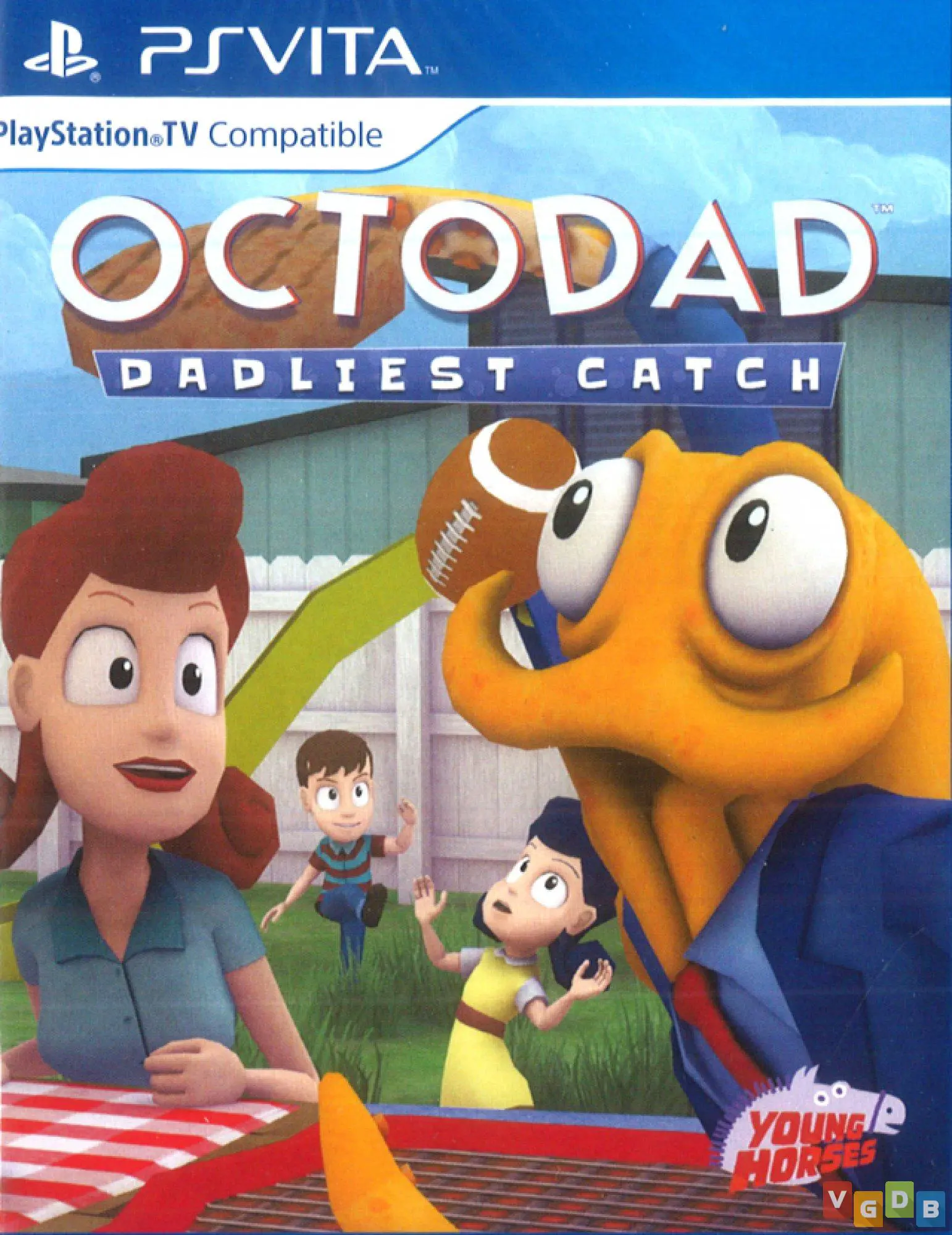
Dive into the hilarious, tentacle-flailing chaos of Octod...
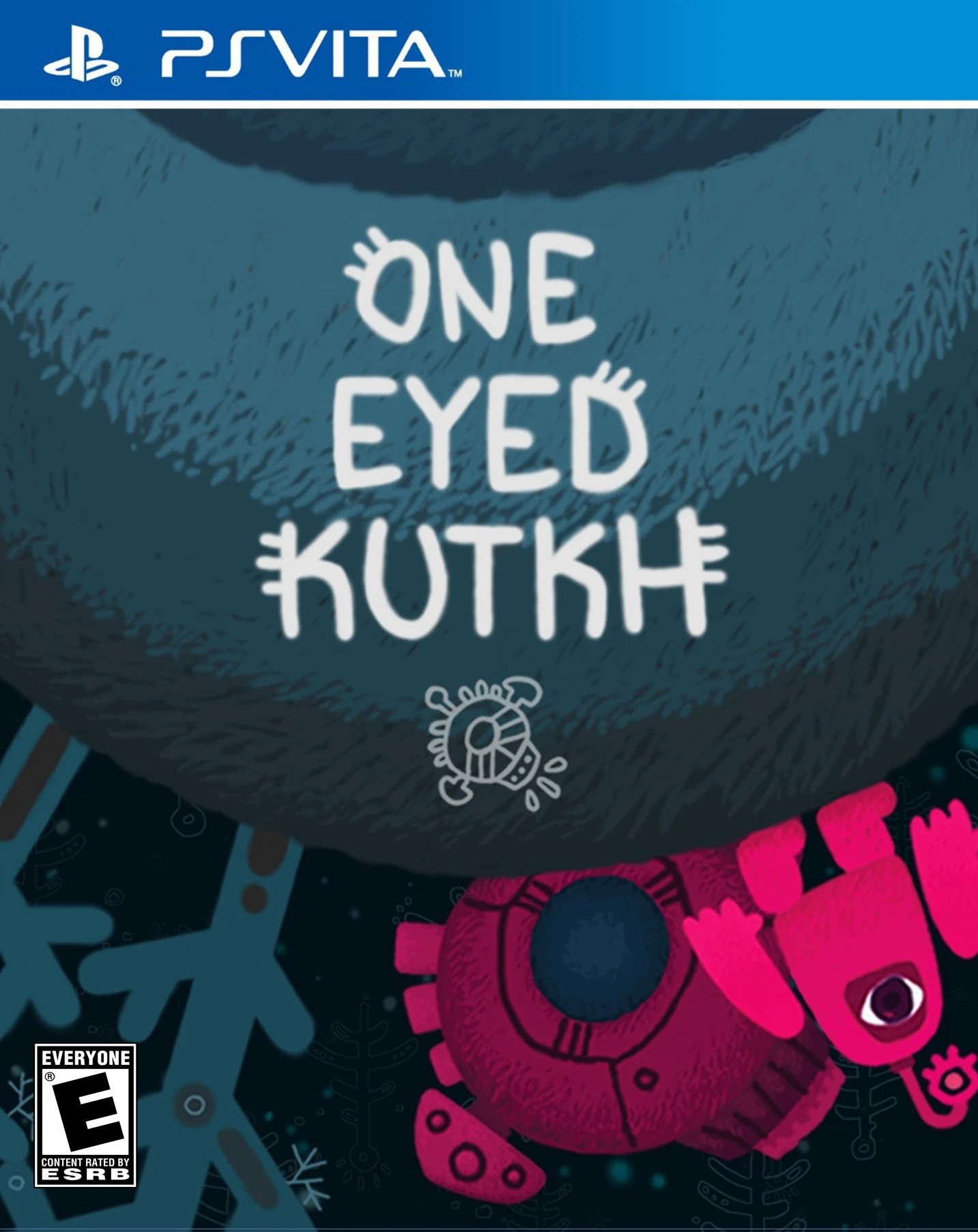
Dive into One Eyed Kutkh, a charming indie adventure game...
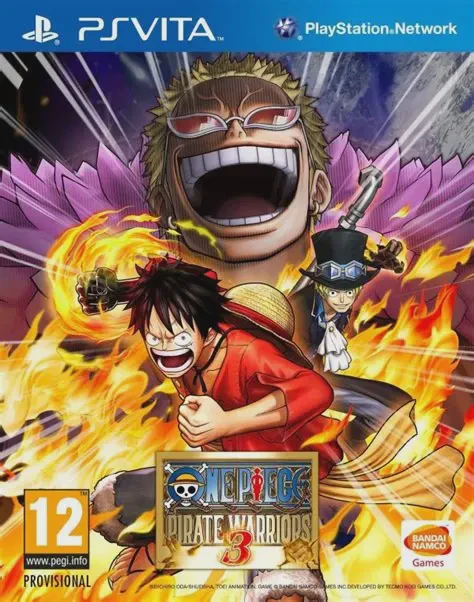
Dive into massive, army-crushing maritime warfare with On...

Immerse yourself in a thrilling, puzzle-action bloodbath ...