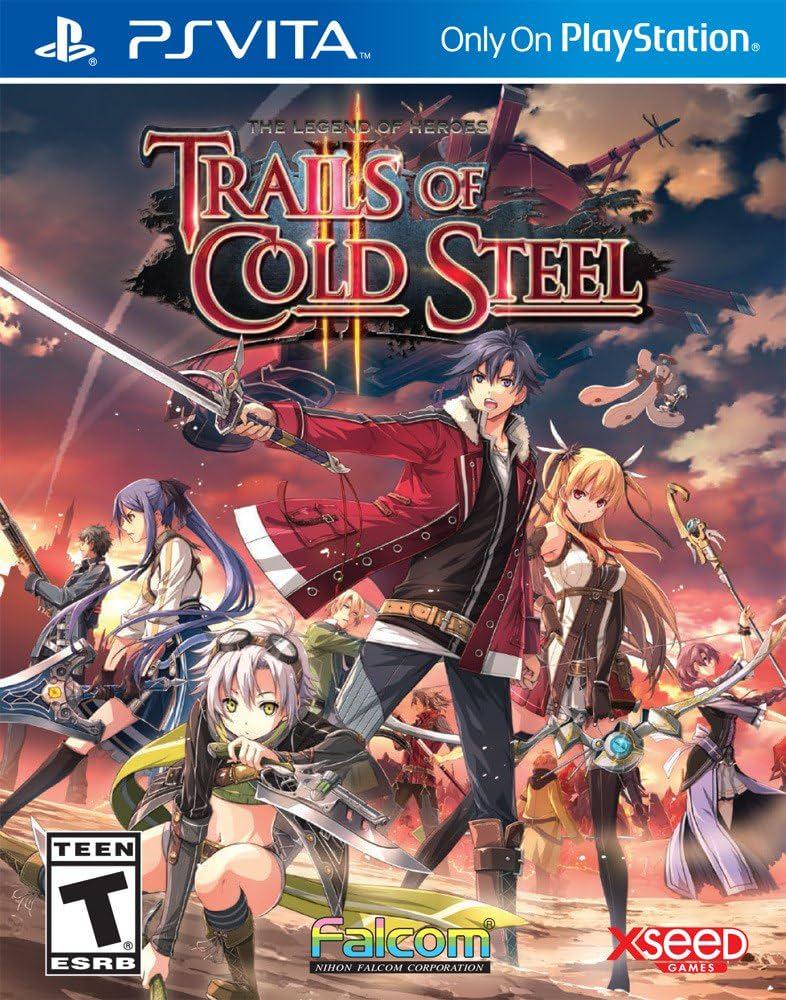
The Legend of Heroes: Tra...
The Legend of Heroes: Trails of Cold Steel is a mastercla...

Trails of Cold Steel II immerses players in a fractured, war-torn Erebonian Empire where towns are occupied and political factions clash for supreme control. Unlike the school-term structure of the first game, this sequel adopts an open-ended "Freedom" system centered around the floating airship Courageous. Players can recruit scattered academy students, explore diverse regional provinces, tackle optional quests, and unlock powerful lost arts as they build up the formidable Thor's Alumni resistance force.
The combat system refines the tactical AT (Action Time) Battle engine with exciting new mechanics, including the Overdrive system for consecutive character turns and the ability to summon massive combat mechs known as Divine Knights for devastating field battles. Featuring an emotionally resonant story, gorgeous 3D character models, fully voiced dialogue sequences, and seamless cross-save support, Trails of Cold Steel II stands as an absolute masterpiece on the PlayStation Vita.
Title: The Legend of Heroes: Trails of Cold Steel II
Platform: PlayStation Vita (PS Vita)
Release Date: September 6, 2016 (US), September 25, 2014 (JP)
Genre: Japanese Role-Playing Game (JRPG) / Turn-Based Strategy
Developer: Nihon Falcom
Publisher: XSEED Games (US) / Marvelous (JP)
Players: Single Player
Region Format: Region-Free (Physical / Digital via PSN)
Age Rating: ESRB T (Teen)
Direct Narrative Continuation: Resume the gripping saga right after the dramatic civil war cliffhanger, with bonus perks and carried-over bonding data if you import a completed save from the first game.
The Courageous Airship Hub: Take command of your own flying fortress to travel across Erebonia, recruit allies, and manage your growing roster of Class VII members.
Overdrive and Divine Knight Battles: Unleash devastating synchronized team attacks with the new Overdrive system and pilot towering robotic Divine Knights in epic tactical showdowns.
Expansive World and Customization: Explore vast new environments, master hundreds of quartz loadouts, and craft custom combat roles for every single party member.
Cross-Save Functionality: Seamlessly transfer your save files between the PlayStation Vita and PlayStation 3 versions to continue your adventure on either system.
Yes! If you have a cleared system save data from the first game on your PS Vita, you can import it into Trails of Cold Steel II. Doing so grants you special bonus items, extra starting stats, and acknowledges the specific character bonding relationships you built in the previous chapter.
The PS Vita version runs remarkably well at a stable framerate with crisp visuals, though load times between fast-travel locations can occasionally be slightly longer than the PS4 or PC remasters. Overall, it delivers a smooth and complete portable JRPG experience.
Trails of Cold Steel II is a massive role-playing adventure. A standard playthrough focusing on the main story and core character events takes roughly 70 to 90 hours, while completionists exploring every hidden quest and bonding event can easily spend over 120 hours.
Click the links below to go to the cloud drive download page
⚠️ Download Tips:
The Legend of Heroes: Trails of Cold Steel is a mastercla...
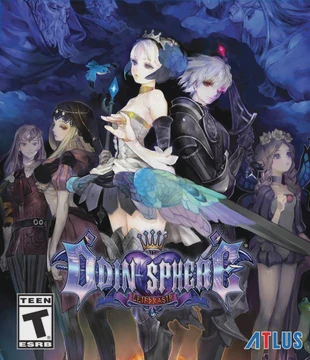
Odin Sphere Leifthrasir is a critically acclaimed 2D acti...
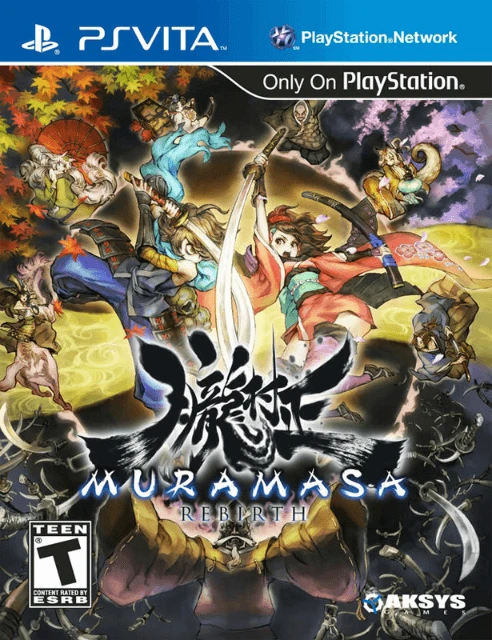
Muramasa Rebirth is a critically acclaimed 2D action role...
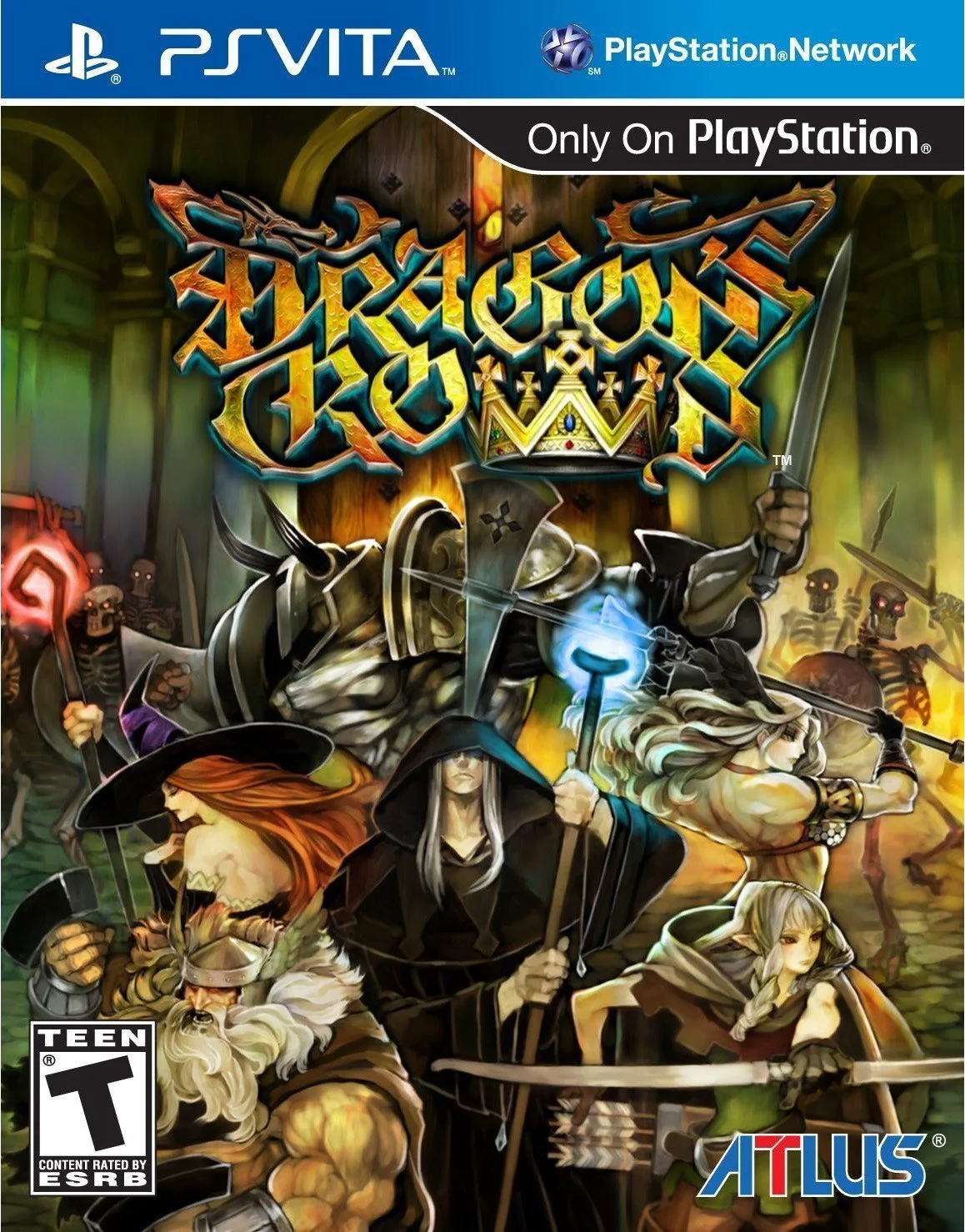
Dragon's Crown is a critically acclaimed 2D action role-p...
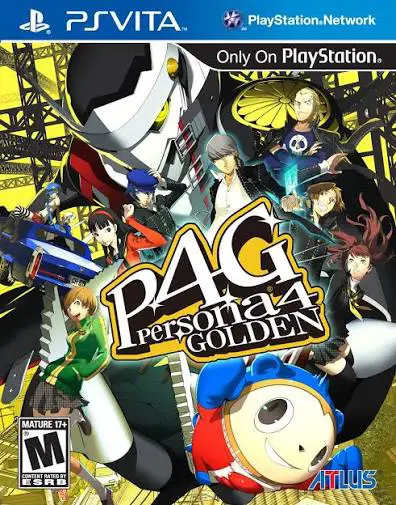
Step into the rural town of Inaba and experience one of t...