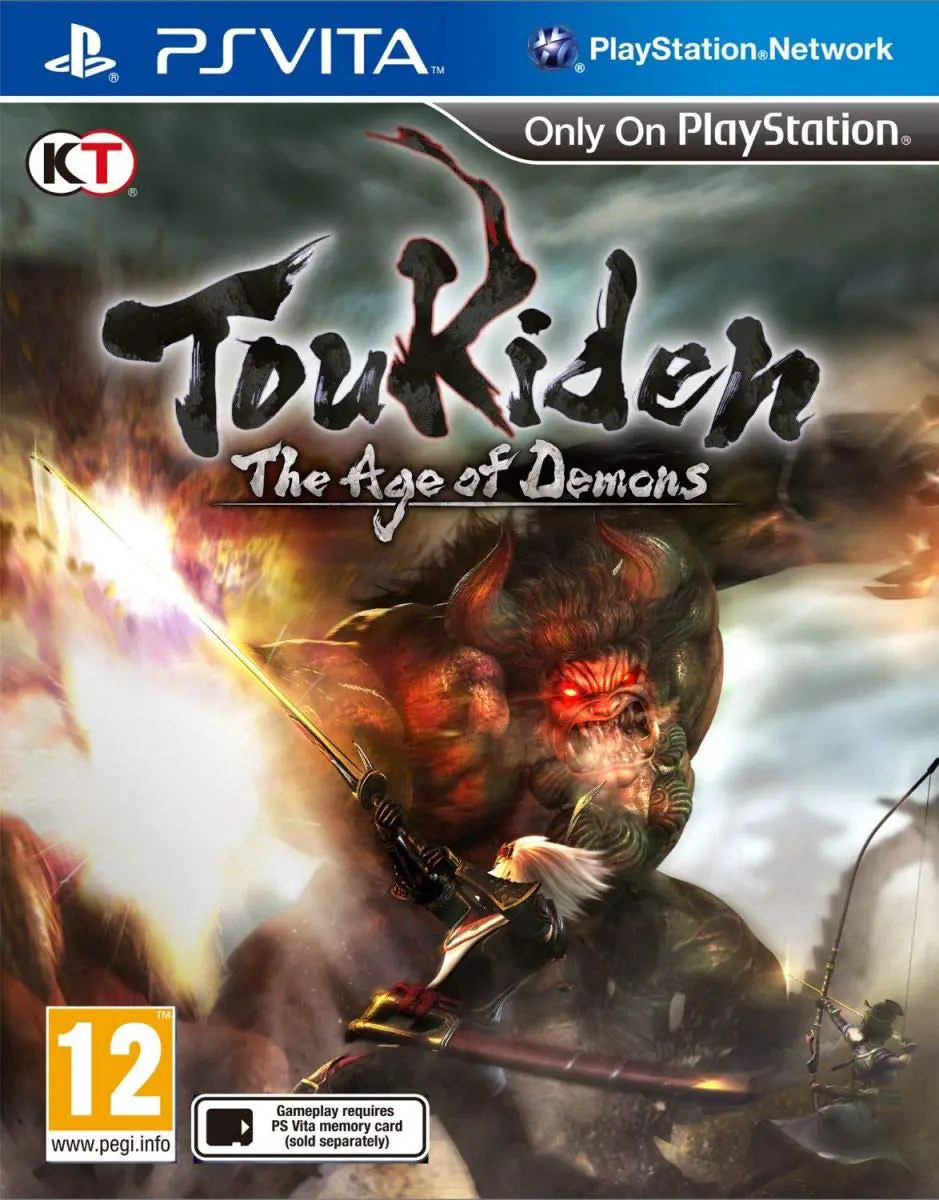
Toukiden: The Age of Demons
Step into a mythical realm of ancient Japanese folklore a...

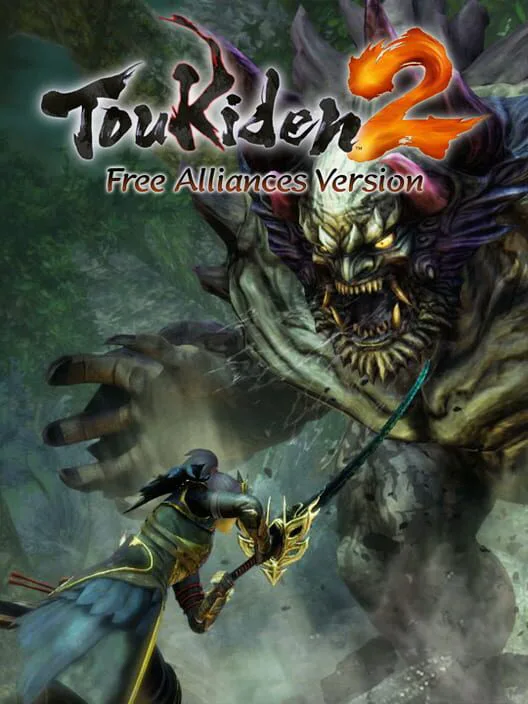
Toukiden 2: Free Alliances Version is a free-to-play action-RPG hunting game developed by Omega Force and published by Koei Tecmo for the PlayStation Vita. Unlike the full retail release, the Free Alliances Version operates on a stamina/chit system or mission-gated structure where players can progress through the opening sections of the single-player story mode and engage in online or local cooperative multiplayer quests.
Players utilize the core gameplay mechanics of Toukiden 2, including seamless open-world exploration across varied historical ages, targeted dismemberment of colossal Oni, and the game-changing Demon Hand ability used to grapple terrain and smash enemies. Progress, characters, and materials earned in this version can typically be carried over if you choose to upgrade to or purchase the full retail game, making it an ideal entry point for handheld hunters.
Platform: PlayStation Vita (PS Vita)
Release Date: Summer 2016 (Japan) / March 2017 (Western PlayStation Network)
Genre: Action-RPG, Hunting Action, Free-to-Play, Open-World
Developer: Omega Force / Koei Tecmo
Publisher: Koei Tecmo
Players: 1 to 4 Players (Local Ad-hoc / Online Cooperative Multiplayer)
Play Length: Variable (Depends on free energy limits; dozens of hours for multiplayer grinding)
Region Format: Region Free (Digital-exclusive via PlayStation Network)
Open-World Hunting Freedom: Explore expansive, seamless wilderness areas across different ages of Japanese history without disruptive loading screens between zones.
The Demon Hand Mechanic: Master a powerful spectral appendage to grapple onto giant Oni, rip away armor plates, and hurl enemies into obstacles.
Cooperative Multiplayer Focus: Team up with up to four players locally via ad-hoc or online across the PlayStation Network to take down high-tier raid demons.
Mitama Soul Customization: Equip and level up hundreds of historical and mythological Japanese souls to alter your active spells, combat style, and passive buffs.
Save Data Carry-Over: Seamlessly transfer your hard-earned progress, gear, and character stats into the full retail version of Toukiden 2 if you choose to upgrade.
A: The Free Alliances Version restricts story progression past a certain early chapter and utilizes a resource/token system (often tied to action points or mission availability) that limits continuous solo questing, though multiplayer options allow for extensive cooperative play.
A: Yes, the "Free Alliances" moniker highlights the game's cross-play and compatibility features, allowing free users to team up seamlessly with players who own the complete retail version of Toukiden 2.
A: No, save data and character progress generated in the Free Alliances Version are designed to carry over directly if you purchase or unlock the full retail game.
A: No, Toukiden 2: Free Alliances Version was released exclusively as a digital download title through the PlayStation Network (PSN) store.
Click the links below to go to the cloud drive download page
⚠️ Download Tips:
Step into a mythical realm of ancient Japanese folklore a...
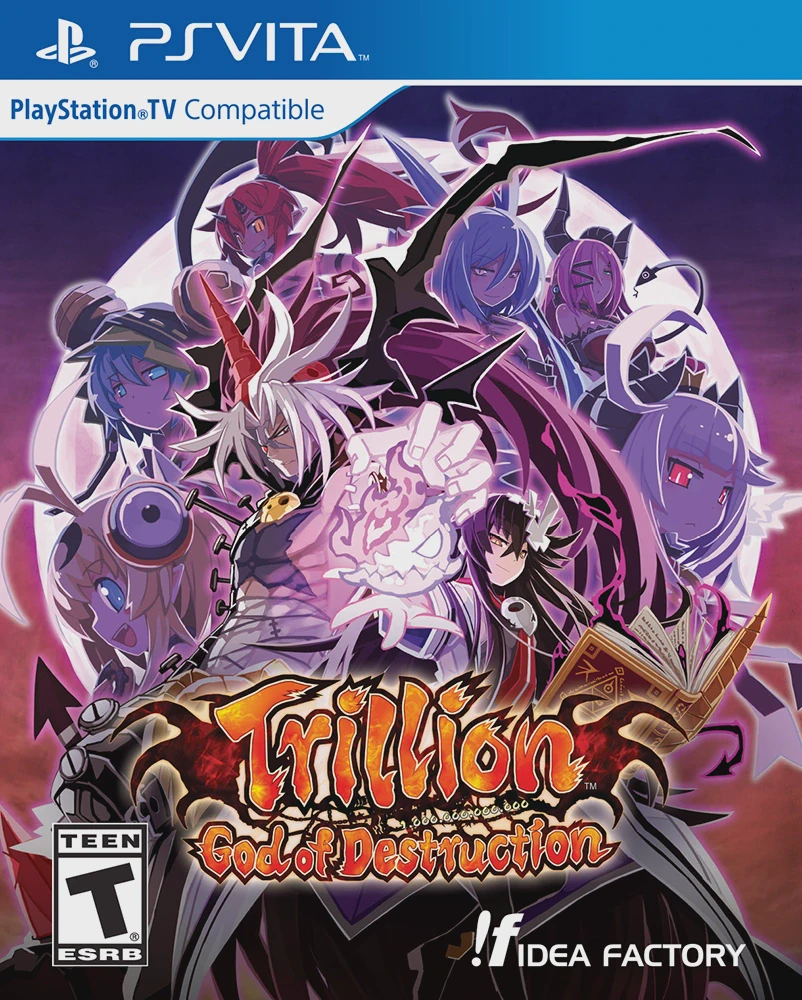
Face an insurmountable adversary boasting 1,000,000,000,0...
Fall into the underground world of monsters and myth with...
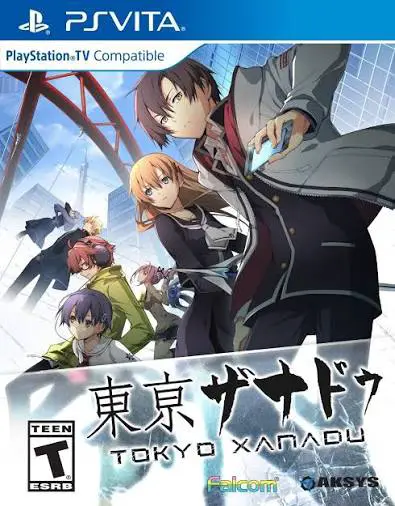
Uncover the hidden supernatural realm concealed beneath t...
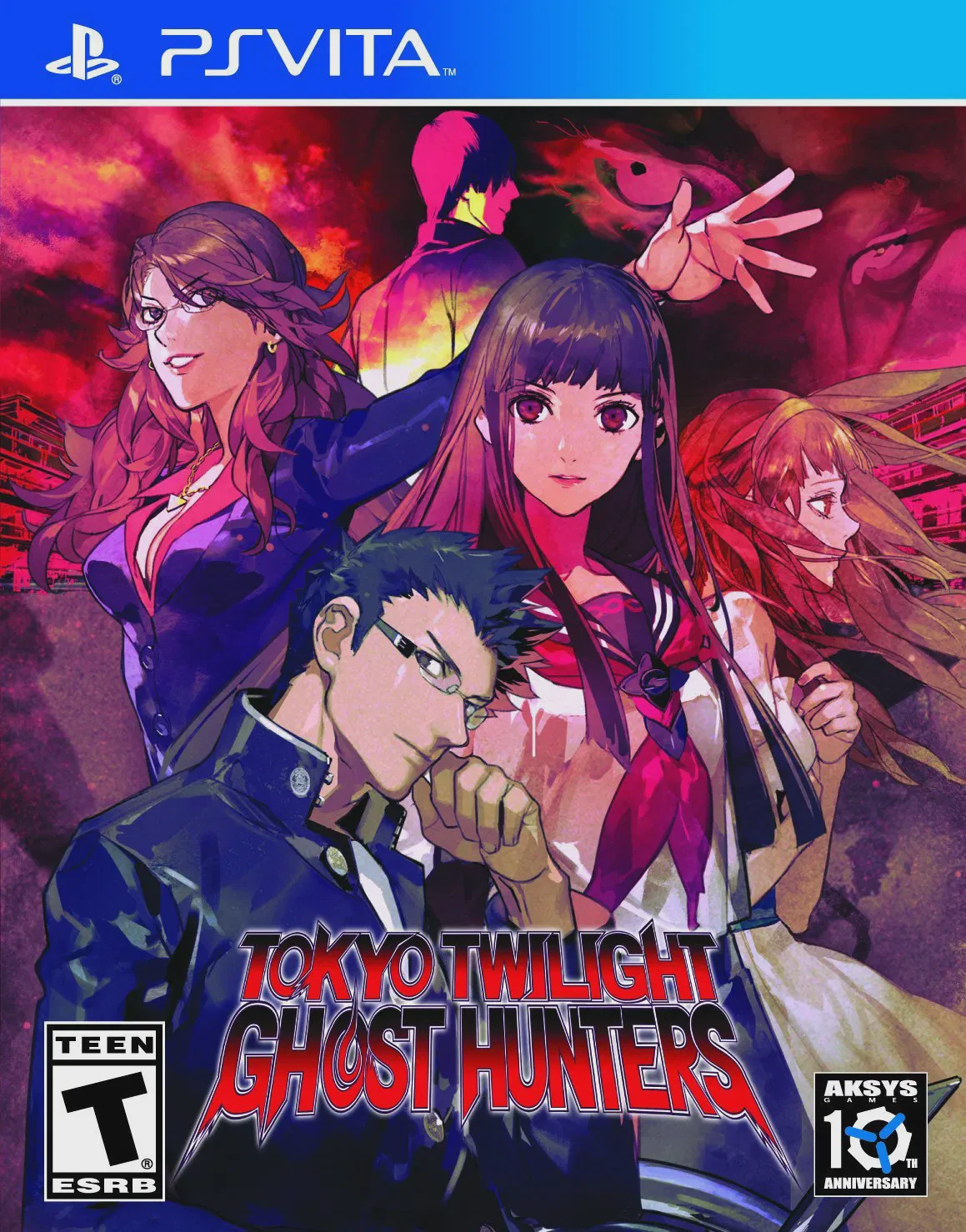
Step into the mysterious, supernatural underworld of the ...