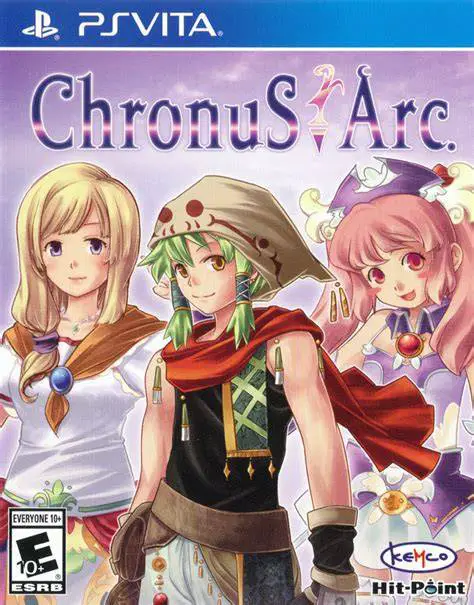
Chronus Arc
Chronus Arc is a classic retro-style turn-based role-play...

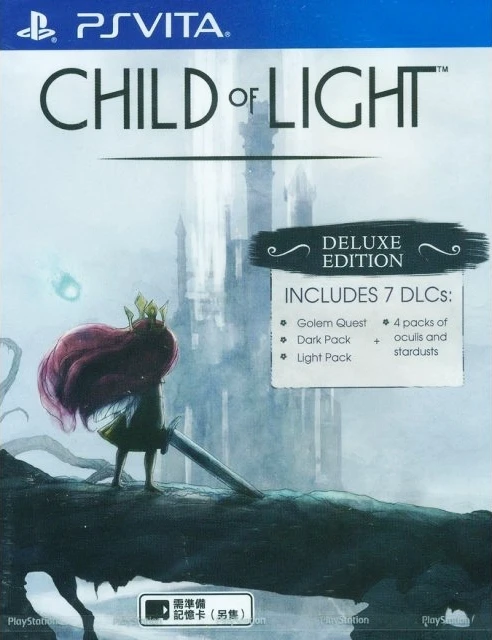
Child of Light delivers a poetic RPG experience on the PlayStation Vita, blending side-scrolling platform exploration with an active-time battle system. Set in the painterly world of Lemuria, the narrative is crafted entirely in rhyming verse, elevating its fairytale atmosphere through watercolor visuals and a soulful piano soundtrack.
Exploration centers on fluid side-scrolling traversal. Early in her quest, Aurora gains the ability to fly freely across floating islands, dark forests, and ancient ruins, eliminating traditional platforming obstacles in favor of spatial puzzle solving and secret hunting. Players control Igniculus, a glowing firefly companion, who can be guided independently via the analog stick or the PS Vita touch screen to illuminate dark areas, open treasure chests, and trigger environmental mechanisms.
Combat features a dynamic Active-Time Battle (ATB) system governed by a timeline bar at the bottom of the screen. Commands depend on casting speed and positioning, allowing players to interrupt enemy attacks by striking at precise moments. Igniculus plays a key tactical role during battles by shining light on enemies to slow their turn progression or healing Aurora and her allies. Featuring a deep Crafting System utilizing magical Oculi gems to imbue weapons and armor with elemental properties, Child of Light provides a rich, strategic adventure tailored for portable play.
Specification | Details |
Title | Child of Light |
Platform | PlayStation Vita (PS Vita) |
Developer | Ubisoft Montreal |
Publisher | Ubisoft |
Genre | Turn-Based RPG, Platformer, Adventure |
Release Date | July 1, 2014 (North America) |
File Format | VPK / MAI / NoNpDrm |
Languages | English Text, English Audio |
Painterly UbiArt Engine: Experience stunning, handcrafted watercolor art styles brought to life on the PS Vita OLED/LCD display.
Rhyming Narrative: Immerse yourself in a charming fairytale story told entirely through poetic verse and melodic music.
Dynamic Timeline Combat: Master an ATB battle system that emphasizes timing, counterattacks, and turn-cancellation strategies.
Touch-Screen Companion Control: Utilize the PS Vita touch screen or second analog stick to maneuver Igniculus for light puzzles and battle control.
Oculi Gem Crafting: Combine and upgrade raw gemstones to grant elemental damage, status resistance, and combat buffs to your party.
Child of Light uses an Active-Time Battle (ATB) system similar to classic Grandia games, where character turn order moves along a timeline, allowing for strategic interruptions and delay tactics.
The PS Vita version supports front touch-screen controls to easily direct Igniculus the firefly to collect light dust, slow enemies during combat, and solve environmental puzzles.
Oculi are elemental gems found in chests or dropped by enemies. Crafting allows you to fuse them into higher-grade gems that boost elemental attacks, defense stats, speed, and critical hit chances when equipped.
The game can be installed on hacked PS Vita consoles running custom firmware (CFW) using standard formats such as NoNpDrm, VPK, or MAI dumps via VitaShell.
Click the links below to go to the cloud drive download page
⚠️ Download Tips:
Chronus Arc is a classic retro-style turn-based role-play...

Citizens of Earth is a quirky turn-based role-playing gam...
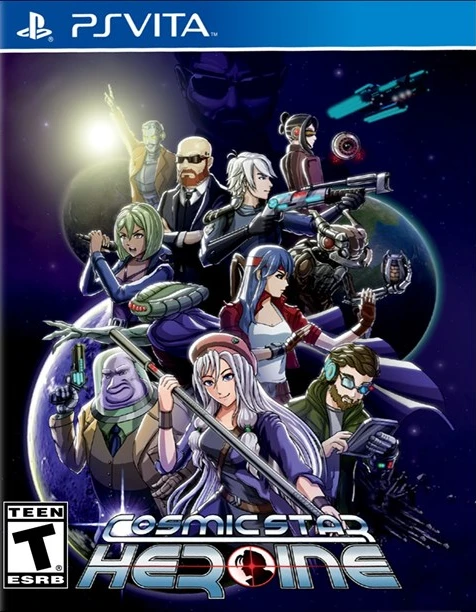
An acclaimed sci-fi retro RPG developed by Zeboyd Games, ...
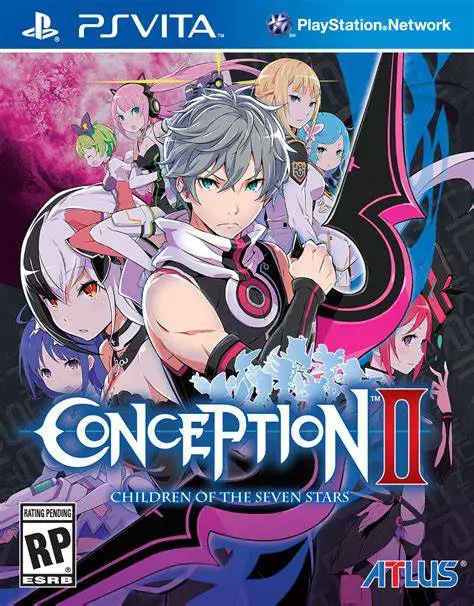
Conception II: Children of the Seven Stars is a unique tu...
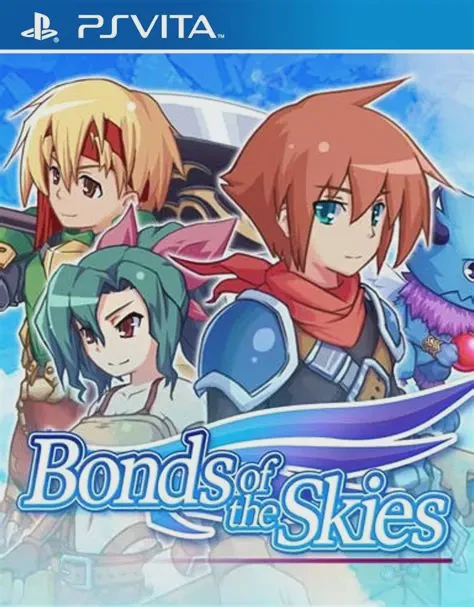
Bonds of the Skies is a traditional turn-based fantasy ro...