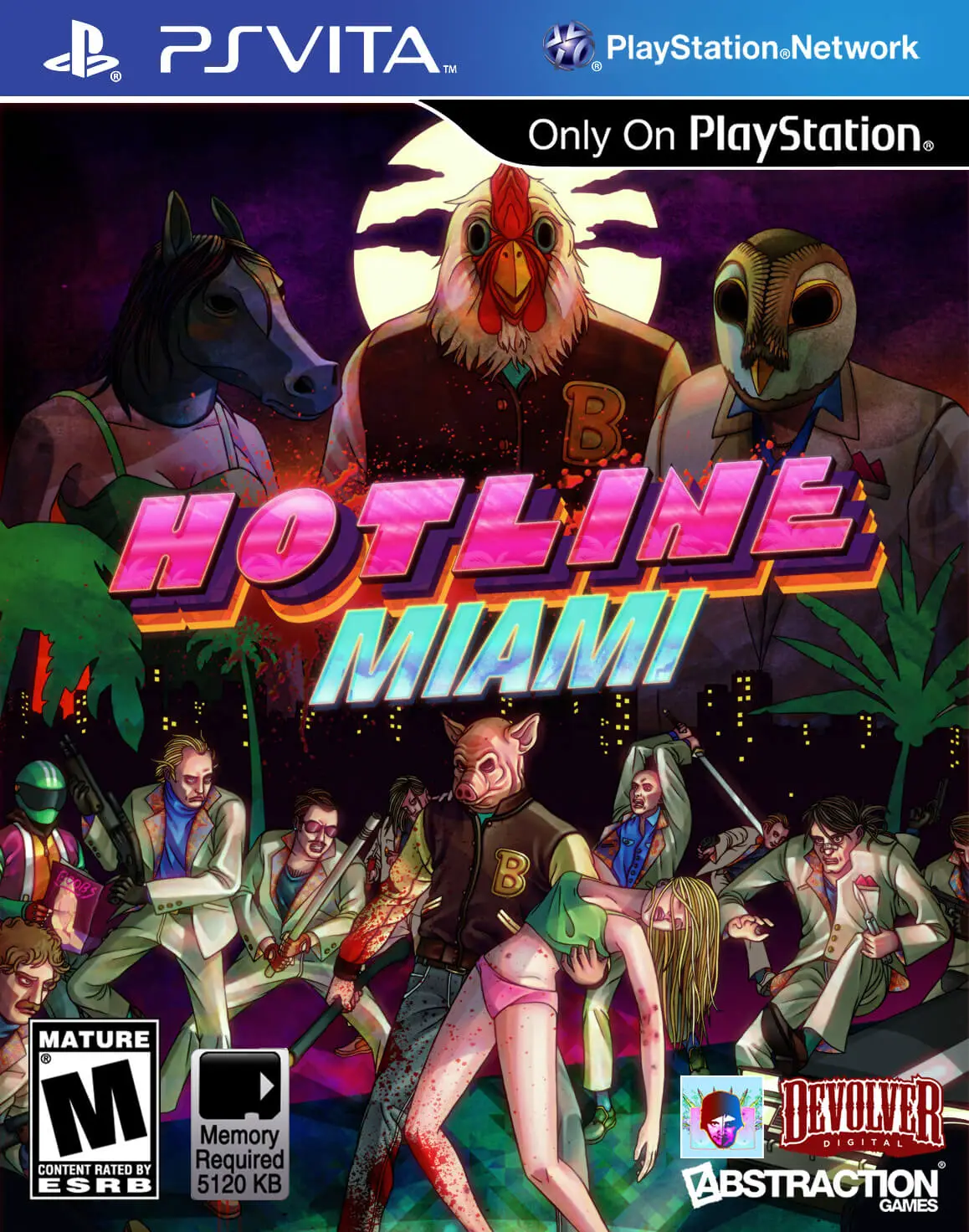
Hotline Miami
Plunge into a neon-drenched, hyper-violent fever dream of...

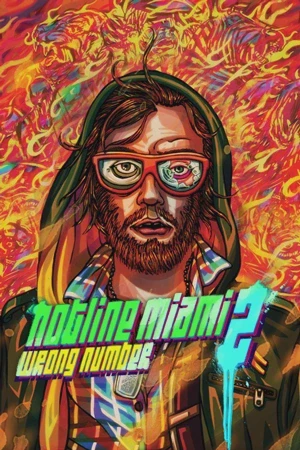
Hotline Miami 2: Wrong Number retains the lethal, high-octane top-down shooting mechanics of its predecessor while drastically altering the level design and scope. Unlike the first game, where players followed a single protagonist, Wrong Number shifts perspectives between a rotating cast of characters, each with unique mechanics. For instance, some characters cannot pick up weapons and must rely on melee brawls or dual-wielding pistols, while others can roll to dodge incoming fire or command a pack of attack dogs.
The environments are significantly more expansive and open, featuring wider corridors and glass windows that allow enemies to shoot from afar. This design shift turns every level into an intense tactical puzzle requiring precise planning, memorization, and instantaneous reflexes. The PS Vita version brings this brutal arcade-action experience seamlessly to portable hardware, complete with responsive touch targeting and fluid performance.
Feature | Detail |
Developer | Dennaton Games |
Publisher | Devolver Digital |
Platform | PlayStation Vita (Cross-Buy supported with PS4 / PS3) |
Release Date | March 10, 2015 (North America) |
Genre | Top-Down Shooter, Action, Indie |
Mode | Single-player |
Media | PlayStation Network (Digital Download Only / Limited physical editions) |
Multiple Playable Perspectives: Experience a sprawling, non-linear narrative told through the eyes of various factions, including copycat fans, police officers, and soldiers.
Expanded Character Mechanics: Master distinct playstyles tailored to different characters, such as dual-wielding firearms, rolling to evade bullets, or utilizing melee-focused combat.
Wider, More Open Levels: Tackle expansive environments with long-range lines of sight and glass partitions that demand a more calculated, strategic approach to clearing rooms.
Sensational Synthwave Soundtrack: Immerse yourself in a massive, critically acclaimed electronic music score featuring top-tier artists that perfectly captures the game's bleak and frenetic tone.
Hard Mode & Level Editor Support: Test your mastery with an unlockable Hard Mode that remixes layouts and enemy placements, alongside custom-tailored campaign experiences.
A: Yes, generally speaking. Because the levels are larger and feature wider, open spaces with off-screen snipers and glass windows, the game requires even greater precision, memorization, and trial-and-error than the original.
A: Yes, Hotline Miami 2: Wrong Number supported PlayStation Cross-Buy, meaning purchasing the digital version on the PlayStation Network granted access to the game on compatible PlayStation systems.
A: Instead of selecting individual masks for a single character, Wrong Number features the "Fans"—a group of copycat vigilantes where each member wears a specific animal mask that dictates their unique combat abilities and weapon loadouts.
A: While the game was originally distributed primarily as a digital download on the PlayStation Store, boutique physical publishers like Limited Run Games later released limited physical cartridges for collectors.
Click the links below to go to the cloud drive download page
⚠️ Download Tips:
Plunge into a neon-drenched, hyper-violent fever dream of...
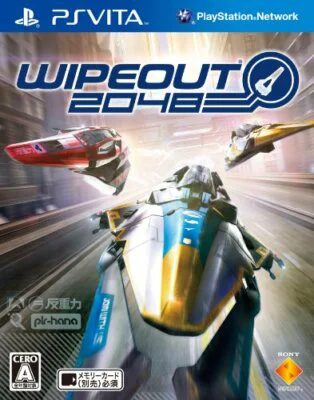
Rip through breathtaking futuristic circuits at supersoni...

Blast off into a stunning, high-velocity cosmic arcade sh...
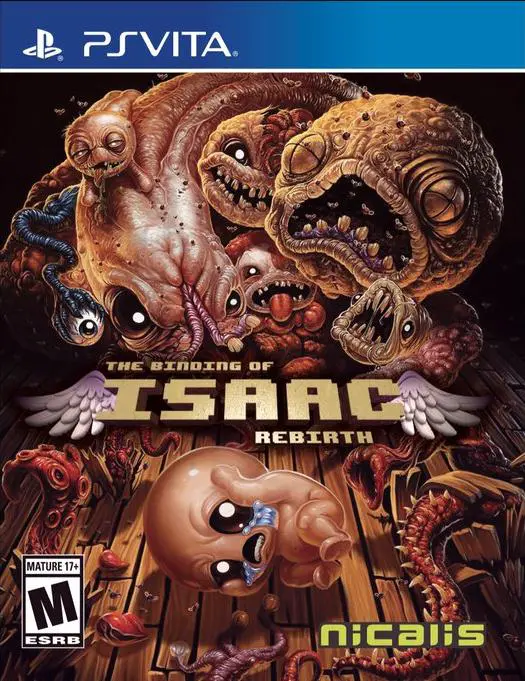
Embark on a grotesque, endlessly replayable descent into ...

Earth Defense Force 2: Invaders from Planet Space is an e...