Super Stardust Delta
Blast off into a stunning, high-velocity cosmic arcade sh...

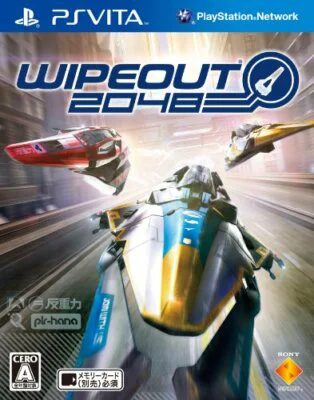
WipEout 2048 transports players to a near-future metropolis where anti-gravity racing is born. Spanning three distinct racing eras—from 2048 to 2050—the campaign guides you through increasingly futuristic leagues, featuring wider, more vertical tracks filled with massive jumps, tight hairpin turns, and split-second shortcut routes.
The gameplay combines razor-sharp driving precision with chaotic combat racing. As you zip across the track, you pick up weapon and defense pads that grant you rockets, missiles, mines, and shields, or absorb items to instantly restore your ship's health. Taking full advantage of the PS Vita hardware, the game features innovative control options, allowing you to steer using the dual analog sticks, tilt the console using the internal gyroscope, or use the front and rear touch screens to activate power-ups and navigate menus.
Feature | Detail |
Developer | Studio Liverpool / XDEV |
Publisher | Sony Computer Entertainment |
Platform | PlayStation Vita |
Release Date | February 14, 2012 (North America) |
Genre | Futuristic Racing, Combat Racing, Arcade |
Mode | Single-player, Online Multiplayer (up to 8 players) |
Media | PlayStation Vita Game Card, Digital Download |
Prequel Campaign Structure: Experience the chronological birth of the anti-gravity racing league, progressing through historical eras that introduce faster ship classes and more extreme track designs.
Cross-Play and Multiplayer: Race against friends across the globe with robust online multiplayer modes, including support for cross-play capabilities with WipEout HD players on the PlayStation 3.
Innovative PS Vita Controls: Master high-speed maneuvers using traditional dual-analog controls, intuitive motion-sensor tilting, or microphone-activated weapon absorption.
Sensational Visuals and Soundtrack: Immerse yourself in razor-sharp native resolution graphics running at a smooth framerate, paired with an electrifying, pulse-pounding electronic music soundtrack.
Diverse Event Types: Challenge yourself across multiple event categories, including traditional Speed races, Combat-focused tournaments, Time Trials, and the frantic Zone mode where your ship accelerates automatically.
A: Official online servers for WipEout 2048 (along with many other PS Vita titles) were shut down by Sony, meaning online matchmaking is no longer natively available. However, the comprehensive single-player campaign and local ad-hoc multiplayer features remain fully playable.
A: The game starts with slower ship classes (C-class) that allow newcomers to learn handling mechanics, but difficulty scales sharply as you advance into B, A, and Flash classes, offering a stiff challenge for veterans.
A: Yes, via expansion content, players could access and race on remastered tracks from WipEout HD and Fury, making the combined package an enormous repository of classic anti-gravity racing content.
A: Yes, the game includes a dedicated motion-steering option that utilizes the PS Vita's internal gyroscope, letting you steer your anti-gravity ship by physically tilting the handheld device.
Click the links below to go to the cloud drive download page
⚠️ Download Tips:
Blast off into a stunning, high-velocity cosmic arcade sh...
Experience console-quality first-person shooter action bu...
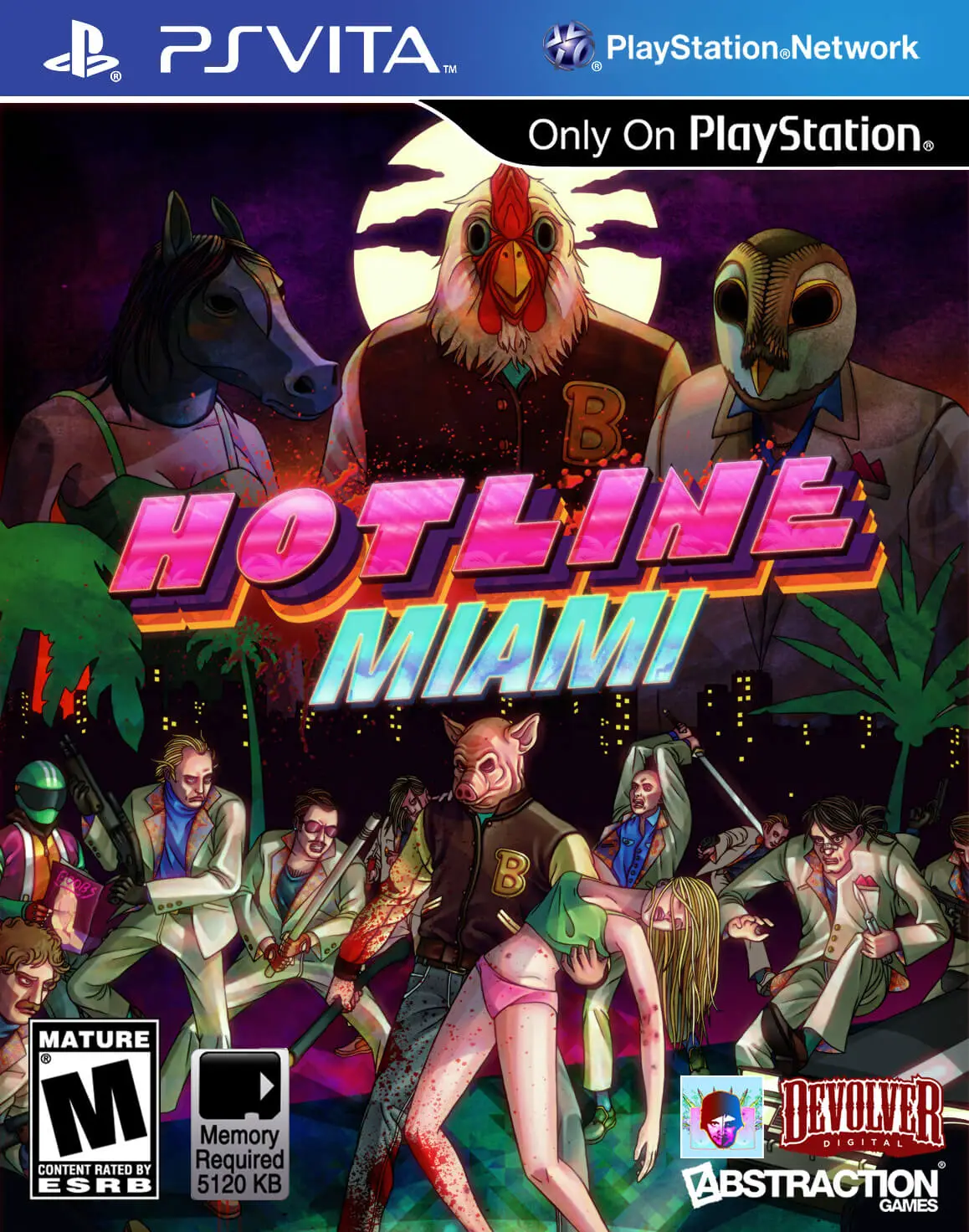
Plunge into a neon-drenched, hyper-violent fever dream of...

Step back into the neon-soaked, blood-drenched underworld...
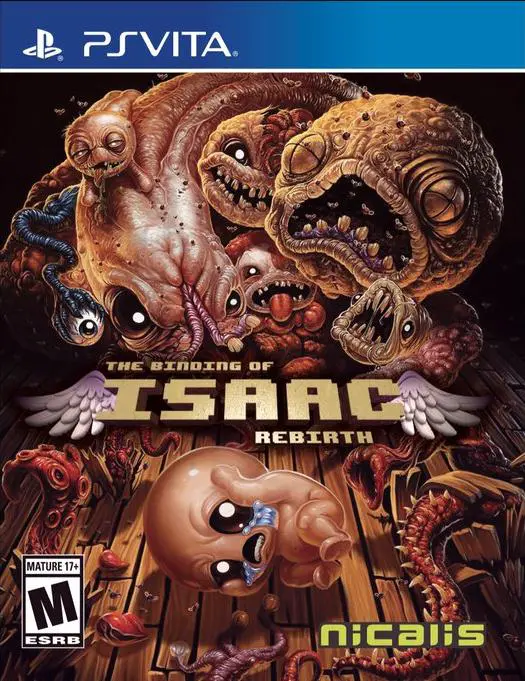
Embark on a grotesque, endlessly replayable descent into ...