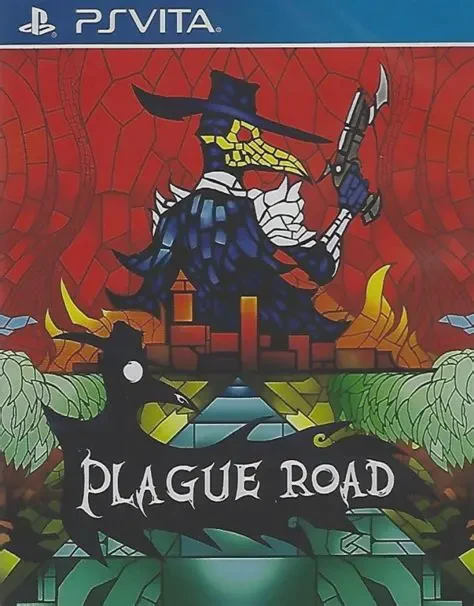
Plague Road
Plague Road is a tactical roguelike role-playing game dev...

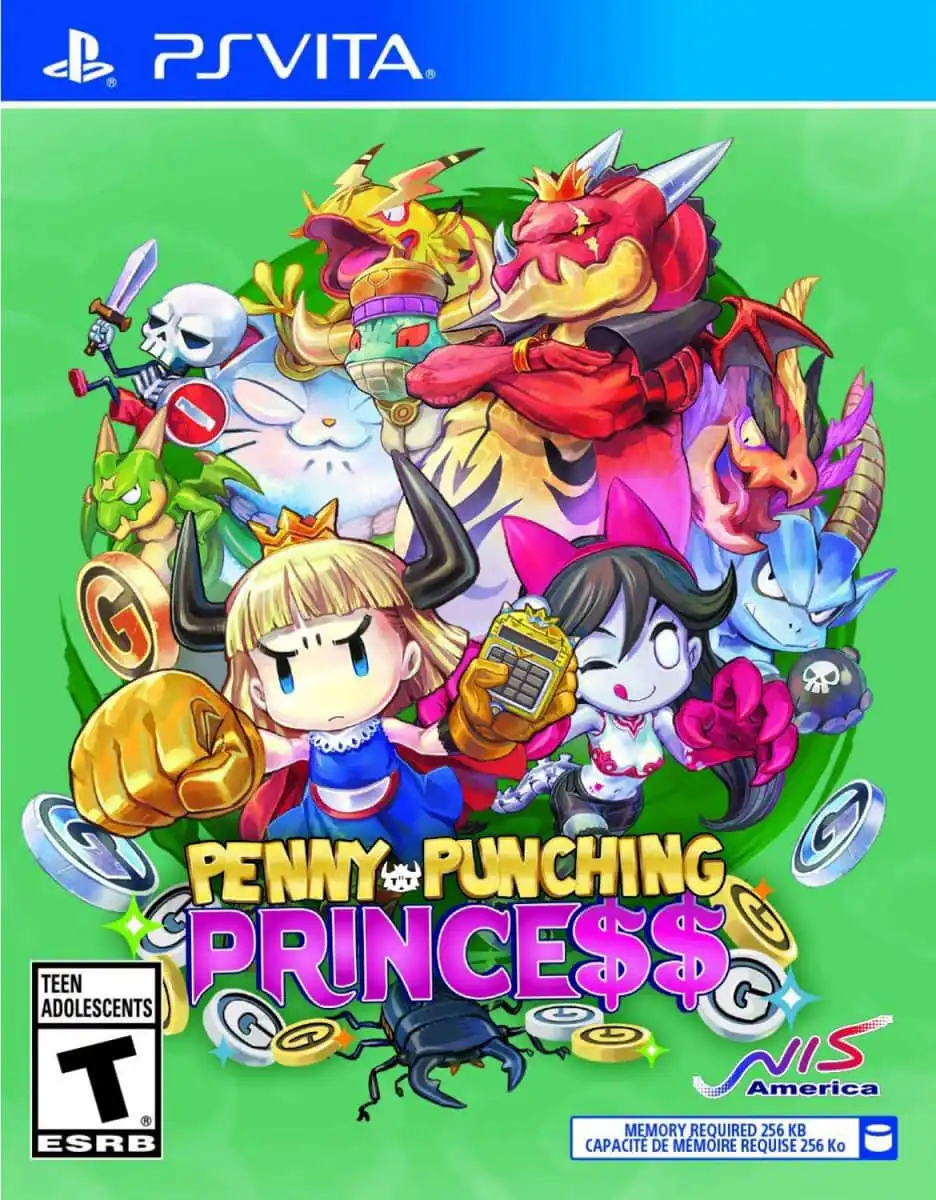
The story follows a dispossessed princess whose royal family and kingdom were utterly ruined and usurped by a ruthless corporate entity known as the Dragoloan family. Left with nothing, she arms herself with a trusty calculator and a relentless desire for revenge against her corporate oppressors.
Rather than standard hack-and-slash mechanics, Penny-Punching Princess revolves around a unique economic combat loop. You enter stages starting from zero funds, rack up currency by beating down enemies and exploiting combo multipliers, and use the PS Vita's touchscreen calculator interface to spend that money in real time. You can bribe opposing monsters to fight on your side, trigger dangerous stage traps to damage crowds, or unleash devastating "Coin Miracles"—such as raining meteors or even paying off the game engine to reverse a Game Over screen. Between missions, you manage a growing base camp, forge specialized armor with unique hidden skills, and recruit defeated foes as compliant citizens.
Developer: Nippon Ichi Software (NIS)
Publisher: NIS America
Platform: PlayStation Vita (Digital via PSN & Physical Cartridge)
Release Date: November 2016 (Japan) / March/April 2018 (North America & Europe)
Genre: Action RPG, Beat 'em Up, Brawler
Player Modes: Single-player
Region Compatibility: Region-Free
Capitalist Combat Loop: Master a game where money solves everything—collect currency on the fly to bribe enemies into becoming loyal flunkies or manipulate map hazards.
Touchscreen Calculator Mechanics: Utilize the PS Vita's touch interface to quickly input calculations, trigger special commands, and activate field-clearing Coin Miracles.
Playable Characters with Distinct Styles: Switch between the Princess (relying on close-combat fists and the calculator) and Isabella (utilizing longer-range organic attacks and health-draining bites).
Extensive Equipment & Crafting: Turn your collected loot and recruited citizens into over 70 types of craftable armor, each granting powerful passive boosts and unique hidden skills.
Portable Action & Humor: Enjoy an eccentric, tongue-in-cheek story campaign tailored for pick-up-and-play sessions on handheld hardware.
A: As you collect money dropped by enemies, you can pull up your calculator interface during active combat. By spending specific amounts of cash, you can convert hostile monsters or dangerous traps into temporary allies that fight on your behalf.
A: Yes. While it launched digitally on the PlayStation Store, NIS America also offered limited physical cartridge printings in North America and Europe, making it a treasured piece for physical collectors.
A: It can present a stiff challenge if you try to brute-force stages like a traditional brawler. Success usually depends on playing economically smart—managing your money pools efficiently, bribing key targets, and deploying traps to thin out overwhelming crowds.
A: Absolutely not. All currency used in the game is strictly in-game loot collected during stages; there are no real-world microtransactions whatsoever.
Click the links below to go to the cloud drive download page
⚠️ Download Tips:
Plague Road is a tactical roguelike role-playing game dev...
Ragnarok Odyssey is an action role-playing game developed...
Rainbow Moon is a vibrant, tactical role-playing game dev...
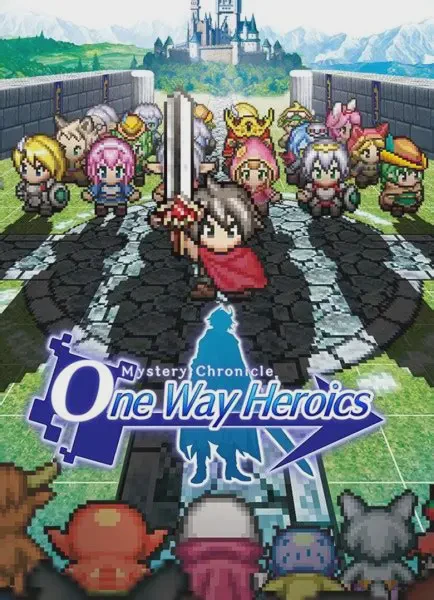
Mystery Chronicle: One Way Heroics is a rogue-like, side-...

Dive into the colourful, fourth-wall-breaking world of Ga...