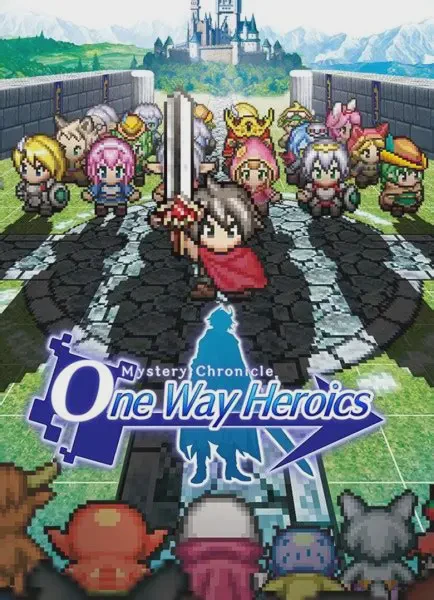
Mystery Chronicle: One Wa...
Mystery Chronicle: One Way Heroics is a rogue-like, side-...

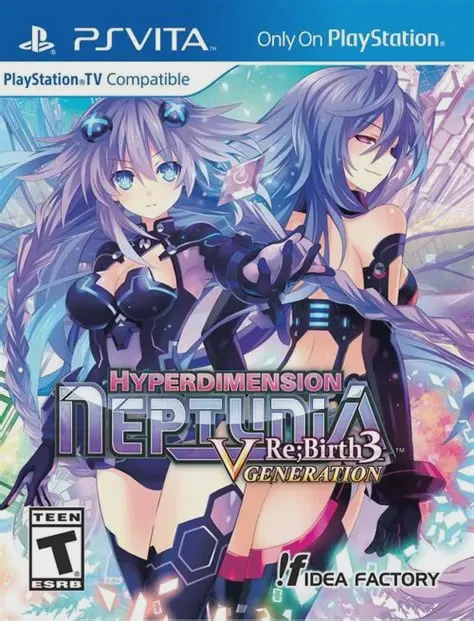
Neptunia Re;Birth3: V Generation transports players back to a retro-inspired Gamindustri where console wars and industry tropes take center stage. After being accidentally banished to an alternate dimension resembling the 1980s video game landscape, Neptune teams up with alternate versions of her console goddess friends—as well as historical personifications of game companies—to thwart the evil Seven Sages. The narrative is heavily driven by meta-humor, lighthearted parody, and affectionate nods to gaming history, making every cutscene an entertaining ride for fans of Japanese pop culture.
The gameplay combines traditional turn-based dungeon crawling with deep tactical customization. Players control a party of anime goddesses who can transform into powerful HDD (Hard Drive Divinity) states mid-battle to unleash devastating combo skills. The Re;Birth3 version introduces overhauled battle systems, fresh story scenarios, expanded dungeons, and the "Remake System" which lets you alter game rules, item drops, and dungeon difficulty using gathered plans. The PlayStation Vita version presents crisp, vibrant character models and detailed art assets that look stunning on the handheld screen.
Feature | Details |
Developer | Idea Factory / Compile Heart |
Publisher | Idea Factory International |
Genre | JRPG, Turn-Based, Anime, Comedy |
Platform | PlayStation Vita (Also available on PC, PlayStation TV) |
Release Date | June 2015 |
Language | English (Text) / Japanese (Audio) |
Players | 1 Player (Single-player) |
Controls | DualAnalog / D-Pad and Face Buttons |
Hilarious Meta-Narrative: Enjoy a witty, self-aware story packed with gaming industry satire, anime references, and fourth-wall-breaking comedy.
Overhauled Turn-Based Combat: Execute dynamic positional combos, unleash special skills, and transform into powerful HDD forms during tactical battles.
Remake System Customization: Use collected plans to alter dungeon parameters, unlock new items, change enemy difficulty, and tailor the game to your liking.
Stunning Handheld Presentation: Experience vibrant, high-definition character illustrations and smooth 3D dungeon exploration optimized for the PlayStation Vita.
Expanded Content: Explore new story chapters, additional dungeons, and fresh gameplay features not found in the original PS3 release.
While playing Re;Birth1 and Re;Birth2 provides background on the characters and world lore, Re;Birth3 takes place in an alternate dimension with its own self-contained time-travel storyline, making it an easy entry point.
Combat is turn-based with free-roaming movement within a designated area range. Players can customize multi-hit combos, chain character attacks together, and trigger powerful EXE Drive special moves.
The Remake System is a mechanic where players spend "Shares" and gathered materials to activate "Plans" that alter dungeons, create equipment, adjust enemy strength, and unlock new gameplay options.
The PS Vita utilizes physical buttons for responsive menu navigation and combat inputs, paired with touchscreen support for quick interface shortcuts and browsing dialog archives.
Click the links below to go to the cloud drive download page
⚠️ Download Tips:
Mystery Chronicle: One Way Heroics is a rogue-like, side-...
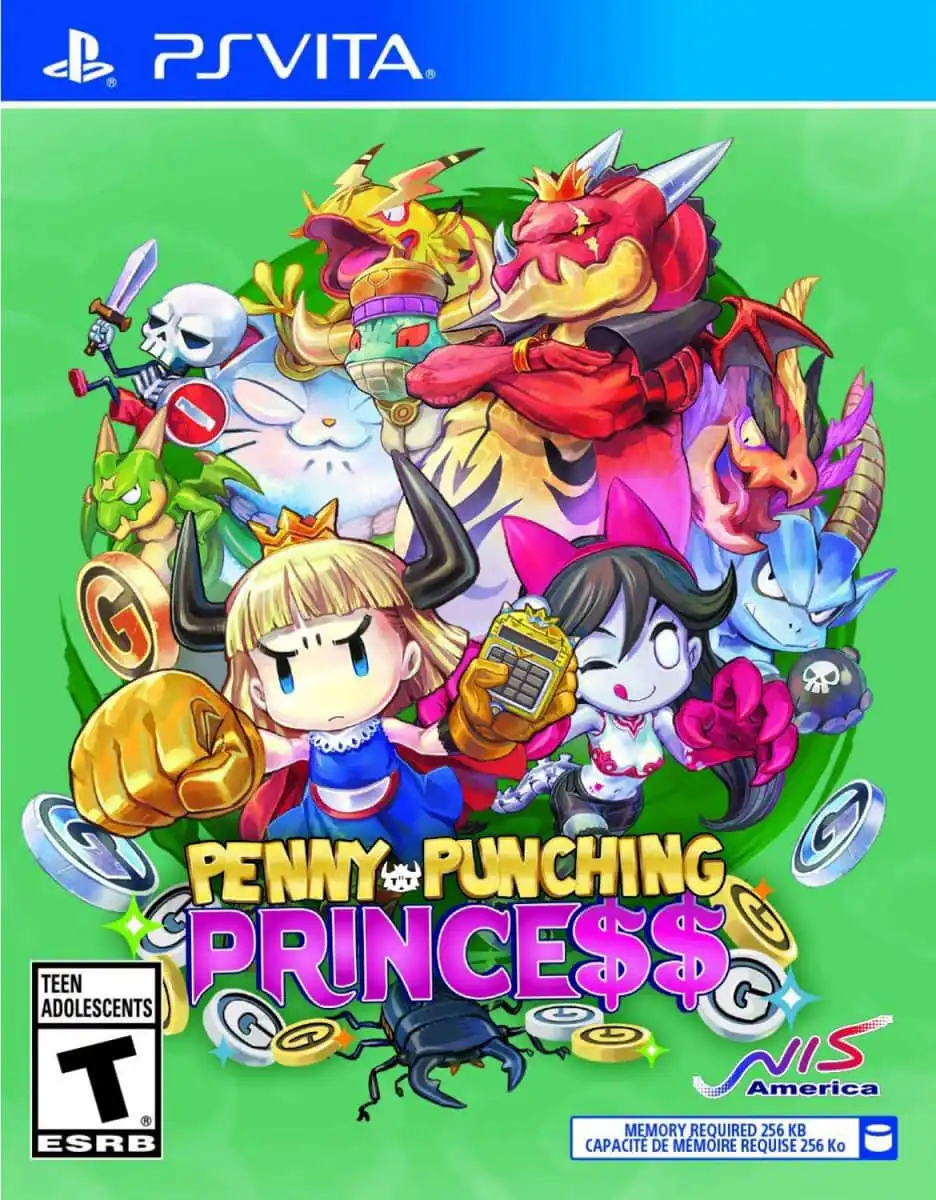
Penny-Punching Princess is a fast-paced, satirical top-do...
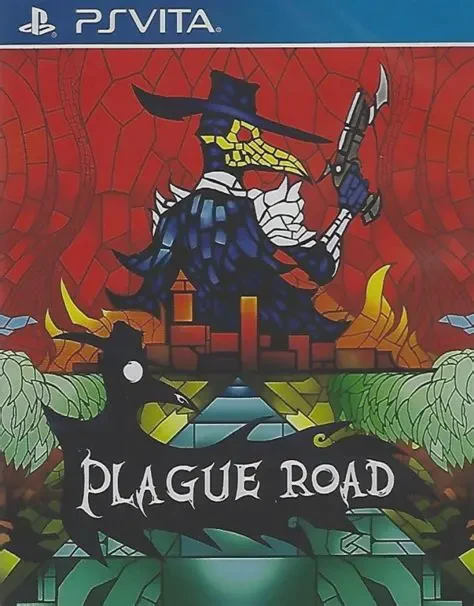
Plague Road is a tactical roguelike role-playing game dev...
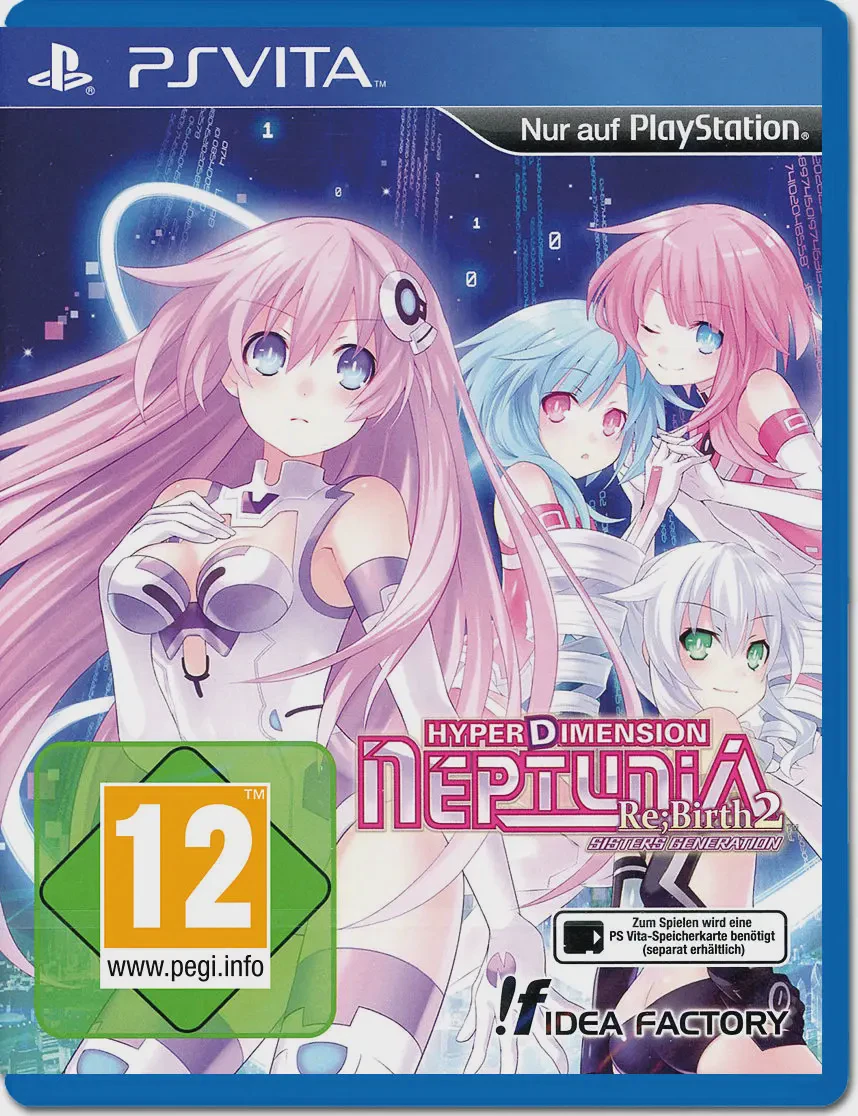
Step back into the console-war-torn universe of Gamindust...
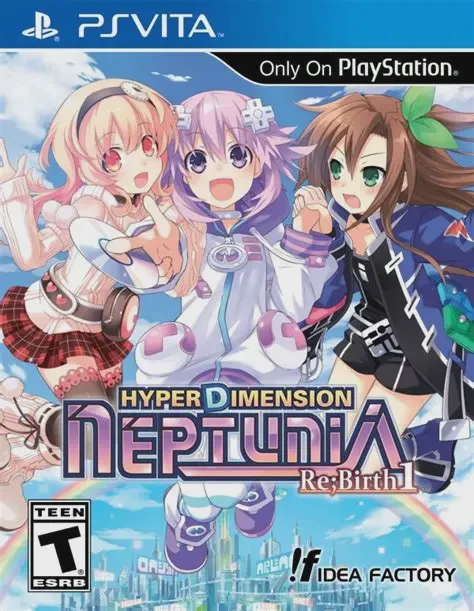
Step into the hilarious, console-war-infused world of Gam...