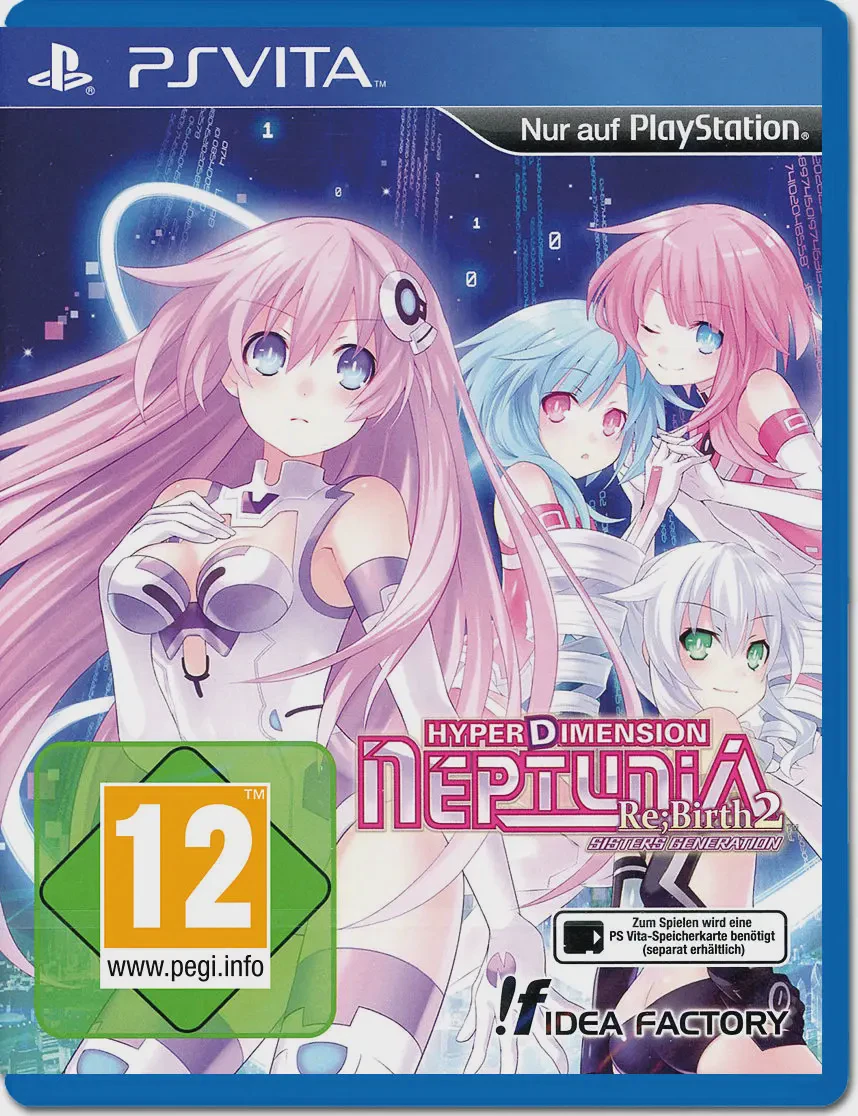
Hyperdimension Neptunia R...
Step back into the console-war-torn universe of Gamindust...

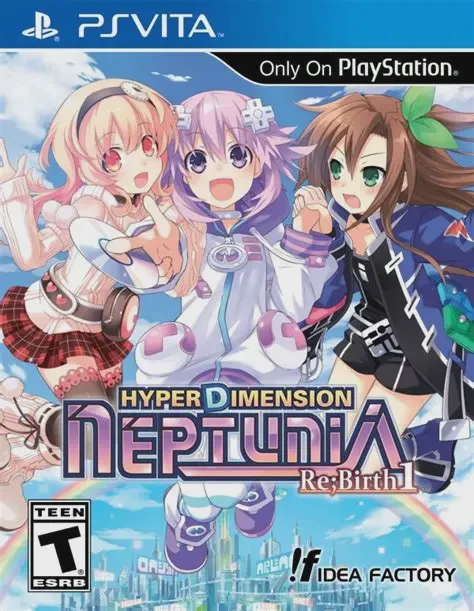
Hyperdimension Neptunia Re;Birth1 parodies the real-world video game hardware industry by personifying major gaming consoles as anthropomorphic anime goddesses known as CPUs. The story kicks off when Neptune is cast down from the heavens during a brutal turf war among the four ruling deities of Gamindustri. Awakening with total amnesia, she teams up with Compa, IF, and a cast of software-inspired companions to traverse different floating continents, recover her lost powers, and stop an evil corporate entity from plunging the world into chaos.
The gameplay combines traditional dungeon crawling with deep tactical customization and turn-based combat. Players control a party of goddesses who can transform into powerful HDD (Hard Drive Divinity) states mid-battle to unleash devastating combo skills. The Re;Birth1 remake introduces an entirely overhauled battle engine borrowed from later entries, updated character models, and the signature "Remake System," which lets you use collected plans to alter dungeon parameters, adjust enemy difficulty, and unlock new items. The PlayStation Vita version presents crisp, vibrant character illustrations and smooth performance optimized for handheld play.
Feature | Details |
Developer | Idea Factory / Compile Heart |
Publisher | Idea Factory International |
Genre | JRPG, Turn-Based, Anime, Comedy |
Platform | PlayStation Vita (Also available on PC, PlayStation TV) |
Release Date | August 2014 |
Language | English (Text) / Japanese (Audio) |
Players | 1 Player (Single-player) |
Controls | DualAnalog / D-Pad and Face Buttons |
Hilarious Meta-Narrative: Enjoy a witty, self-aware script packed with gaming industry satire, console war parodies, and pop culture references.
Overhauled Turn-Based Combat: Execute dynamic positional combos, chain character attacks, and transform into powerful HDD forms during tactical battles.
Remake System Customization: Use collected plans to alter dungeon rules, unlock gear, adjust enemy difficulty, and tailor the game world to your preference.
Stunning Handheld Presentation: Experience vibrant, high-definition character artwork and smooth 3D dungeon exploration tailored specifically for the PlayStation Vita.
Completely Remade Experience: Benefit from refined gameplay mechanics, updated UI, and expanded scenarios that vastly improve upon the original PS3 release.
Yes, Re;Birth1 is an alternate-universe retelling of the very first game, making it the ideal entry point to understand the characters, lore, and mechanics of the franchise.
Combat is turn-based with free movement within a designated area radius on the battlefield. Players can customize multi-hit combos, chain character moves, and trigger powerful EXE Drive special attacks.
The Remake System is a core mechanic where players spend gathered materials and "Shares" to activate "Plans" that alter dungeons, create new equipment, and change enemy difficulty parameters.
The PS Vita utilizes physical buttons for responsive menu navigation and combat inputs, paired with optional touchscreen shortcuts for quick interface browsing.
Click the links below to go to the cloud drive download page
⚠️ Download Tips:
Step back into the console-war-torn universe of Gamindust...
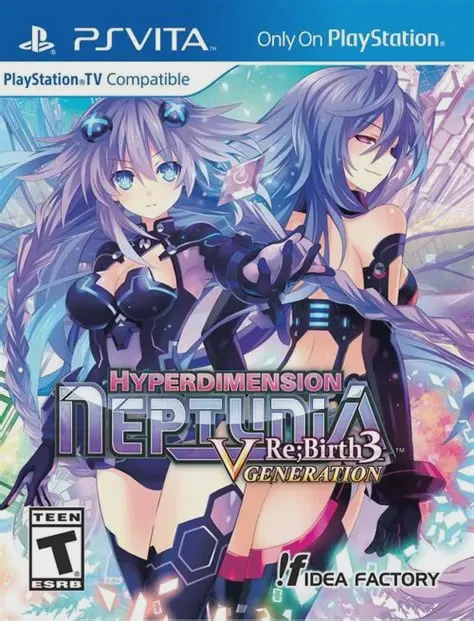
Dive into the colourful, fourth-wall-breaking world of Ga...
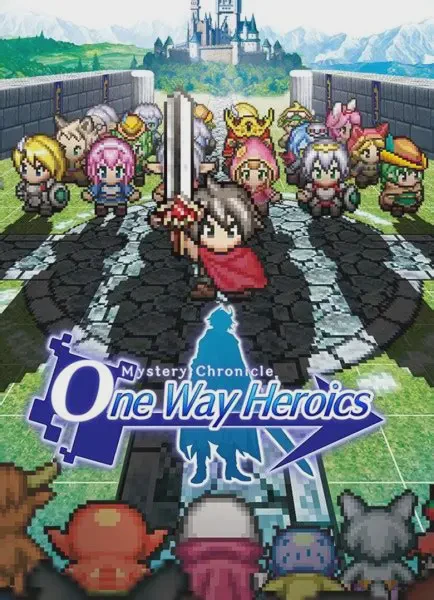
Mystery Chronicle: One Way Heroics is a rogue-like, side-...
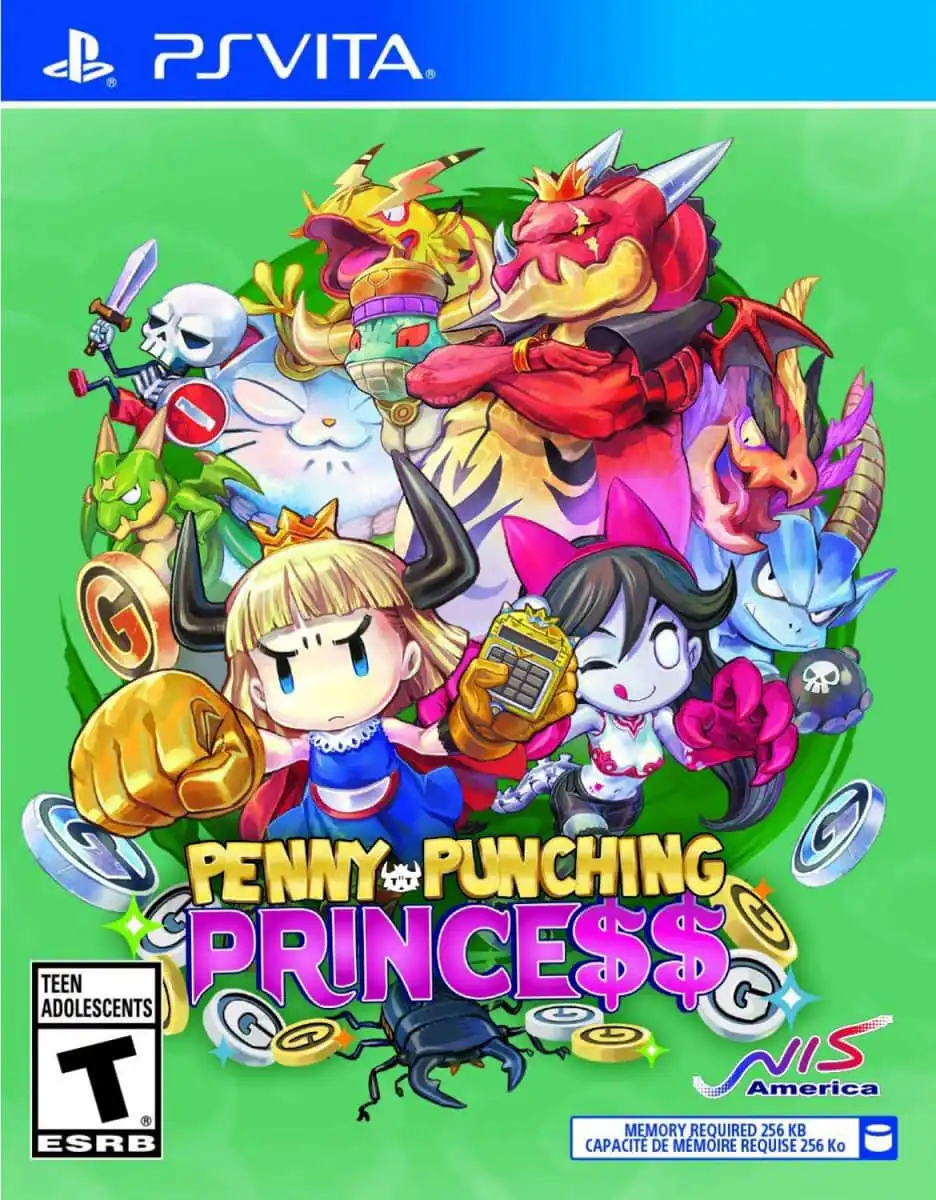
Penny-Punching Princess is a fast-paced, satirical top-do...
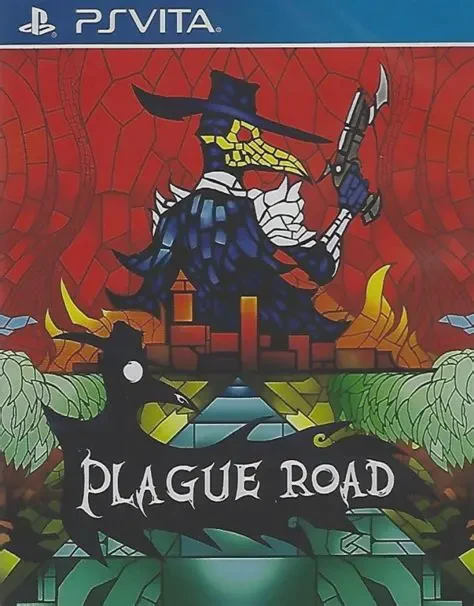
Plague Road is a tactical roguelike role-playing game dev...