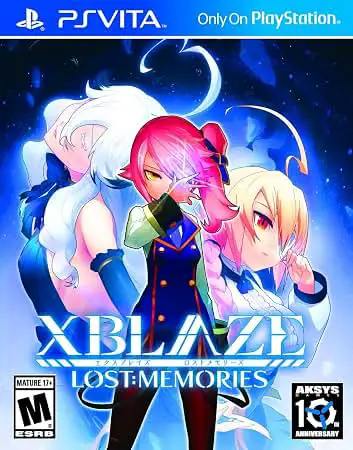
XBlaze Lost: Memories
XBlaze Lost: Memories is an engaging visual novel set wit...

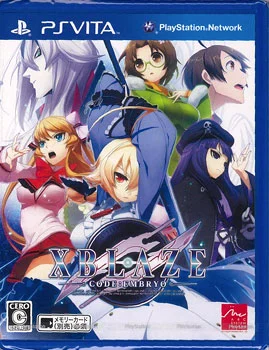
XBlaze Code: Embryo adopts a purely story-focused approach, functioning as a traditional visual novel enriched with modern presentation and a unique narrative-branching system. Instead of making standard dialogue choices on-screen, the player's path through the story is determined by reading or ignoring various real-time articles, blog posts, and news snippets that pop up on Touya's mobile device during gameplay. This mechanic, known as the "TOKYO/TOHO" system, cleverly reflects how information alters perception and dictates which storyline or character route you ultimately unlock.
The game boasts high production values, featuring gorgeous, vibrant character artwork, expressive sprite animations, and a rich soundtrack composed by prominent industry artists. Narrative pacing balances slice-of-life high school interactions with sudden, high-intensity supernatural conspiracies involving powerful beings known as "Unistics" and the secretive Mitsurugi Agency. Fans of deep lore, intricate sci-fi world-building, and character-driven mysteries will find plenty to uncover as they piece together the origins of the BlazBlue universe's most cryptic elements.
Platform: PlayStation Vita (PSV)
Release Date: June 24, 2014 (North America), September 18, 2015 (Europe), July 25, 2013 (Japan)
Genre: Visual Novel, Adventure
Developer: Arc System Works
Publisher: Aksys Games (NA/EU), Arc System Works (JP)
Player Count: Single-Player (1 Player)
Languages: Japanese voice acting with English subtitles
Media Type: PS Vita Game Card / Digital Download via PlayStation Store
BlazBlue Prequel Storyline: Discover the deep historical roots of the BlazBlue universe, exploring events and lore taking place 150 years before the mainline fighting games.
Unique TOHO Information System: Influence your narrative path and unlock different story routes not through traditional dialogue prompts, but by interacting with in-game news feeds and articles.
Memorable Cast of Characters: Interact with a diverse lineup of compelling personalities, including the kind-hearted protagonist Touya, the enigmatic anti-ability warrior Es, and the fiery apprentice Kuon.
Stunning Visuals on OLED/LCD: Enjoy crisp, high-definition character designs, detailed background artwork, and fluid animations tailor-made for the PS Vita screen.
Fully Voiced Dialogue: Experience emotional and dramatic scenes brought to life by professional Japanese voice acting talent.
No, unlike its parent franchise, XBlaze Code: Embryo is strictly a visual novel focused heavily on reading, exploring narrative paths, and uncovering lore without traditional fighting game mechanics.
Not at all. Because Code: Embryo is a prequel set 150 years prior to the main series, it serves as an independent entry point and requires no prior knowledge of the BlazBlue timeline.
Instead of picking dialogue choices directly, the game tracks how you interact with a virtual mobile device interface—specifically which news articles, emails, and internet blurbs you choose to open or ignore.
A single playthrough focused on completing one main route typically takes around 12 to 15 hours, with significantly more time required if you aim to explore all alternative branches and unlock the true ending.
Click the links below to go to the cloud drive download page
⚠️ Download Tips:
XBlaze Lost: Memories is an engaging visual novel set wit...
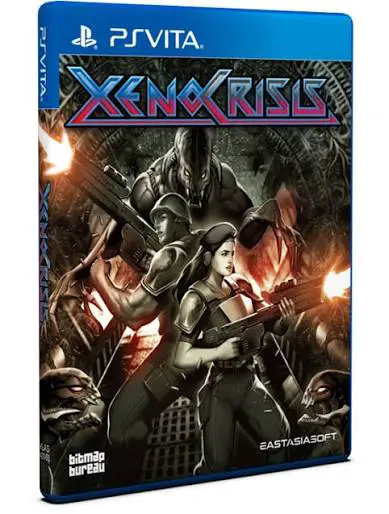
Dive into a relentless, high-octane sci-fi arena shooter ...
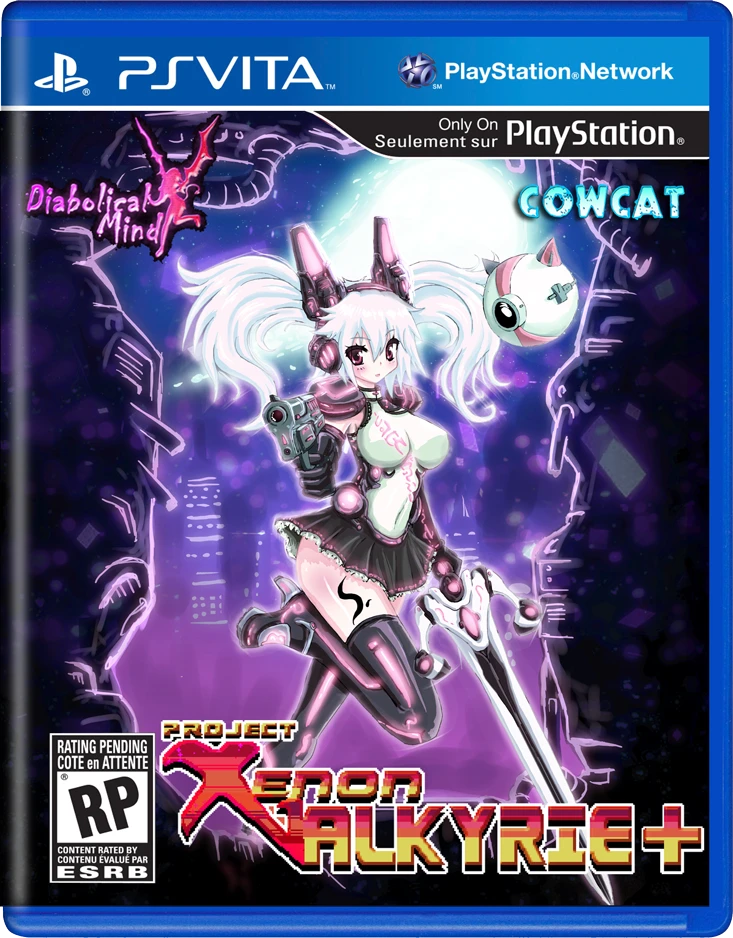
Dive into a brutal, neon-infused rogue-lite platformer wi...
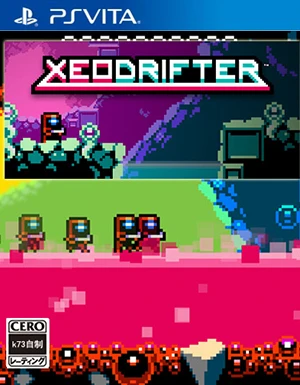
Embark on an interstellar journey of survival and discove...
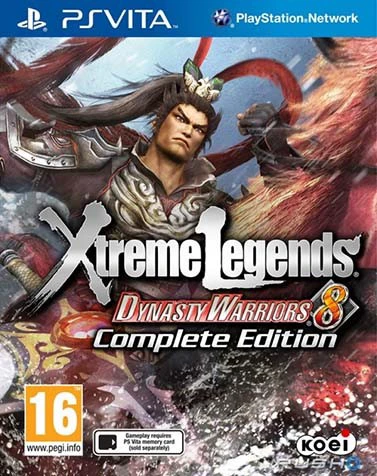
Dynasty Warriors 8: Xtreme Legends Complete Edition is an...