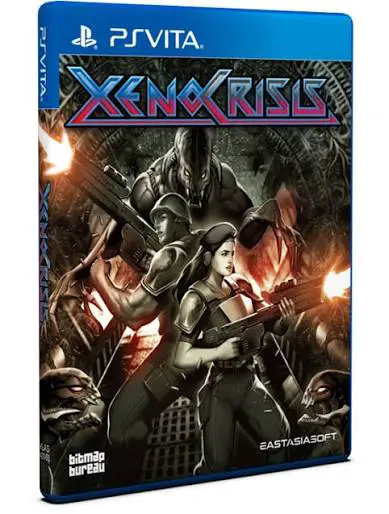
Xeno Crisis
Dive into a relentless, high-octane sci-fi arena shooter ...

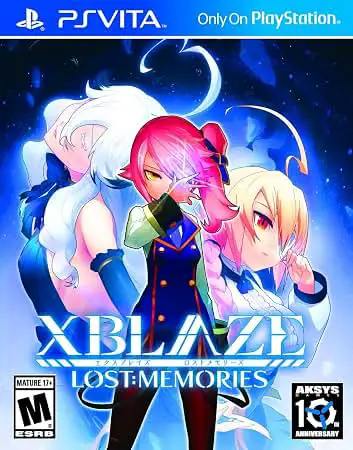
XBlaze Lost: Memories is structured primarily as a story-driven visual novel that places heavy emphasis on atmospheric storytelling, rich character development, and narrative immersion. The gameplay loop incorporates light exploration elements within the Phantom Field, where players guide the protagonist through grid-like environments to track down hidden Memory Fragments. Collecting a designated number of these fragments allows progression to subsequent layers, punctuated by light-hearted quiz sequences administered by Nobody to test comprehension of collected lore.
Rather than relying on traditional branching decision trees found in standard visual novels, the narrative unfolds linearly while offering optional memory files that expand upon past events involving key figures like Es, Touya, and Kuon. This design choice shifts the focus toward uncovering hidden truths and experiencing an emotional epilogue that satisfies long-time fans of the BlazBlue mythology. With high production values, gorgeous character illustrations, full Japanese voice acting, and a hauntingly beautiful soundtrack, the game delivers an unforgettable journey through mystery, tragedy, and redemption.
Platform: PlayStation Vita (PSV)
Release Date: August 11, 2015 (North America), June 21, 2016 (Europe), April 9, 2015 (Japan)
Genre: Adventure, Visual Novel
Developer: Arc System Works
Publisher: Aksys Games (NA/EU), Arc System Works (JP)
Player Count: Single-Player (1 Player)
Languages: Japanese voice acting with English subtitles
Media Type: PS Vita Game Card / Digital Download via PlayStation Store
Engaging BlazBlue Lore: Dive deeper into the rich, interconnected mythology of the BlazBlue universe with a story that bridges gaps and expands on beloved character backgrounds.
Intriguing Exploration: Navigate the bizarre, hazard-filled dimensions of the Phantom Field to uncover secrets hidden away in alternate realities.
Memory Fragment Collection System: Hunt down and gather crystalline artifacts that serve dual purposes: unlocking access to lower levels and revealing intimate past experiences of various characters.
Stunning Visual Presentation: Enjoy vibrant, high-definition character sprites, fluid animations, and beautifully detailed background artwork optimized for the PS Vita OLED/LCD screen.
Immersive Audio Design: Experience the emotional narrative brought to life by professional Japanese voice actors paired with an atmospheric, captivating musical score.
Yes, it is the direct sequel to XBlaze Code: Embryo and takes place within the same extended fictional universe as the BlazBlue fighting game series.
While playing XBlaze Code: Embryo helps provide full context for certain character motivations and world-building elements, Lost: Memories includes summary catch-ups and focuses on a self-contained rescue mission, making it approachable for newcomers.
A standard playthrough focusing on the main narrative and essential exploration typically takes around 10 to 12 hours, with additional time required if you choose to hunt down all optional memory fragments.
Unlike the first game, Lost: Memories features a more streamlined, linear narrative structure focused on uncovering the protagonist's past and resolving the mystery of the Phantom Field.
Click the links below to go to the cloud drive download page
⚠️ Download Tips:
Dive into a relentless, high-octane sci-fi arena shooter ...
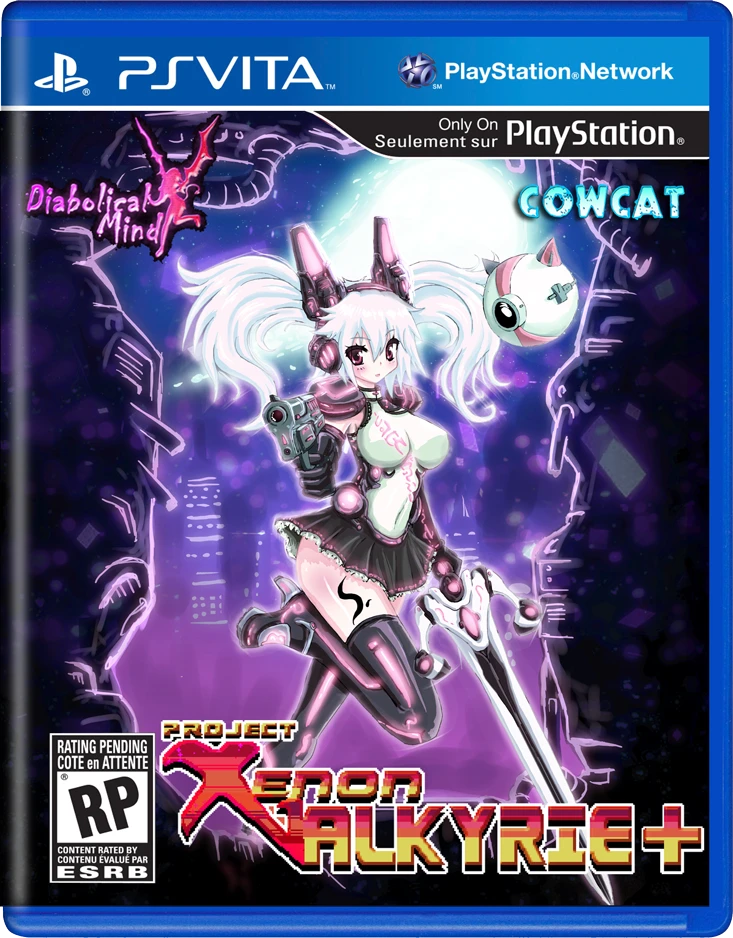
Dive into a brutal, neon-infused rogue-lite platformer wi...
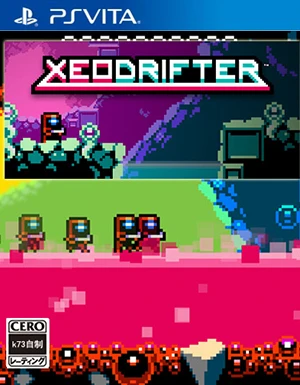
Embark on an interstellar journey of survival and discove...
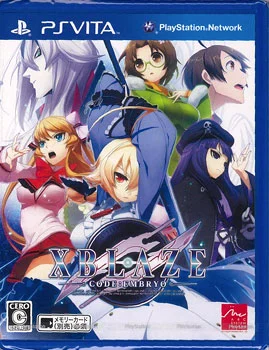
XBlaze Code: Embryo is an immersive sci-fi visual novel d...
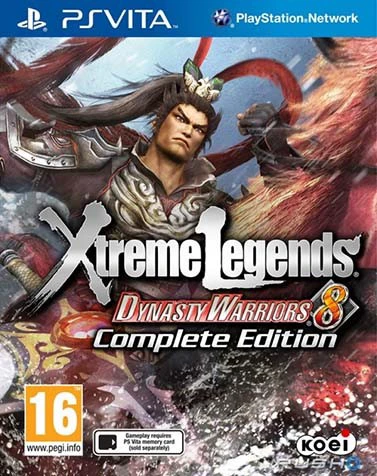
Dynasty Warriors 8: Xtreme Legends Complete Edition is an...