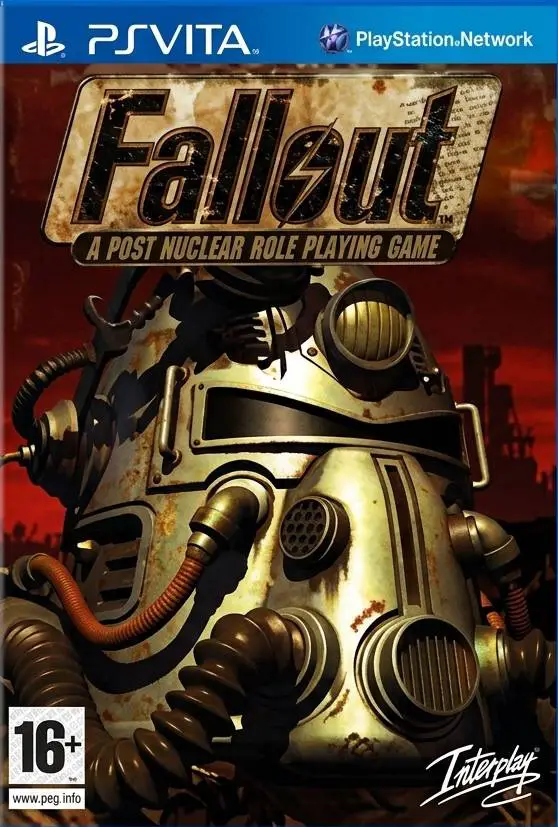
Fallout
Fallout is the classic 1997 post-apocalyptic isometric RP...

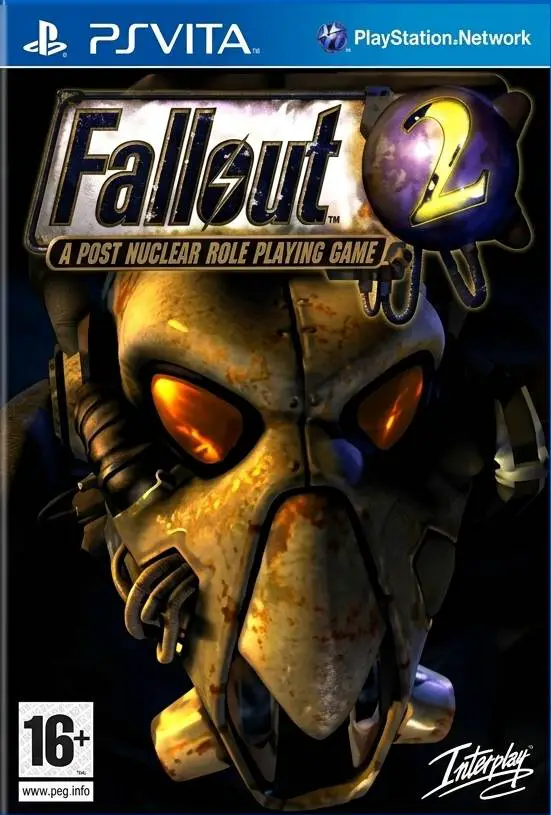
Like Fallout 1, Fallout 2 requires combining two separate parts on the PlayStation Vita:
.vpk): fallout2-ce-vita (the open-source Fallout 2 Community Edition port by Northfear).MASTER.DAT, CRITTER.DAT, PATCH000.DAT, and the DATA folder).fallout2-ce.vpk from the official GitHub Releases page for Northfear/fallout2-ce-vita.MASTER.DAT, CRITTER.DAT, PATCH000.DAT (if included in your version), and the DATA folder extracted on your computer.fallout2-ce.vpk FileSELECT in VitaShell to start an FTP server.fallout2-ce.vpk into a temporary folder on your Vita (such as ux0:download/ or ux0:vpk/).fallout2-ce.vpk, and press X to install it.fallout2-ce.vpk from ux0:vpk/ to free up space.(Note: If you are using Vita3K, open the emulator, select File - Install .vpk, and choose fallout2-ce.vpk.)
ux0:data/fallout2/ux0:data/.ux0/data/ directory on your PC.)fallout2 (all lowercase).ux0:data/fallout2/ux0:data/fallout2/:MASTER.DATCRITTER.DATPATCH000.DAT (if present in your release—required for official v1.02d bug fixes)DATA folderfallout2.cfg or f2_res.ini into ux0:data/fallout2/ if your archive includes them.Verify that the files sit directly inside ux0:data/fallout2/ with no extra wrapper folder in between:
ux0:
└── data/
    └── fallout2/
        ├── MASTER.DAT
        ├── CRITTER.DAT
        ├── PATCH000.DAT     (if included in your game files)
        ├── fallout2.cfg     (optional, generated automatically on first launch)
        └── DATA/
            ├── ART/
            ├── MAPS/
            ├── SCRIPTS/
            ├── SOUND/
            └── TEXT/
fallout2.cfg)“Could not find the master datafile” error on startup:
Confirm the folder is named ux0:data/fallout2 (all lowercase, matching fallout2 rather than fallout or Fallout 2).
Check that MASTER.DAT and CRITTER.DAT sit directly inside ux0:data/fallout2/ and are not nested inside an extra subfolder.
Rename .dat filenames to uppercase (MASTER.DAT, CRITTER.DAT, PATCH000.DAT) if lowercase names fail to load.
Missing audio or broken dialogue:
Make sure the entire DATA directory (especially SOUND and TEXT) copied completely without skipped hidden folders (such as .SOUND if your archive uses a dot prefix).
If using a fan translation or Restoration Project (RP) patch, copy its DATA folder and .dat files into ux0:data/fallout2/ and overwrite existing files when prompted.
Click the links below to go to the cloud drive download page
⚠️ Download Tips:
Fallout is the classic 1997 post-apocalyptic isometric RP...
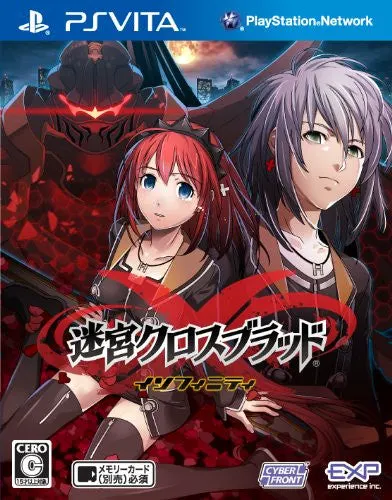
Labyrinth Cross Blood: Infinity Ultimate is a deep grid-b...
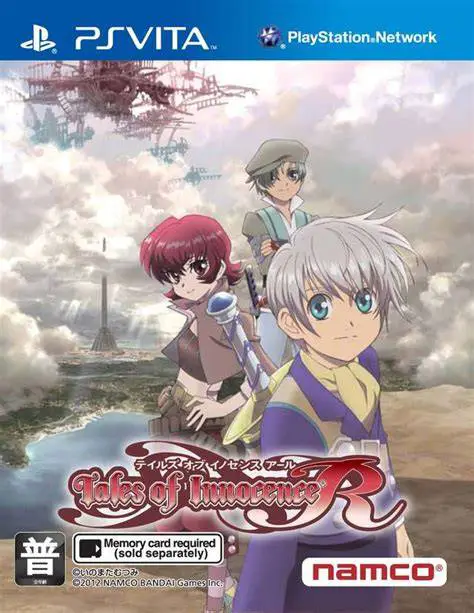
Tales of Innocence R for the PlayStation Vita is a fully ...
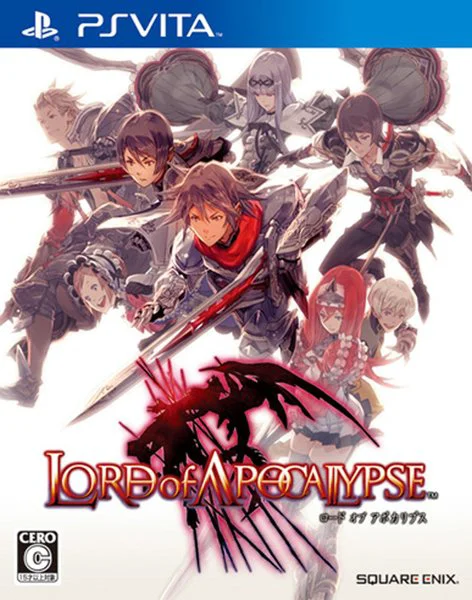
Lord of Apocalypse for the PlayStation Vita is an action ...
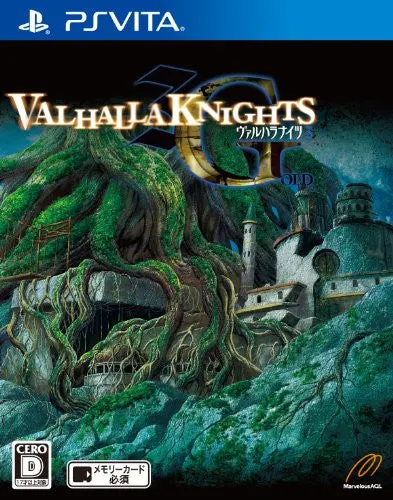
Valhalla Knights 3 Gold for the PlayStation Vita is an en...